
OLVA resources
AI meeting assistant guides, comparisons and product updates
Explore botless meetings, live transcription, meeting privacy, sales workflows, practical product guidance, and comparisons with other AI meeting tools.
134 articles
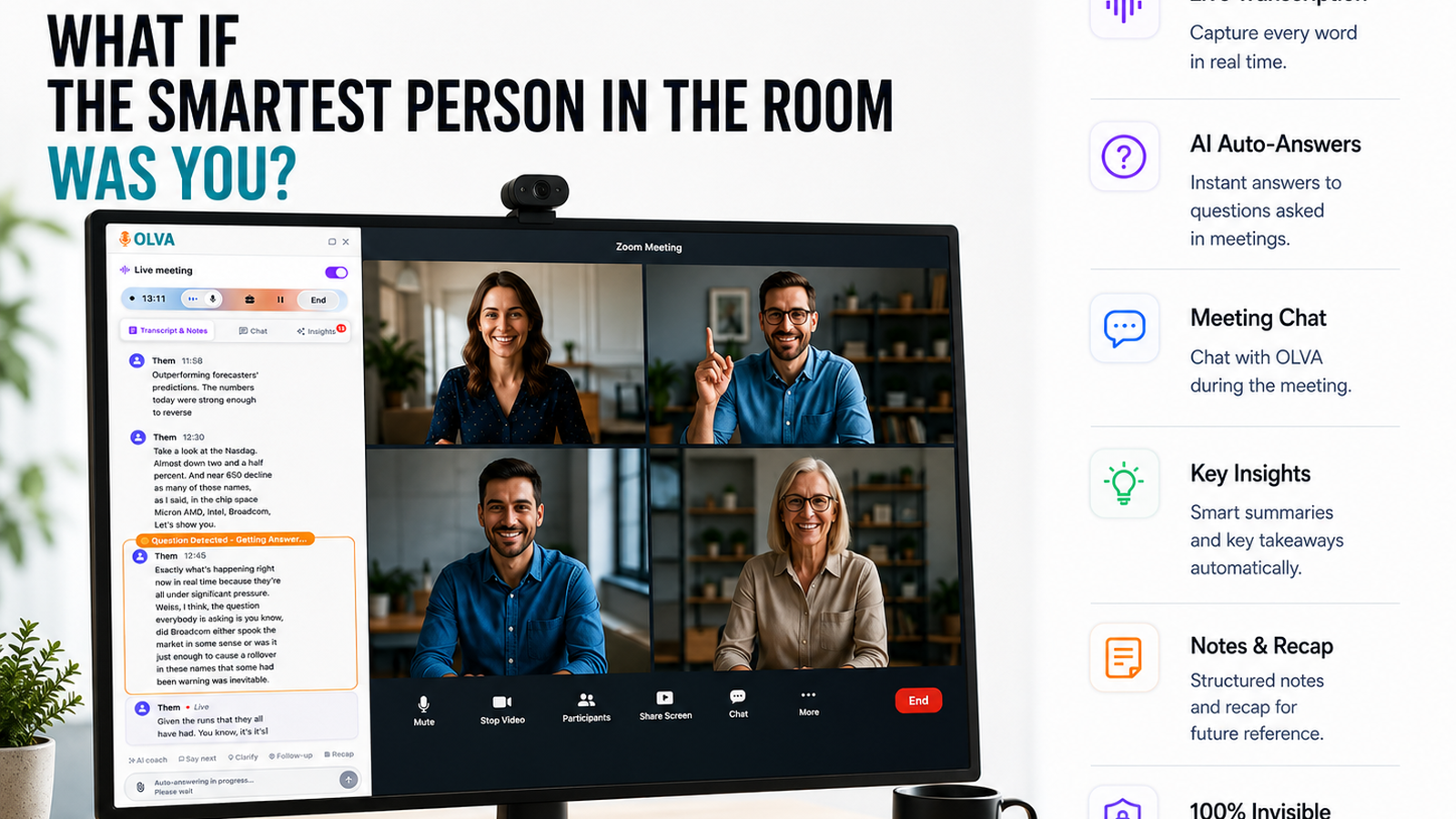

Inclusive Hiring Conversations: How AI Assistants Improve Interviews
Learn how live AI meeting assistants improve inclusive hiring by helping recruiters communicate clearly with non-native candidates—through real-time transcription, automatic question detection, instant answers, and AI coaching.
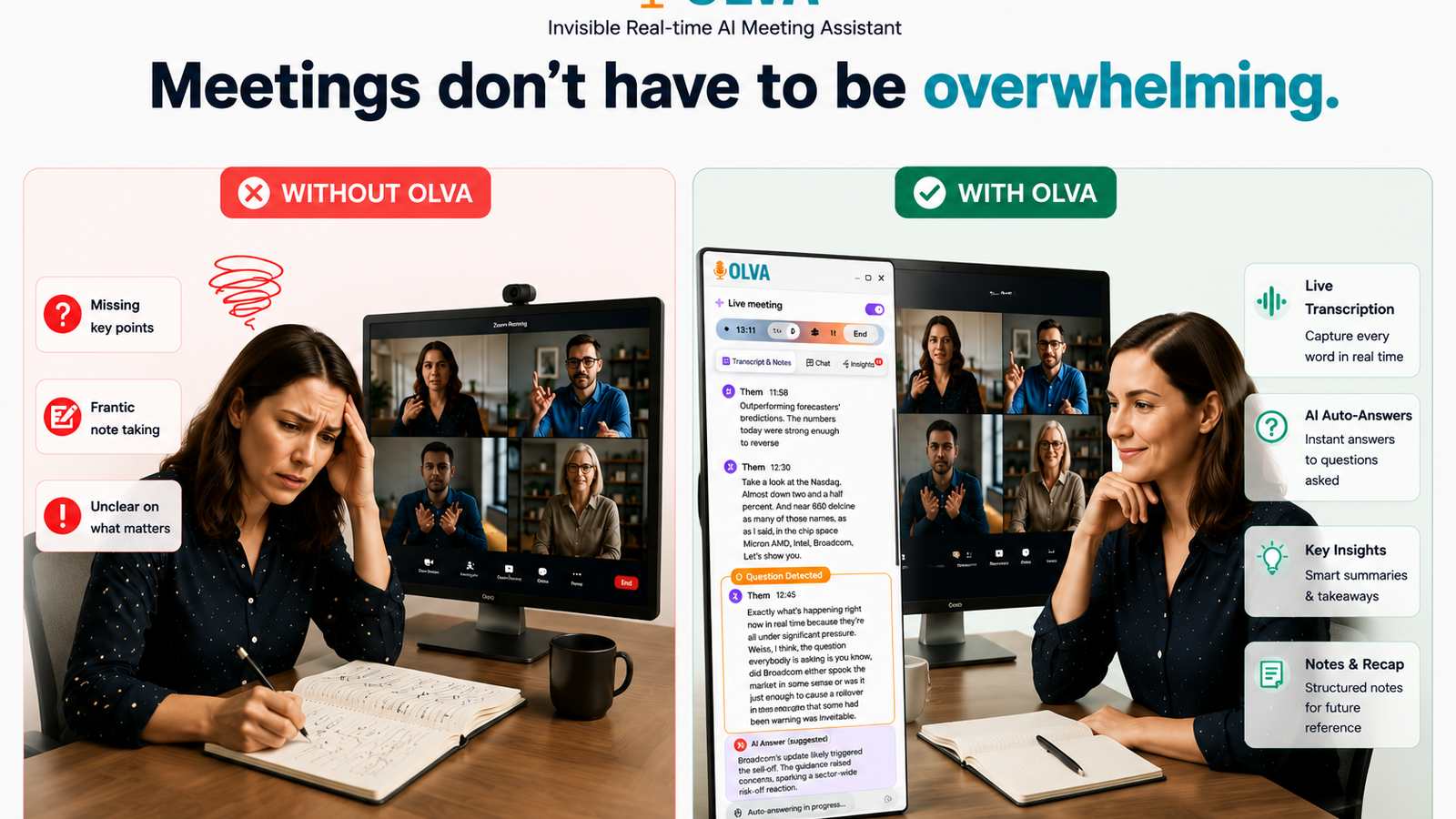
Supporting ESL Students in Virtual Classrooms with Live AI Assistance
Learn how live definitions, instant answers, and post-meeting memory improve ESL outcomes in virtual classrooms. Practical strategies for educators, designers, and administrators—plus fair comparison with common tools and implementation guidance.
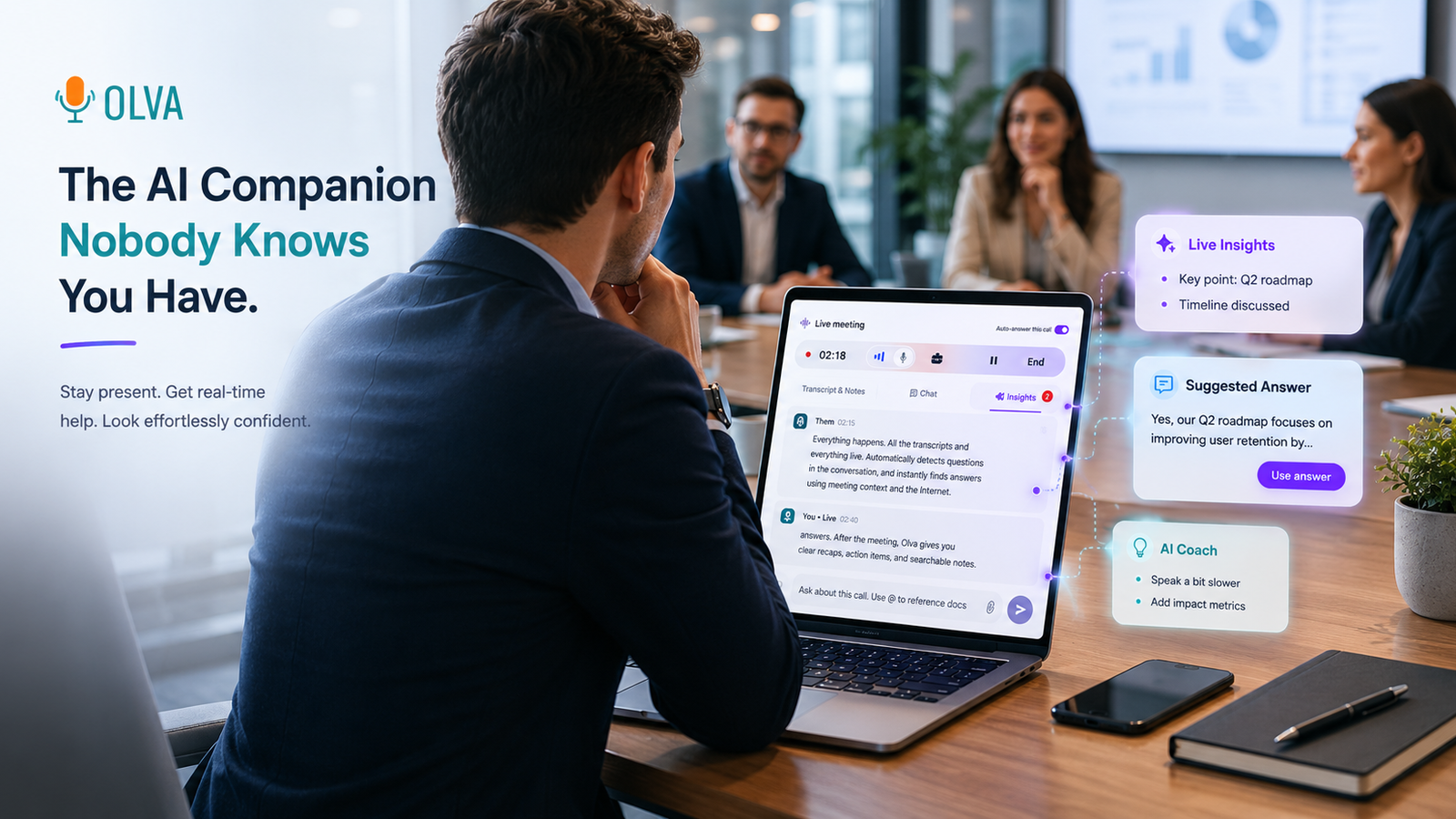
Product Demos Without Language Friction: Invisible AI That Answers Live
Remove language friction from product demos with invisible real-time AI that defines jargon, detects questions, and supplies contextual answers during live demos—helping product managers, product marketers, and sales engineers perform better in the moment.
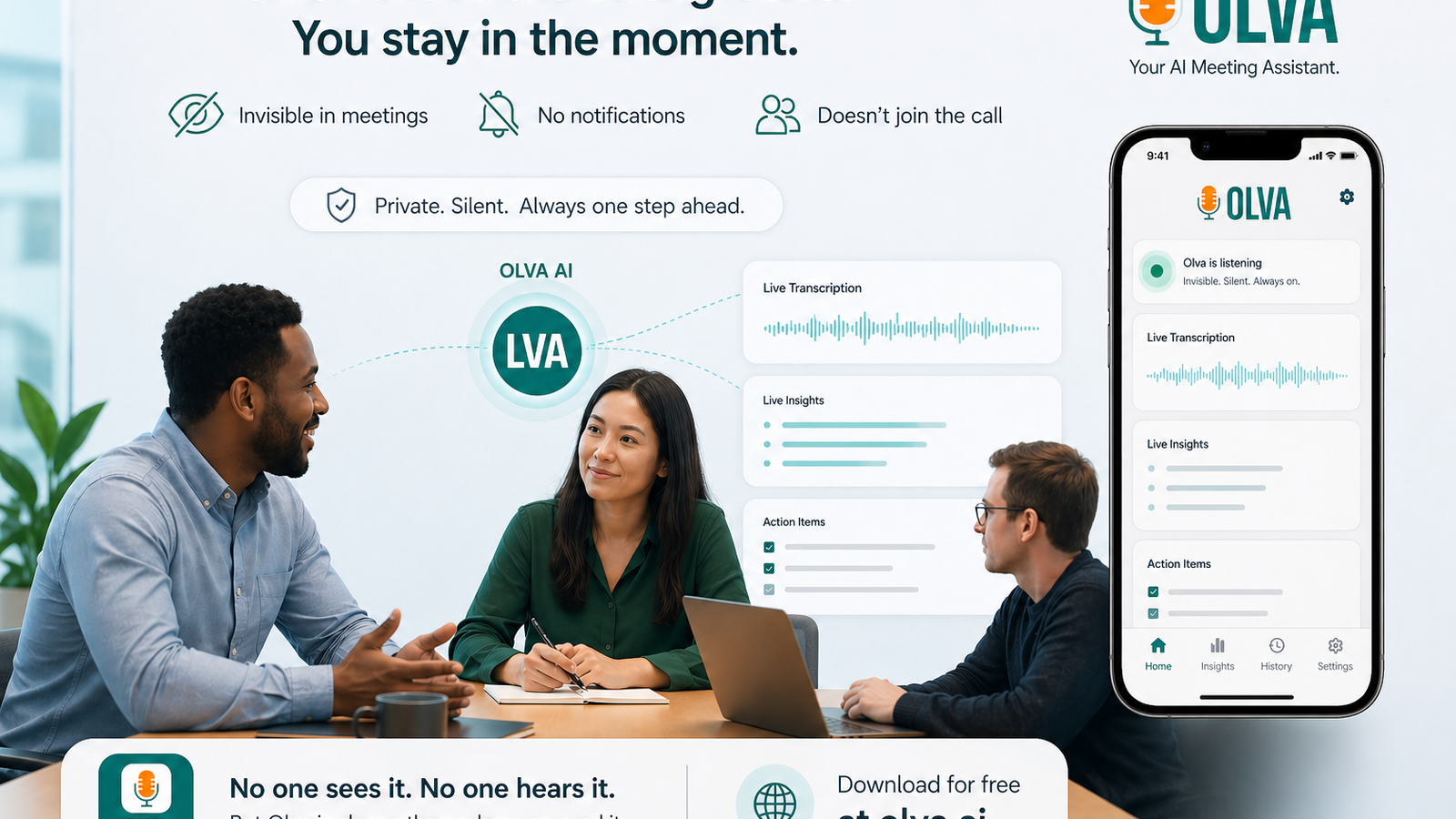
Reduce Churn with Multilingual Customer Success Calls: Live Q&A and Document‑Aware Answers
How customer success teams can reduce churn using live multilingual meeting intelligence: automatic question detection, instant answers, live Q&A, and document‑aware responses.
Introduction
Customer success teams are on the front line of churn prevention. Every conversation with a customer—renewal negotiations, onboarding check-ins, escalation calls—contains signals you can act on immediately. The difference between a satisfied customer and a lost account often comes down to how effectively your team responds in the moment, especially in multilingual environments where language barriers amplify friction.
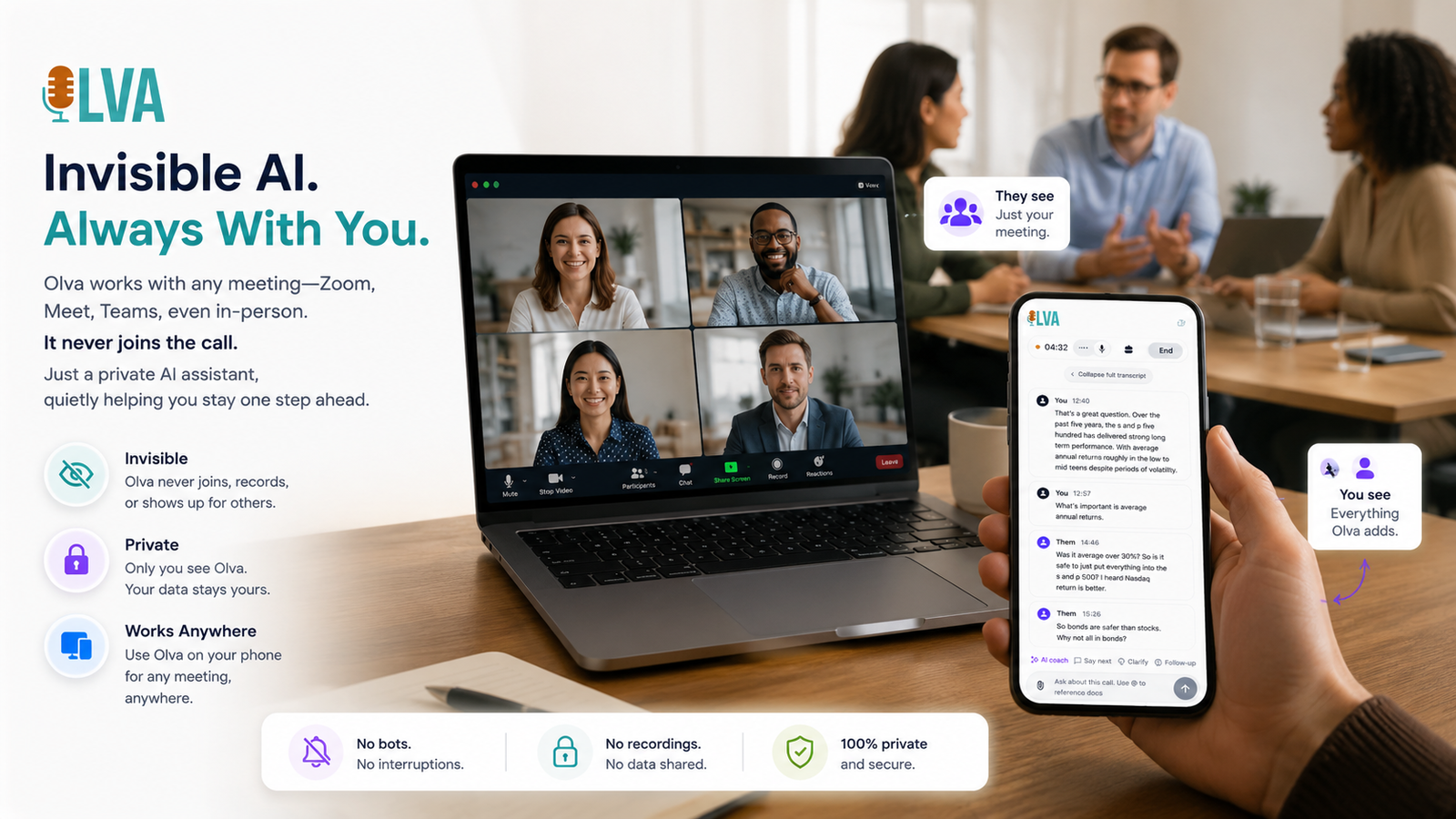
How an AI Meeting Assistant Helps Non‑Native English Sales Reps Close More Deals
Discover how an AI meeting assistant helps non‑native English sales reps close more deals with real‑time question detection, instant answers, and AI coaching—improving confidence, response quality, and conversion rates during meetings.
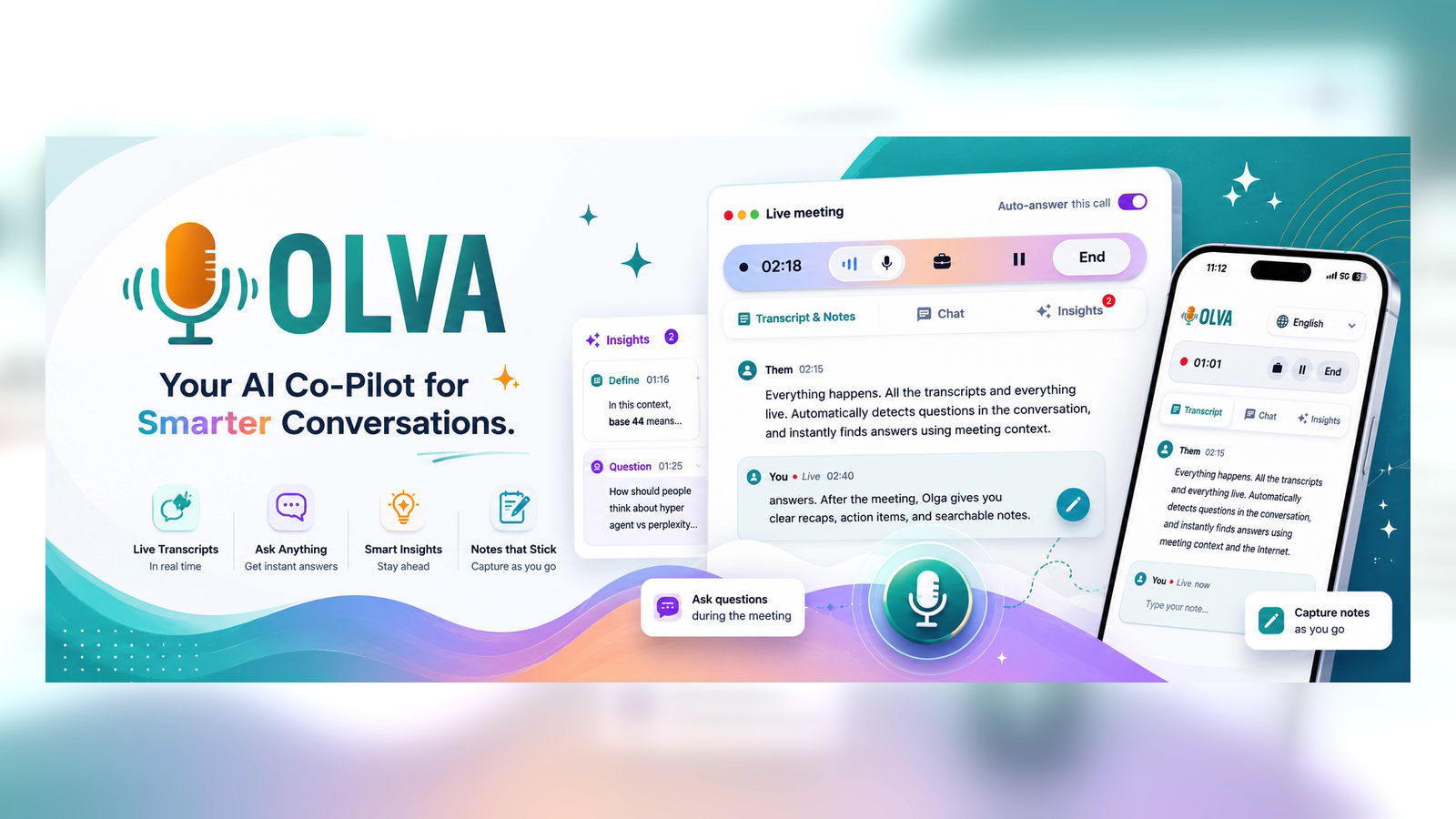
Elevate Live Audio (Clubhouse, X Spaces): Keep Conversations Flowing with Real-Time Question Detection and Instant Answers
Discover how real-time question detection and instant answers keep Clubhouse and X Spaces conversations flowing—helping hosts, moderators, and creators respond faster, fact-check on the fly, and surface audience opportunities without interrupting the show.
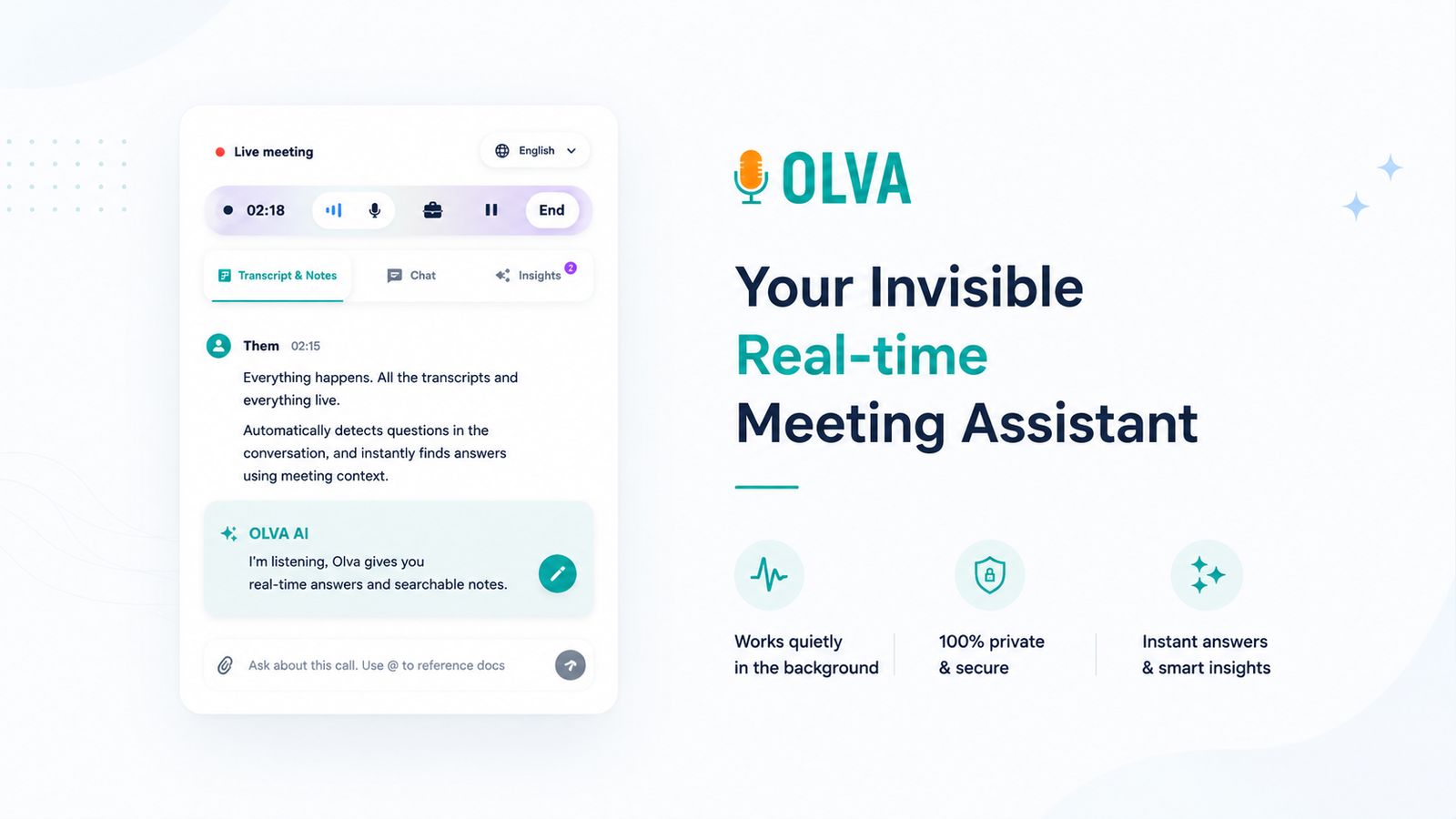
Monetize Podcasts & Webinars: Detect Sponsorship Opportunities and Audience Pain Points with Live Meeting Intelligence
Use live meeting intelligence to detect sponsorship opportunities and audience pain points during podcasts and webinars. Learn practical workflows, real examples, privacy best practices, and how in‑meeting assistance boosts conversion.
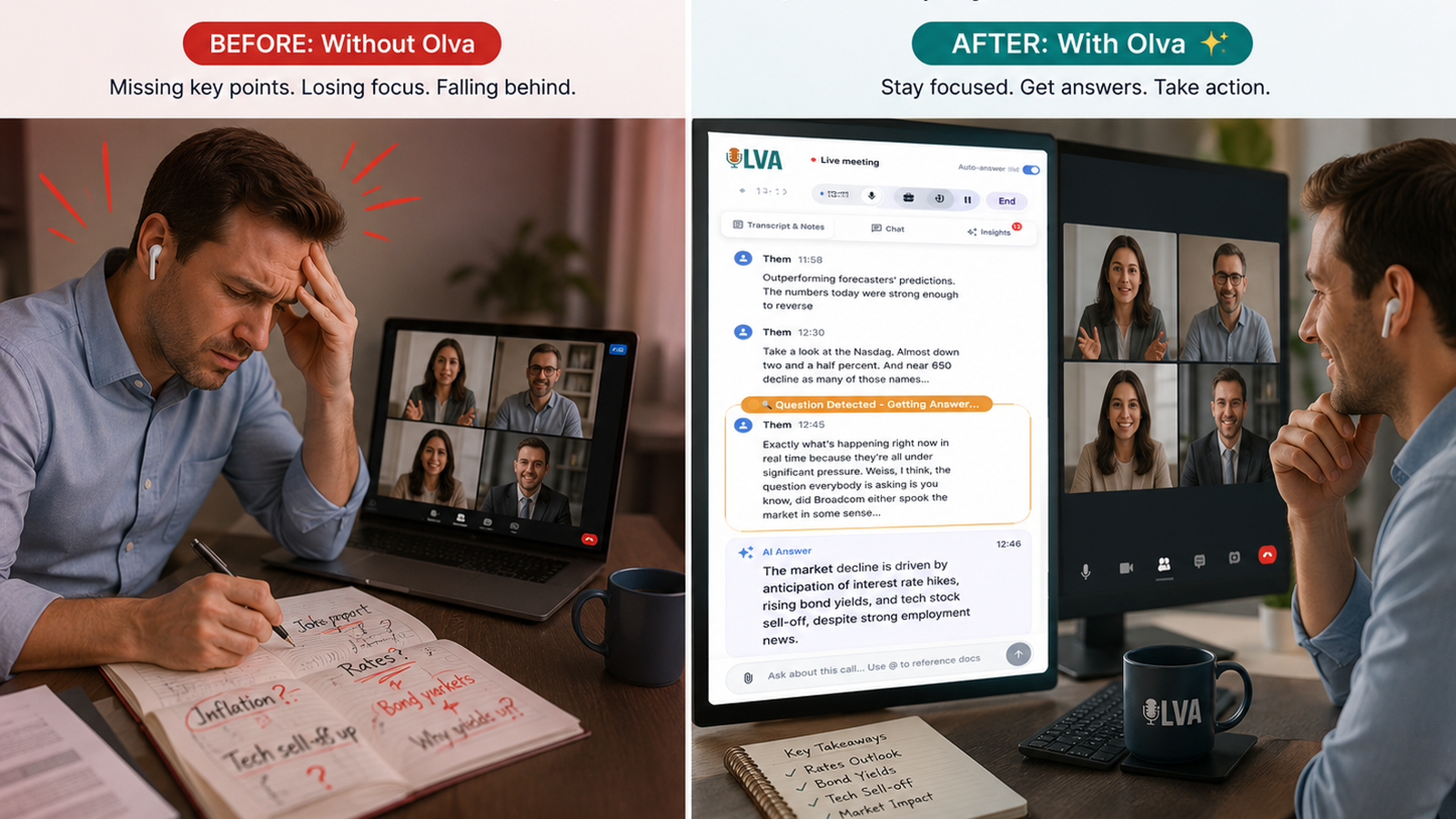
Host Flawless Live Shows: Invisible AI for Instant Fact-Checks, Q&A & Topic Ideas
Learn how invisible, real-time AI can help podcasters, webinar hosts, and live-event producers with instant fact-checks, prioritized audience Q&A, and on-the-fly topic suggestions to keep shows sharp and professional.
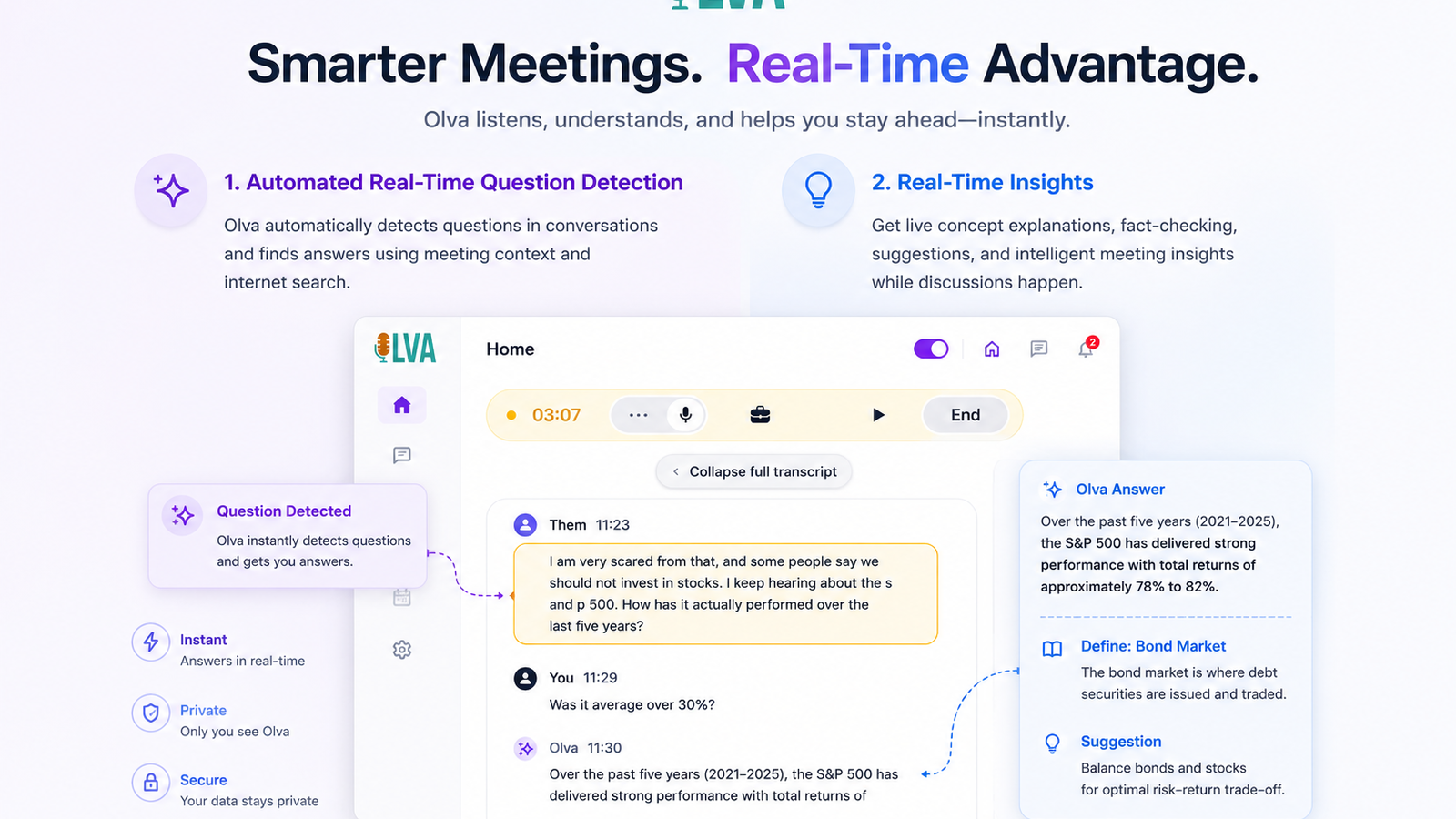
Bias-Reduced Hiring Panels: Use Live Insights and Automatic Question Detection to Hire Faster
Learn how talent teams reduce bias and hire faster by using live insights, automatic question detection, and document-aware guidance to standardize interviews and surface evidence in real time.
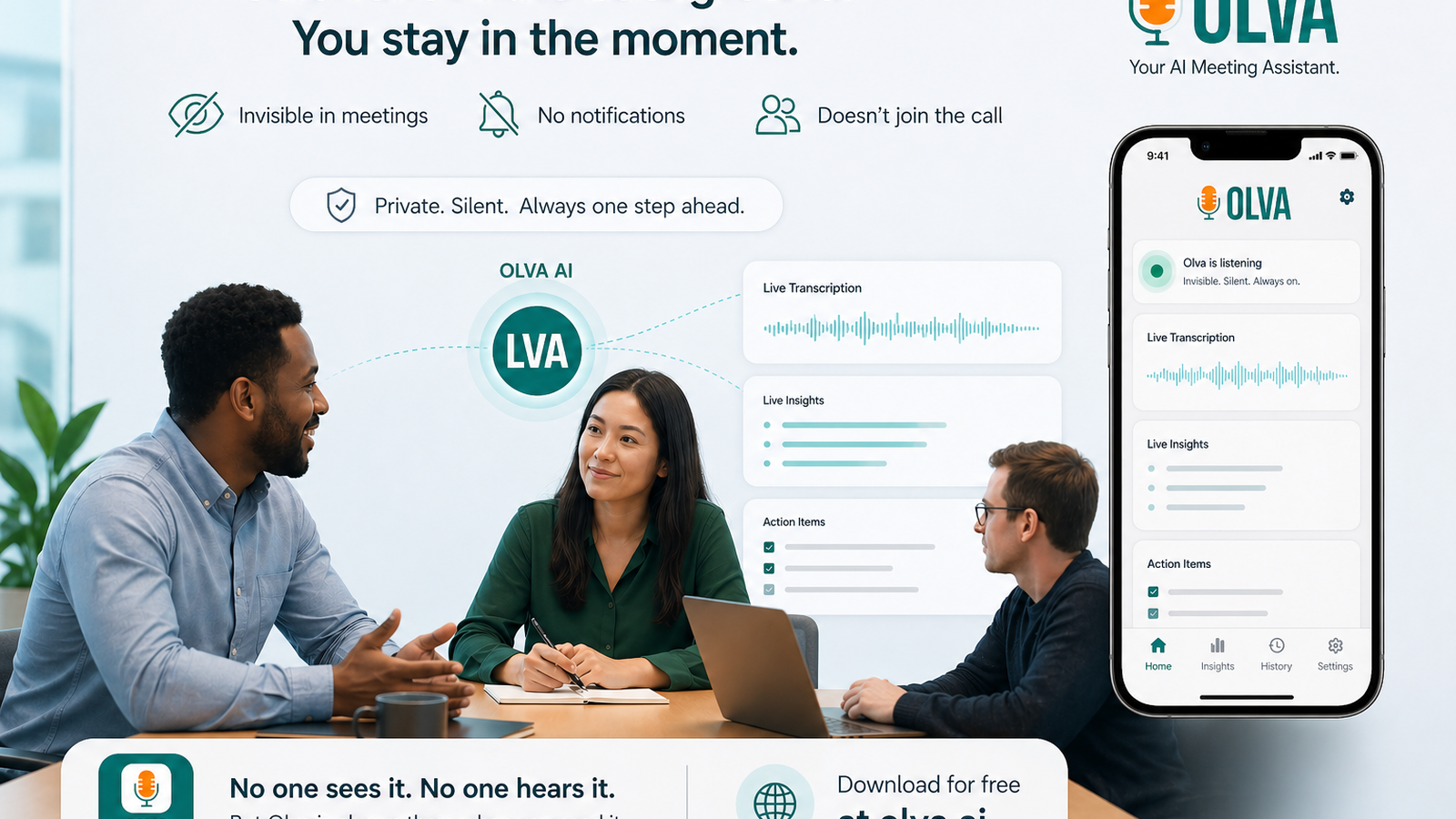
Go Viral in Interviews: Real-Time AI Coaching and Instant Answers to Nail Interviews
Real-time AI coaching and instant answers help job seekers perform better during interviews—clarifying answers, handling curveballs, and spotting negotiation openings. Learn practical strategies, fair tool comparisons, and how live assistants like Olva support performance in the moment.
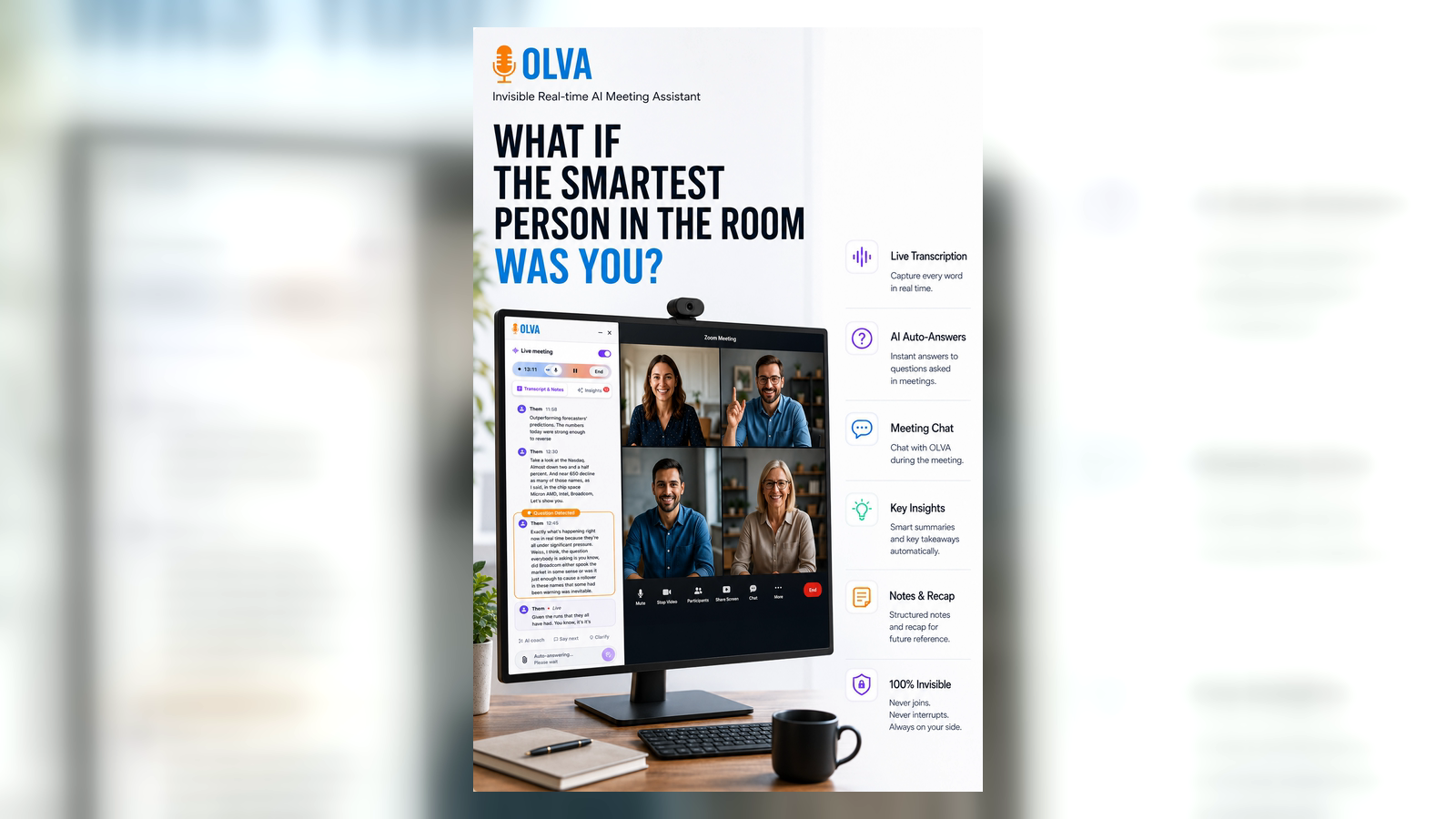
Recruiters' Secret Weapon: Surface Candidate Questions and Spot Red Flags with an Invisible AI Assistant
Discover how recruiters can use an invisible AI assistant to surface candidate questions, detect red flags, and receive live coaching during interviews — improving hiring decisions and candidate experience in real time.
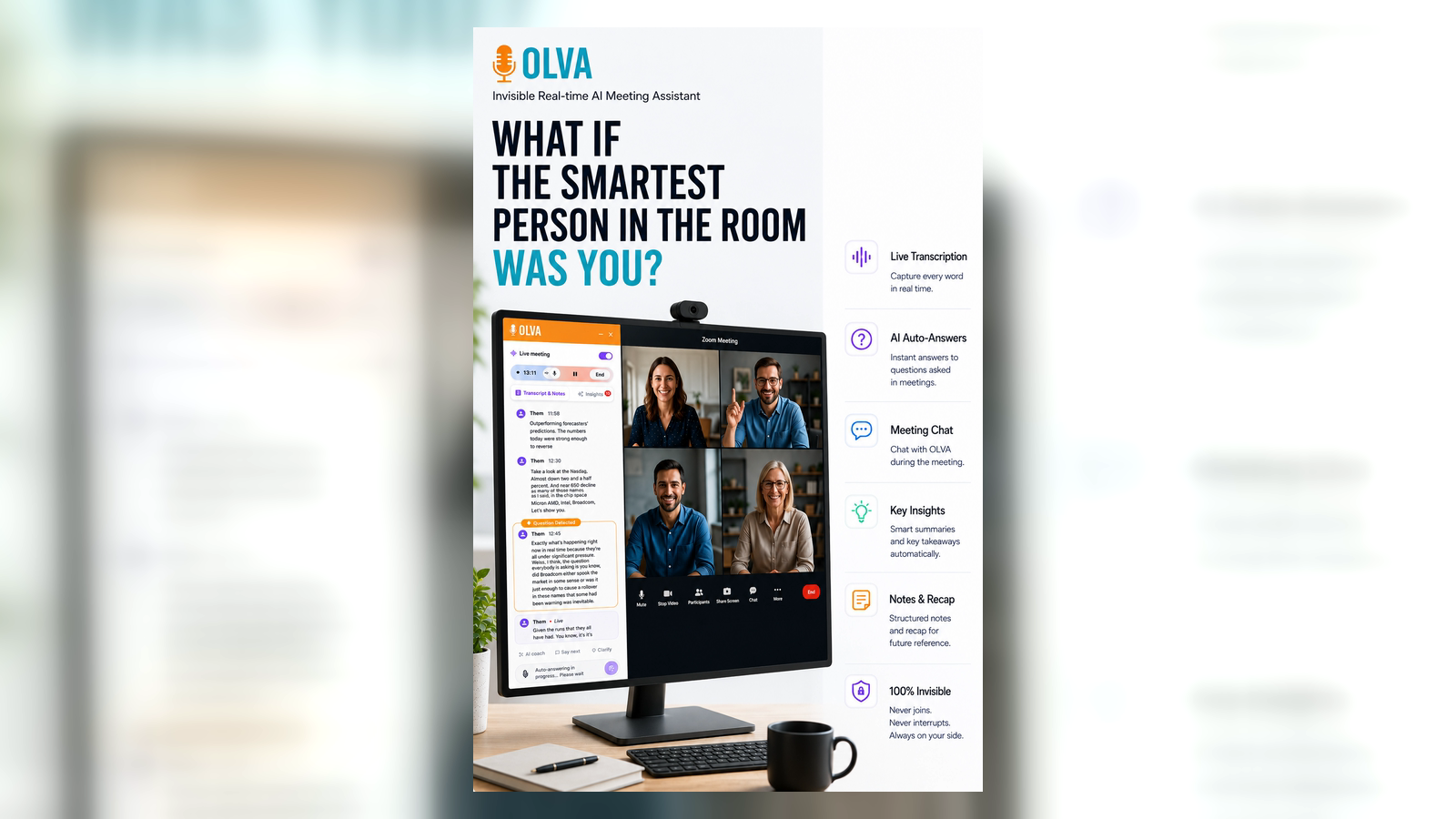
Win More Negotiations: Using Meeting Intelligence to Negotiate Contracts and Proposals
Use live meeting intelligence to detect objections, craft instant document‑aware answers, and coach your negotiation in real time. Practical tactics for consultants, legal ops, AEs, PMs, and founders.