
OLVA resources
AI meeting assistant guides, comparisons and product updates
Explore botless meetings, live transcription, meeting privacy, sales workflows, practical product guidance, and comparisons with other AI meeting tools.
12 articles
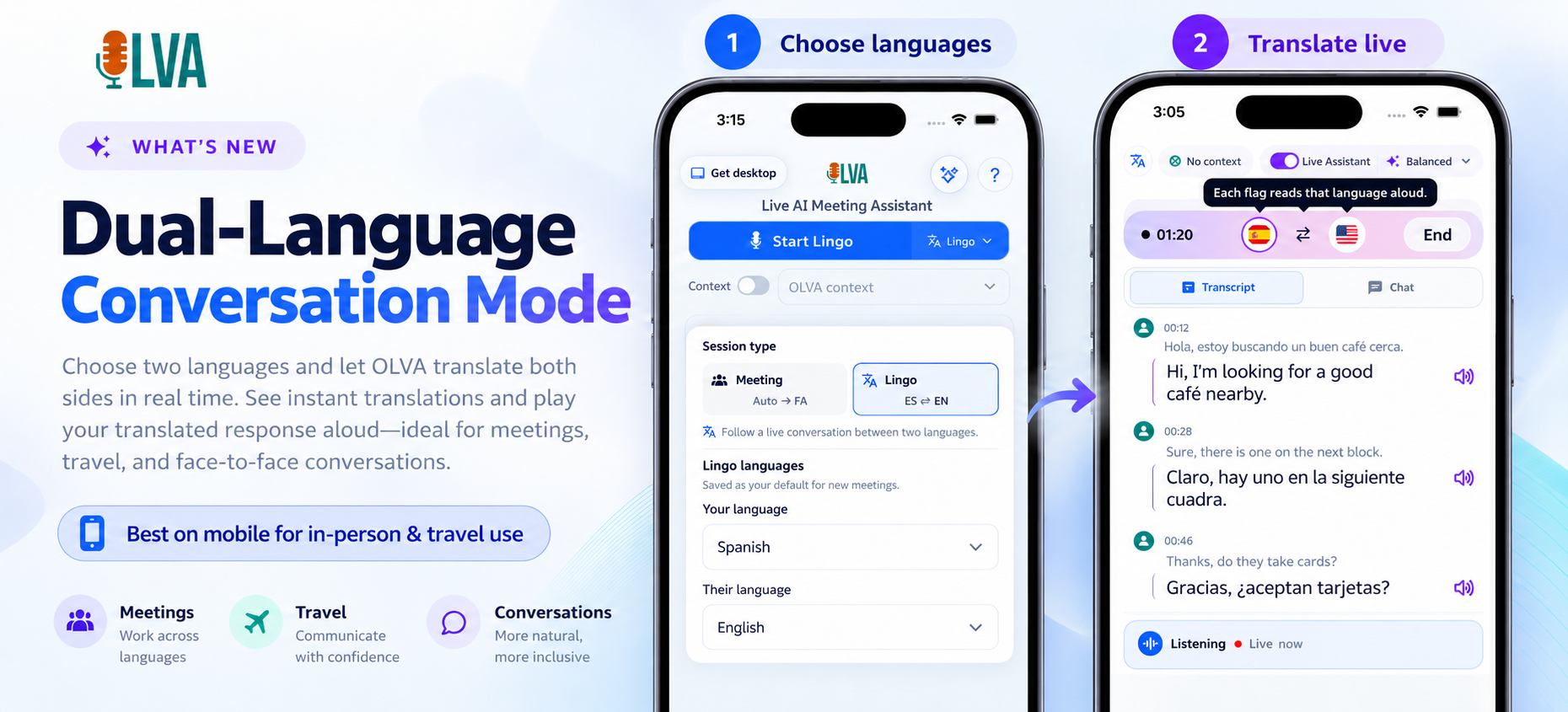

Running Multilingual Meetings Smoothly with OLVA’s Lingo Mode
Use OLVA’s Lingo Mode to transcribe and translate bilingual meetings live. This post shows how product managers, CS teams, sales leaders, and technical teams can run English↔Spanish demos with instant translated audio, contextual answers, and accurate follow-ups.
Turn Your Phone into a Two-Way Translator: Using OLVA’s Dual-Language Lingo Mode for Travel and In-Person Meetings
Turn your phone into a two-way translator with OLVA’s Dual-Language Lingo Mode. Learn how real-time, bot-free translations and spoken playback help business travelers, founders, and consultants stay fluent in meetings abroad.
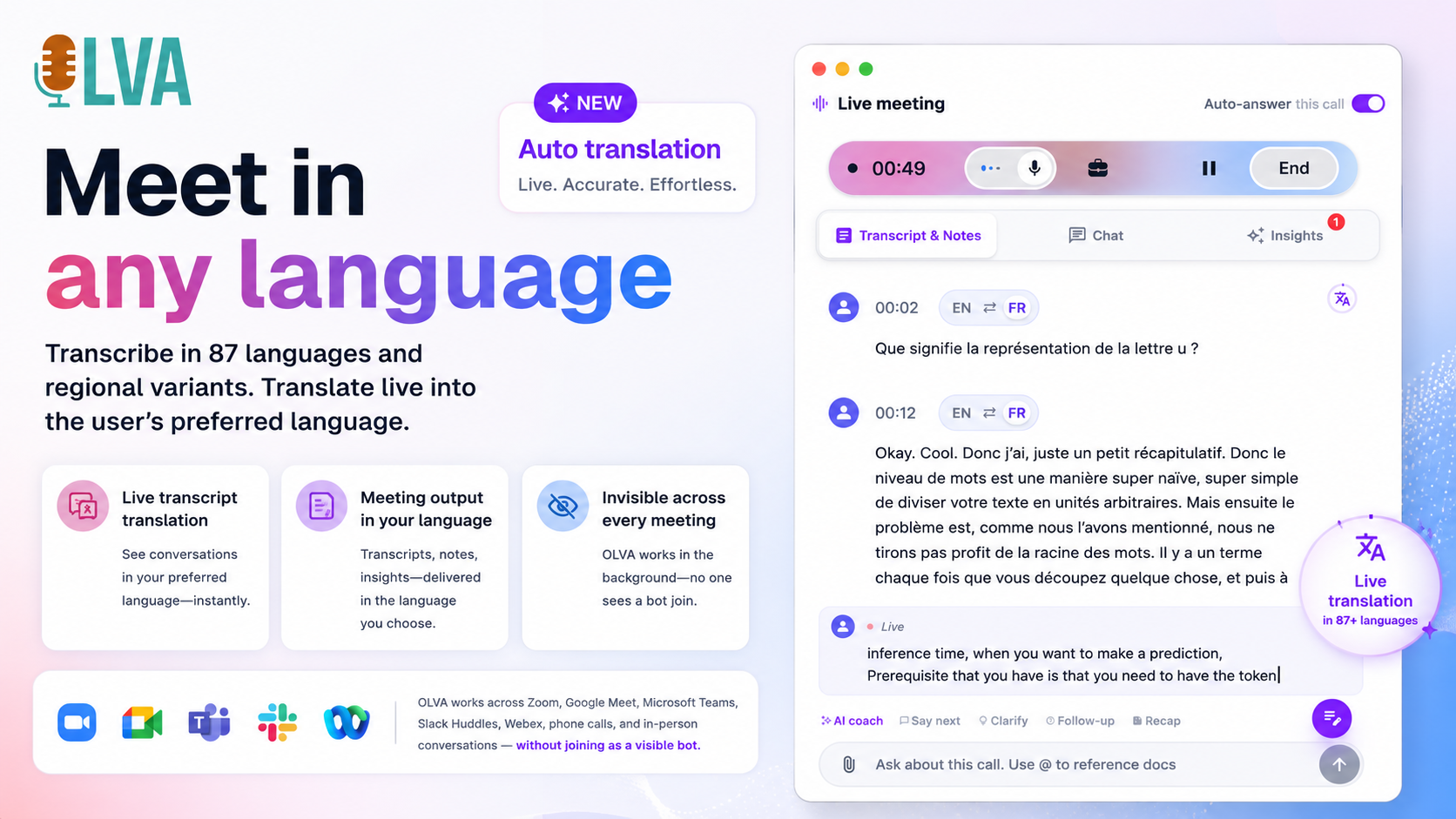
How OLVA Live Translation Helps Teams Navigate Meetings in a Foreign Language
Combine Live Translation with automatic question detection and context-aware answers to reduce misunderstandings and act faster in multilingual meetings. Practical workflows and step-by-step examples for sales, customer success, product, and technical teams.
Delivering Better Consulting Recommendations When Meetings Happen in Multiple Languages
Best practices, tools, and workflows to capture nuance and deliver accurate consulting recommendations when client meetings use multiple languages. Practical steps, examples, and a checklist for consultants and client-service teams.
From Lecture to Understanding: Using Live Translation to Follow International Classes
Learn how live translation and real-time transcription help students and educators follow international lectures, reduce cognitive load, and create usable study materials. Practical examples, classroom best practices, and responsible-use tips included.
Customer Success Across Languages: Live Transcripts and Translation to Improve Retention
Multilingual customer conversations increase retention when teams reduce misunderstandings and speed resolution. This guide shows how live transcription, real-time translation, and document-aware meeting assistance can help customer success teams improve renewals and reduce churn.
How Sales Teams Close More Deals with Live Meeting Translation: A Playbook for Multilingual Calls
A practical playbook for sales teams to use live meeting translation—real-time transcription, manual segment translation, context-aware answers, and bilingual follow-ups—to close more multilingual deals while preserving nuance and trust.
Real-Time Translation for Multilingual Meetings: Keep Global Teams Aligned Without Interrupting the Flow
Practical guidance for running multilingual meetings without disrupting conversational flow. Learn meeting patterns, privacy checklists, and tools that offer live transcription, context-aware translation, and translated post-meeting artifacts.
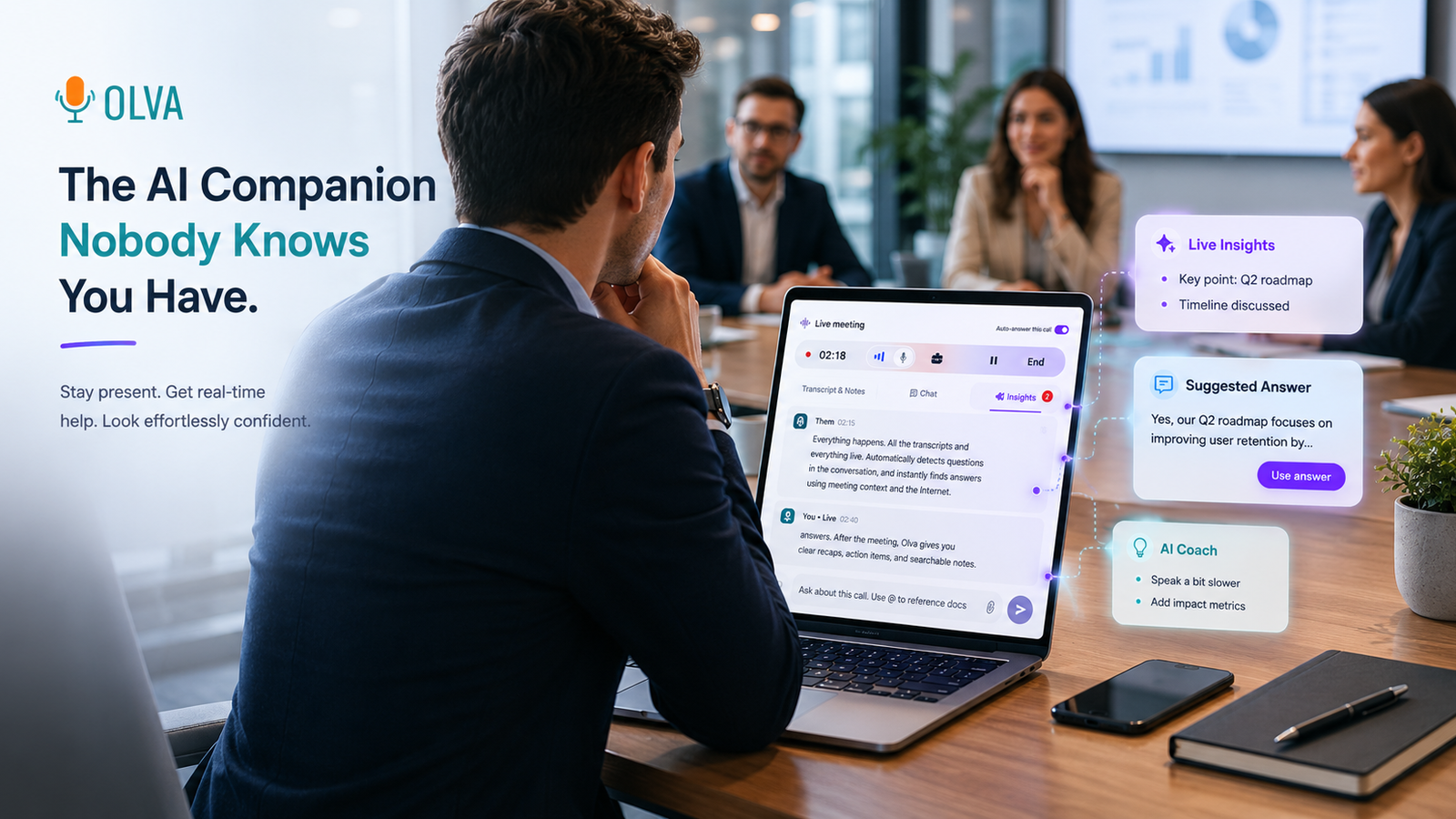
Best AI Meeting Assistants in 2026: 8 Tools Compared for Live Help, Notes, and Sales
An honest, source-backed comparison of eight AI meeting assistants for live help, botless notes, transcription, sales coaching, and revenue intelligence—plus where OLVA’s invisible real-time conversation assistance fits.
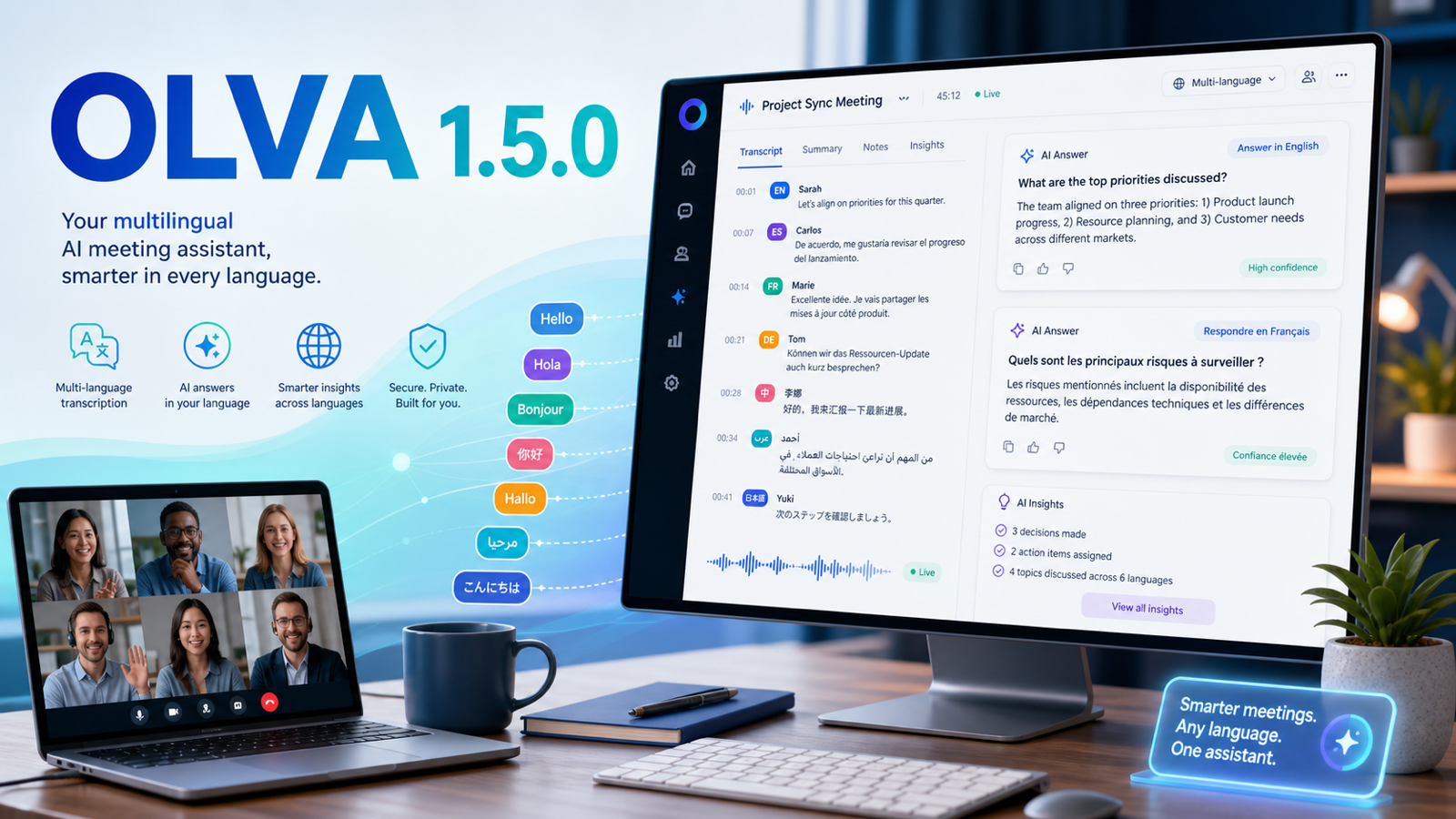
OLVA 1.5.0: Multilingual Meetings, Sharper Live Help, and Better Follow-Up
OLVA 1.5.0 expands multilingual meeting workflows with auto multilingual transcription, specific language selection, language-aware AI answers, and improved desktop and mobile review experiences.
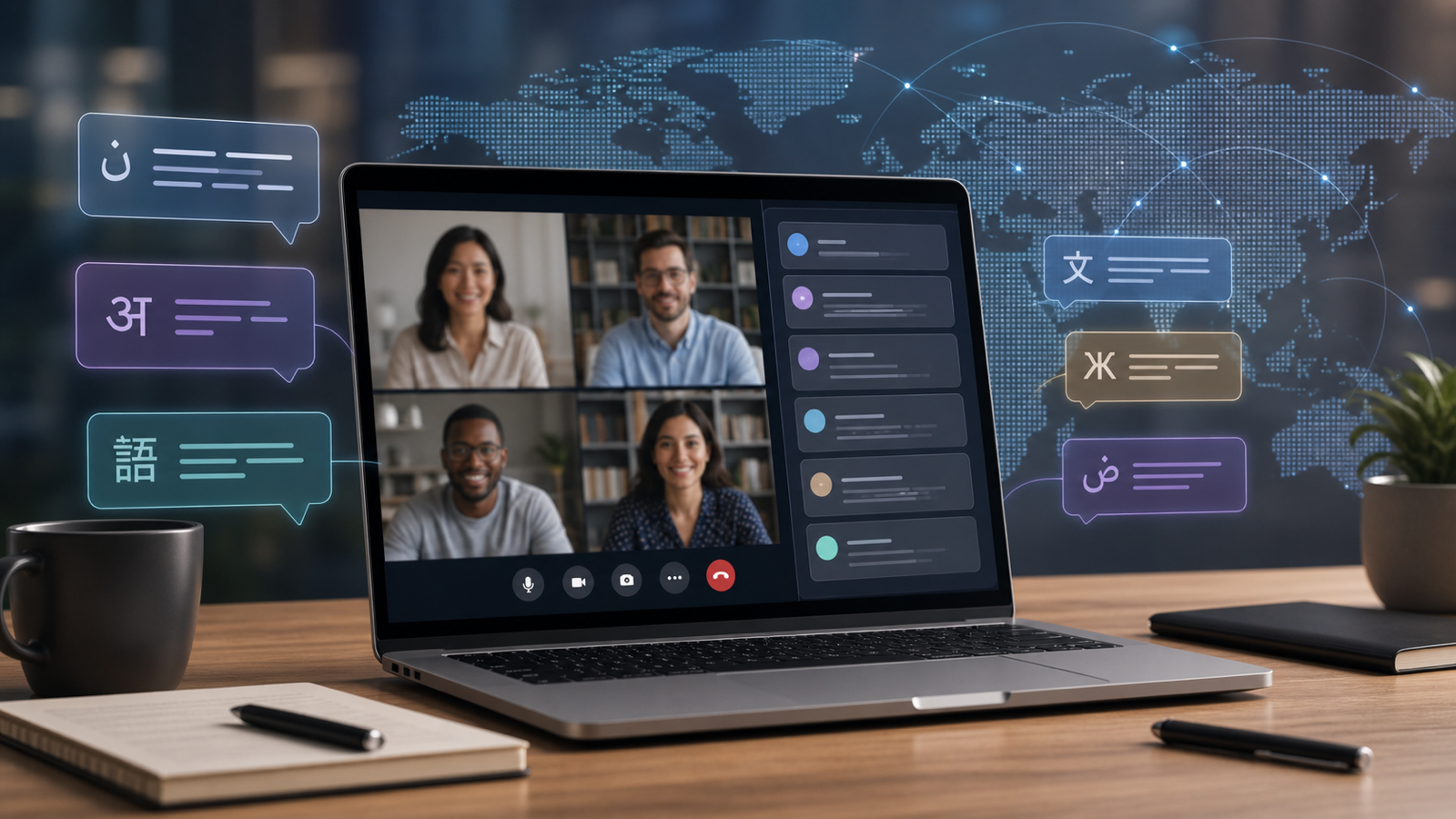
Multilingual Meetings in OLVA: Live AI Help Beyond English
OLVA supports multilingual meeting workflows with auto multilingual transcription and specific language selection for broader meeting coverage.
Many professional meetings do not happen in English. Sales calls, interviews, customer support conversations, founder calls, agency meetings, and global team syncs often happen in Spanish, French, German, Hindi, Portuguese, Japanese, Dutch, Russian, Italian, and many other languages or regional variants.
OLVA is designed for multilingual meeting workflows. It supports an Auto multilingual mode for common languages and also allows users to select a specific transcript...
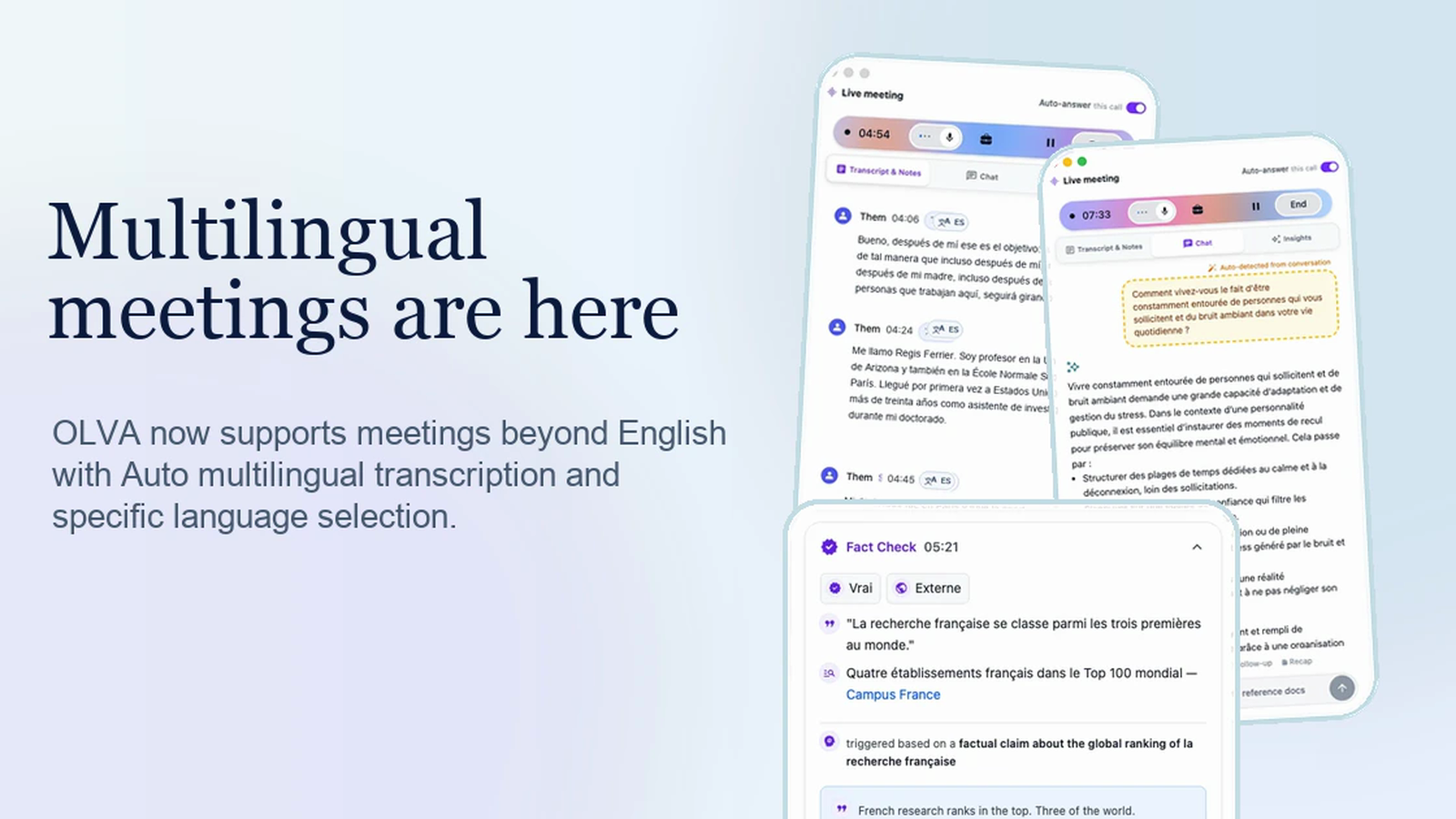
Multilingual Meeting Support Is Now in OLVA
OLVA now supports meetings beyond English with Auto multilingual transcription for common meeting languages and specific language selection for broader coverage.
OLVA is built for the way meetings actually happen: across teams, accents, offices, and languages. Today we added multilingual meeting support across OLVA, so live meeting intelligence no longer has to assume every conversation is in English.
The new multilingual workflow is available in the app experience across desktop and mobile surfaces. It gives teams two ways to capture meetings more accurately: Auto multilingual mode for supported common lang...