OLVA resources
AI meeting assistant guides, comparisons and product updates
Explore botless meetings, live transcription, meeting privacy, sales workflows, practical product guidance, and comparisons with other AI meeting tools.
109 articles
OLVA InsightsOlva vs. MeetGeek: AI Meeting Intelligence vs. Meeting Automation
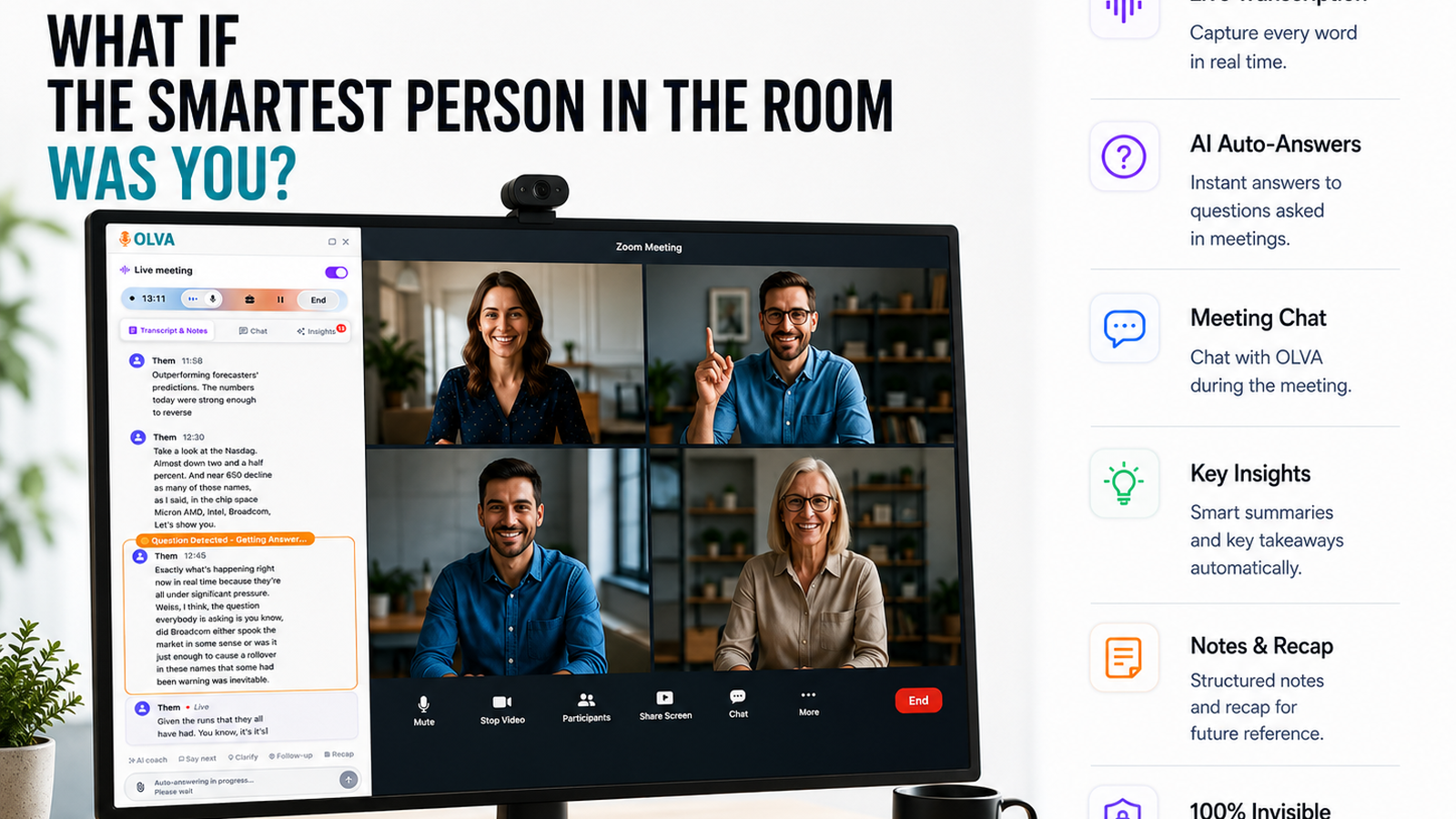
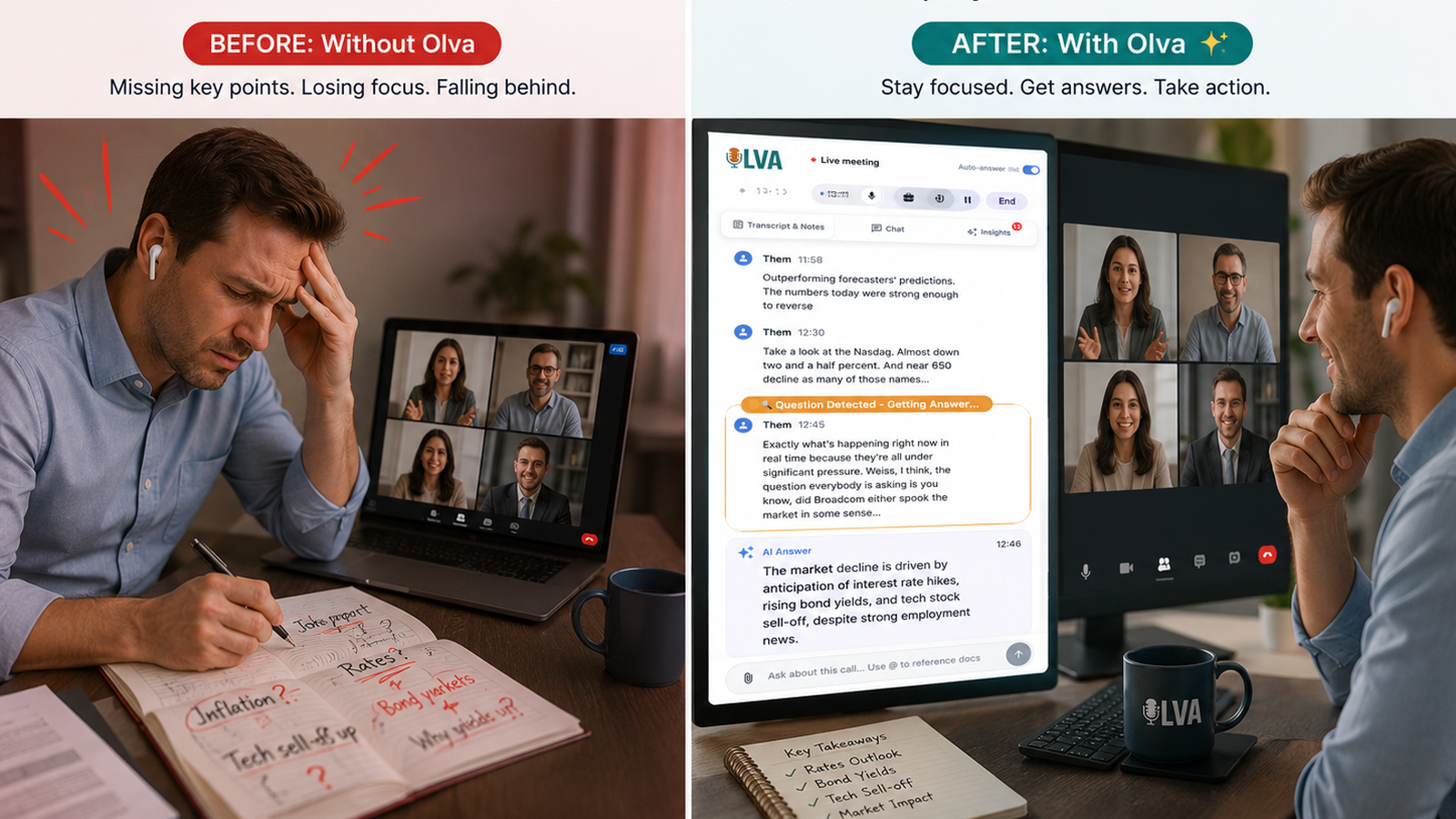
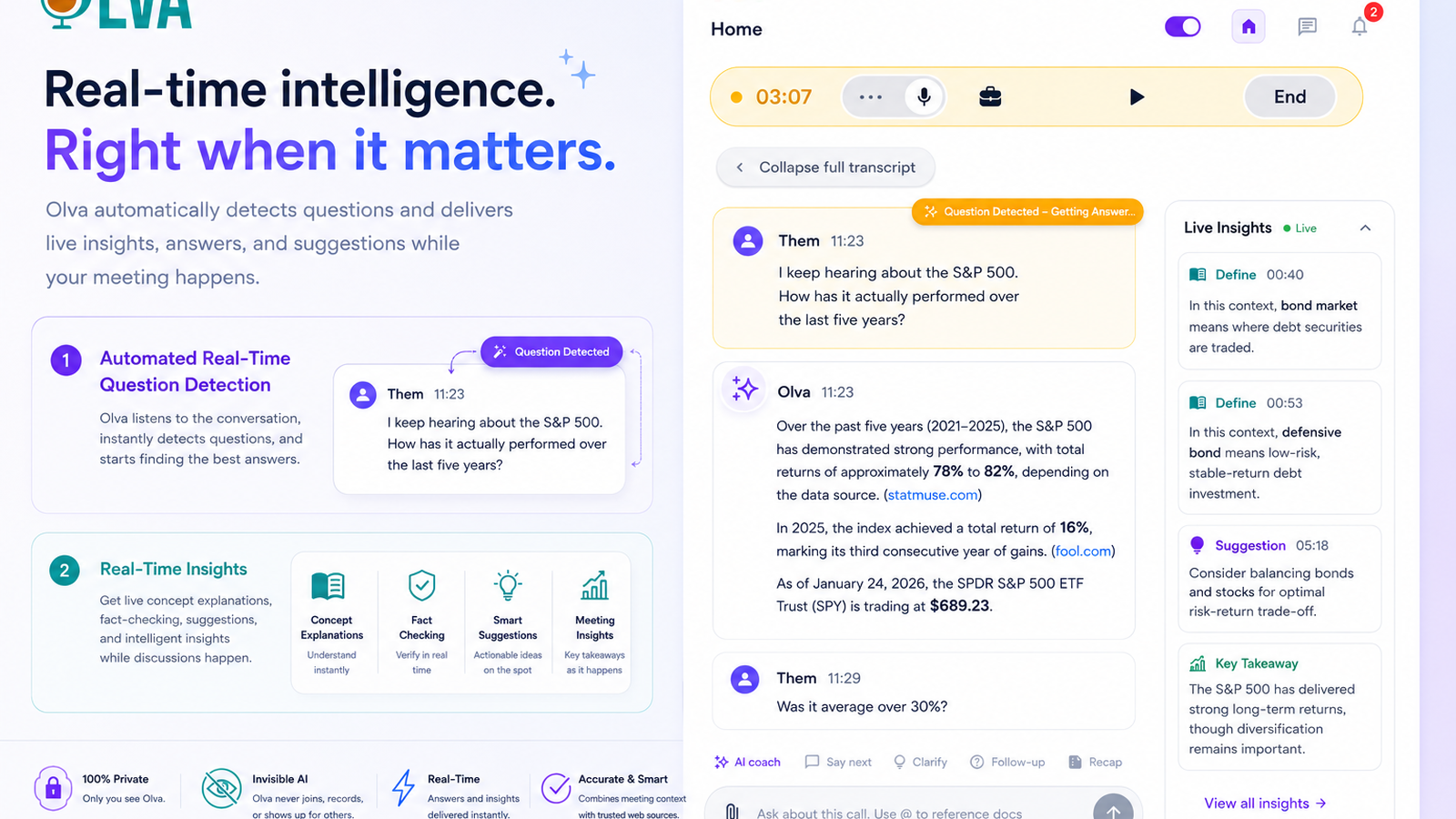
MeetGeek is a popular meeting automation platform focused on summaries, notes, and workflow automation. Olva takes a different approach by helping users during meetings with automatic question detection, instant answers, AI coaching, live insights, fact checking, and opportunity detection.
OLVA InsightsOlva vs. Fellow: Meeting Intelligence vs. Meeting Management
Fellow is a leading meeting management platform focused on agendas, collaboration, and accountability. Olva takes a different approach by helping users during meetings with automatic question detection, instant answers, AI coaching, fact checking, opportunity detection, and real-time meeting intelligence.
OLVA InsightsOlva vs. Avoma: Meeting Intelligence vs. Revenue Meeting Management
Avoma is a powerful platform for sales intelligence, call recording, and meeting analytics. Olva takes a different approach by helping users during meetings with automatic question detection, instant answers, AI coaching, live insights, fact checking, and opportunity detection.
OLVA InsightsOlva vs. Grain: Capturing Meetings vs. Winning Meetings
Grain is excellent for recording meetings and sharing highlights. Olva takes a different approach, helping users during meetings with automatic question detection, instant answers, AI coaching, fact checking, opportunity detection, and real-time meeting intelligence.
OLVA InsightsOlva vs. tl;dv: AI Meeting Intelligence vs. Meeting Recording
tl;dv is a powerful meeting recorder and knowledge-sharing platform. Olva takes a different approach, helping users during meetings with automatic question detection, instant answers, AI coaching, fact checking, opportunity detection, and real-time meeting intelligence.
OLVA InsightsOLVA Across Desktop and Mobile Meeting Workflows
OLVA's product surface spans desktop and mobile workflows, giving professionals access to live meeting assistance, post-meeting review, and account features across contexts.
Professionals move between desktop calls, in-person conversations, mobile review, account settings, billing, sharing, and follow-up workflows. OLVA is built around that reality.
The desktop companion is central to live meeting assistance because it can capture microphone and system audio for real-time transcription and AI features. The broader product also includes mobile and web surfaces for related meeting, account, and review workflows.
OLVA InsightsOLVA for Sales Calls: Real-Time Answers, Objection Help, and Follow-Up
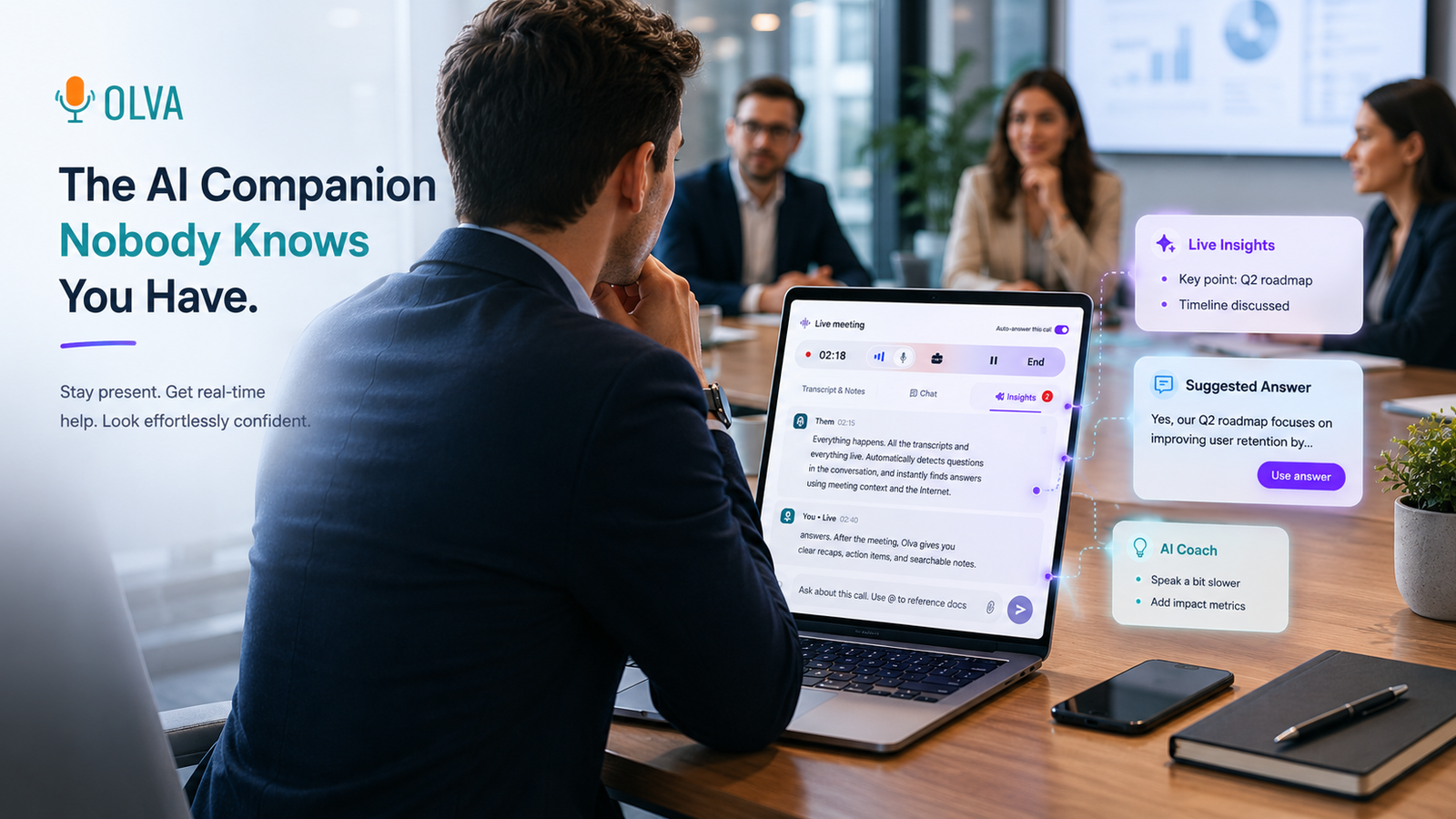
Sales teams can use OLVA during discovery, demos, and follow-up workflows with live transcription, question detection, AI Boost, document-aware answers, and recaps.
In a sales conversation, the important moments often happen live: a buyer asks a pricing question, raises an objection, mentions a competitor, describes a workflow, or asks whether a feature is supported.
OLVA helps sales professionals stay present while getting real-time support. It can transcribe the call, detect questions, prepare AI Boost answers, use document-aware context, and preserve the meeting for follow-up.
OLVA InsightsPrivacy-Aware Meeting AI: What OLVA Does and Does Not Do
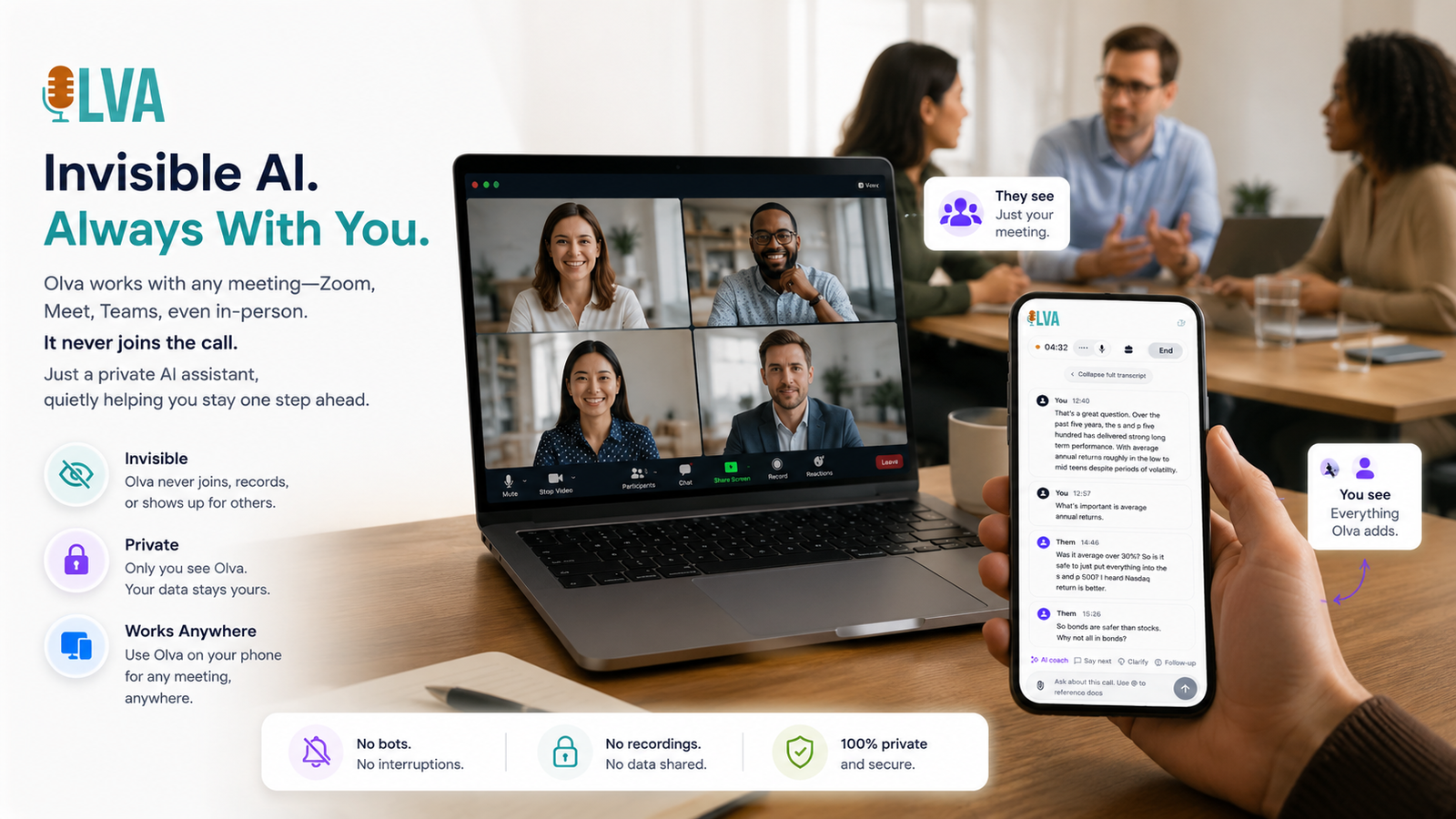
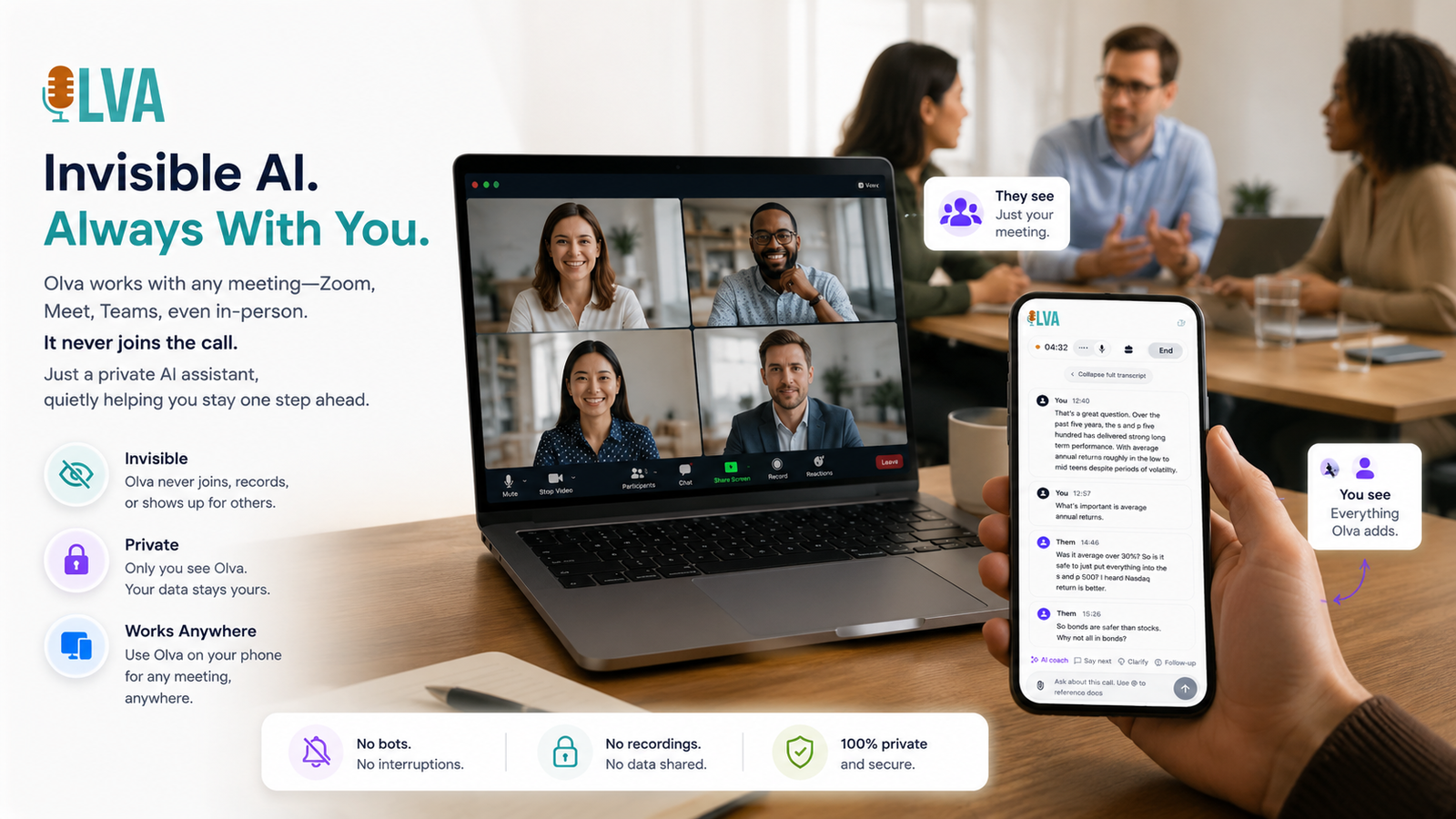
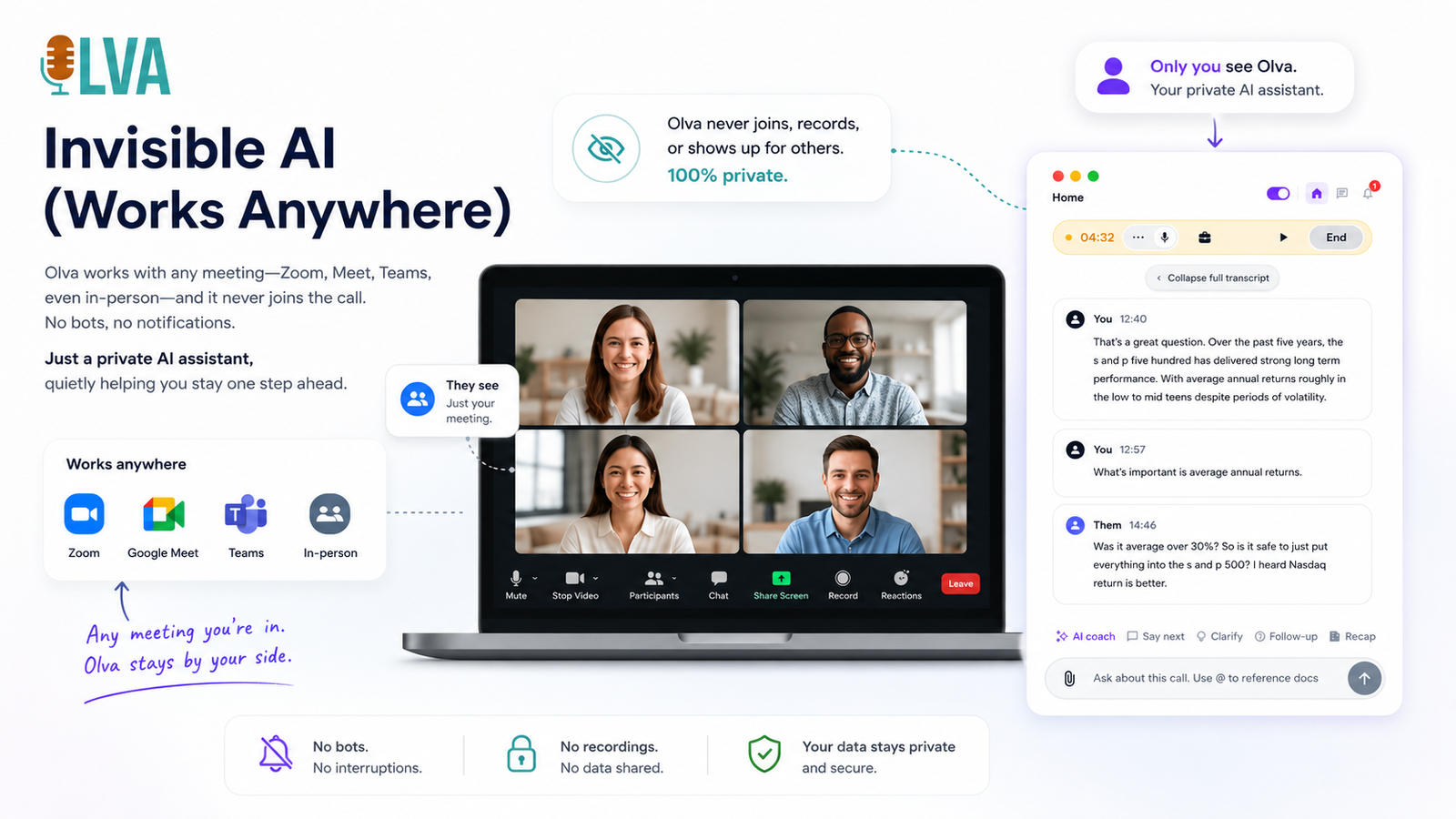
OLVA is designed as a private meeting assistant that does not join calls as a bot and does not store meeting audio or video on its systems.
Meetings can include customer information, internal plans, hiring decisions, product strategy, legal topics, and sensitive business context. A useful AI meeting assistant should be clear about what it does and does not do.
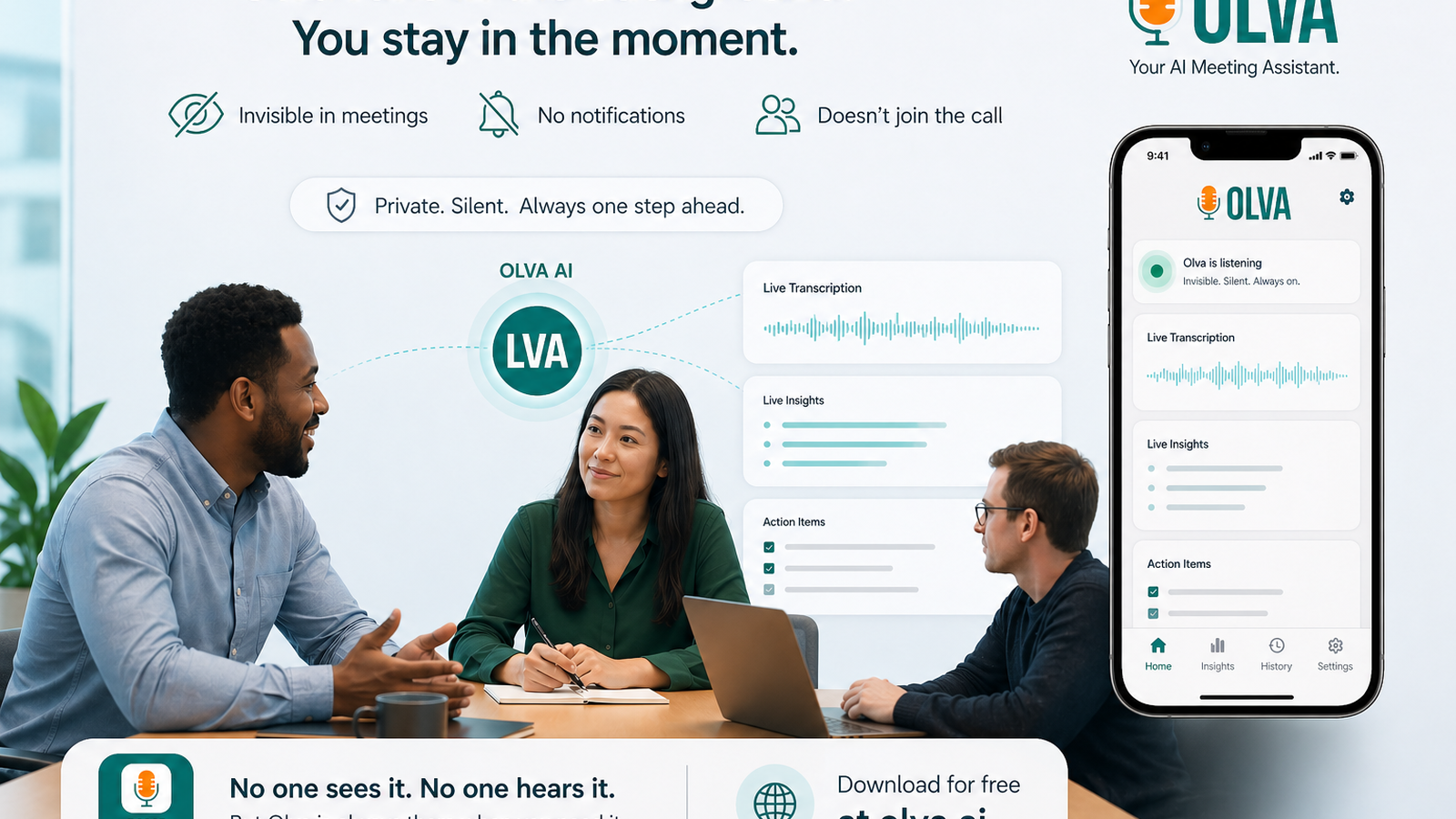
OLVA is designed as an invisible assistant that does not join calls as a visible bot. It provides live transcription and AI help through the desktop companion.
OLVA InsightsSharing Meeting Recaps from OLVA with Slack and Email
OLVA supports follow-up workflows by helping users share meeting recaps through Slack and email where integrations are enabled.
Meeting intelligence should not stay trapped in a transcript view. After an important call, teams often need to share a recap with a Slack channel, send an email, update stakeholders, or create a record for follow-up.
OLVA supports sharing and integration surfaces such as Slack and email where enabled, helping users move meeting output into the workflows their teams already use.
OLVA InsightsCalendar-Aware Meeting Workflows with OLVA
OLVA can connect with calendar workflows to help users detect upcoming meetings, reduce setup time, and keep meeting assistance close to the schedule.
Professional meeting work starts before the call begins. Users need to know what is coming up, join the right conversation, prepare context, and start assistance at the right time.
OLVA supports calendar integrations and upcoming meeting workflows so the assistant can fit more naturally into the user's day.
OLVA InsightsPost-Meeting Summaries, Insights, Notes, and Search in OLVA
After meetings, OLVA turns transcripts into useful work product: summaries, insights, notes, searchable history, exports, and meeting memory.
Most important work conversations create follow-up tasks. Someone promised to send a file. A customer raised a concern. A decision was made. A feature request appeared. A deadline changed.
OLVA helps preserve those moments after the meeting ends through summaries, insights, notes, search, exports, and meeting memory.
OLVA InsightsDocument-Aware Meeting Answers: How OLVA Uses Your Context
OLVA can use attached or uploaded documents to provide more relevant meeting answers, making live support more grounded in the user's own materials.
The best answer in a meeting is rarely generic. It depends on product details, customer notes, pricing, onboarding steps, implementation constraints, policies, technical documentation, or prior decisions.
OLVA supports document-aware assistance so users can bring relevant materials into the meeting workflow. When documents are available, OLVA can use them along with the live transcript to help prepare better responses.