OLVA resources
AI meeting assistant guides, comparisons and product updates
Explore botless meetings, live transcription, meeting privacy, sales workflows, practical product guidance, and comparisons with other AI meeting tools.
109 articles
OLVA InsightsAI Boost in OLVA: Real-Time Answers and Coaching While You Listen
AI Boost helps OLVA users handle live meeting moments with real-time answers, coaching, context, and follow-up support.
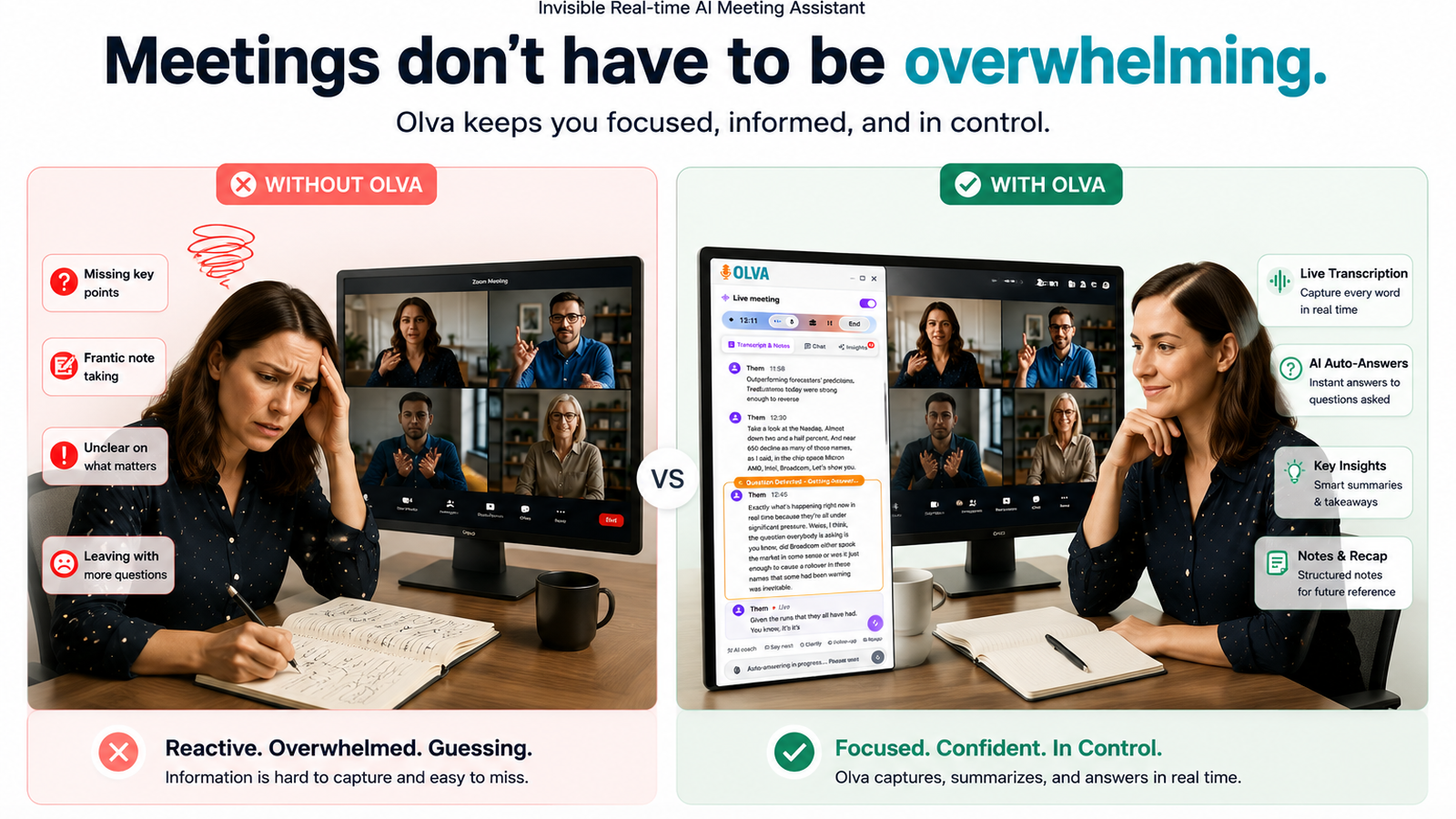
Many AI meeting tools create value after the meeting. OLVA also focuses on the live conversation. AI Boost is the layer that helps users respond while the call is still unfolding.
When a meeting creates a question, objection, decision point, or coaching opportunity, OLVA can prepare context-aware assistance without forcing the user to leave the conversation.
OLVA InsightsAutomatic Question Detection: How OLVA Helps During Live Calls
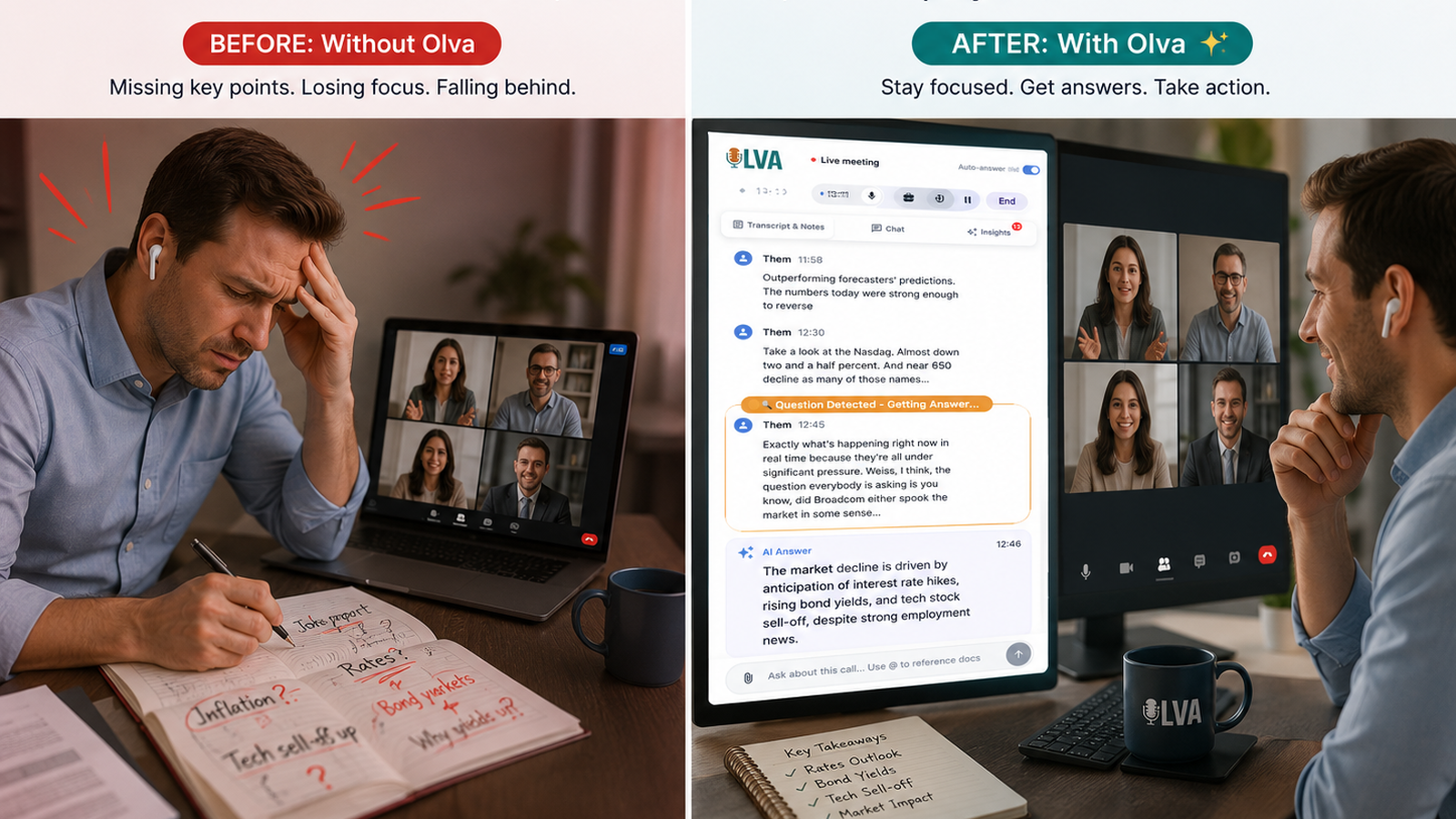
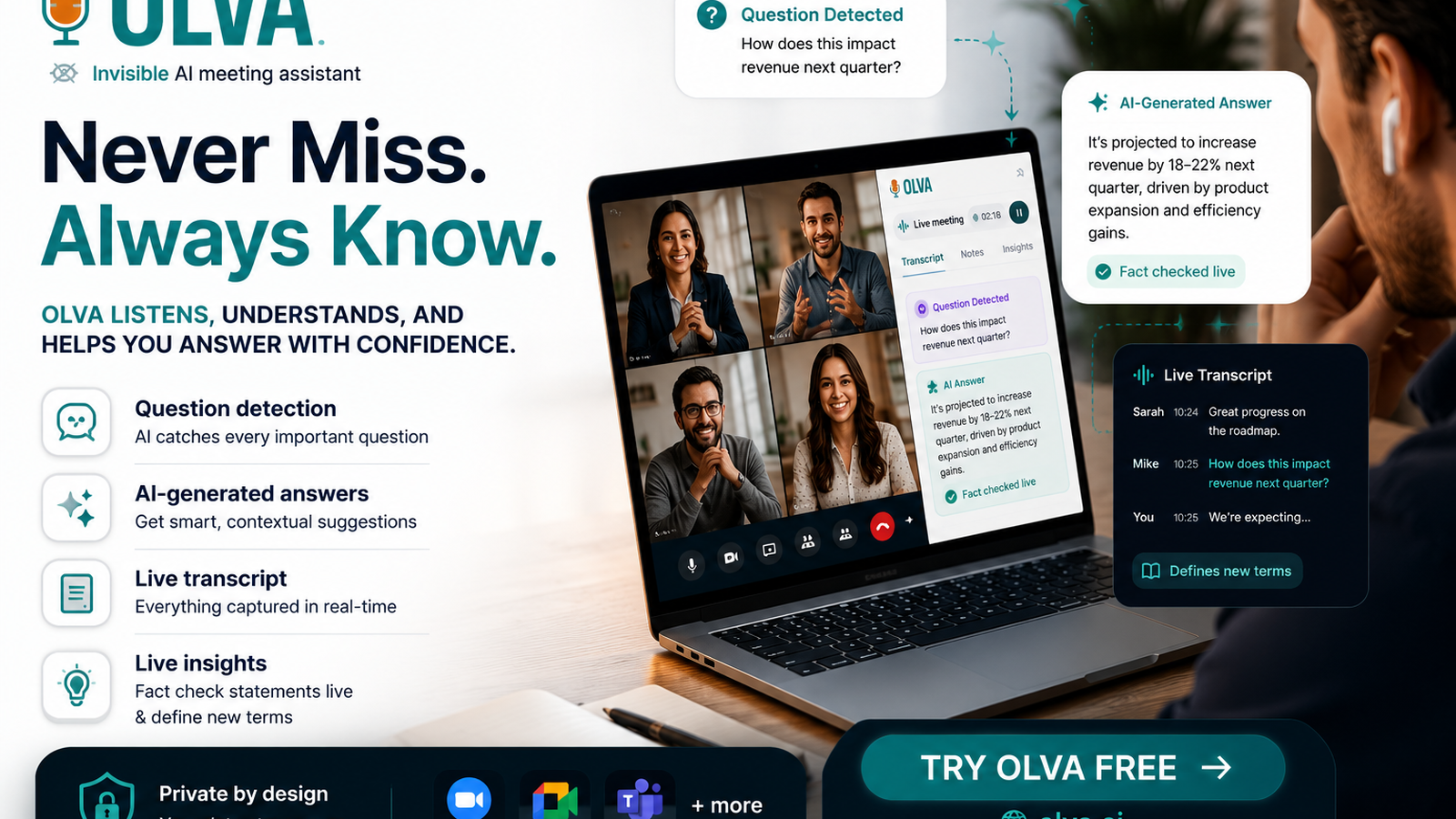
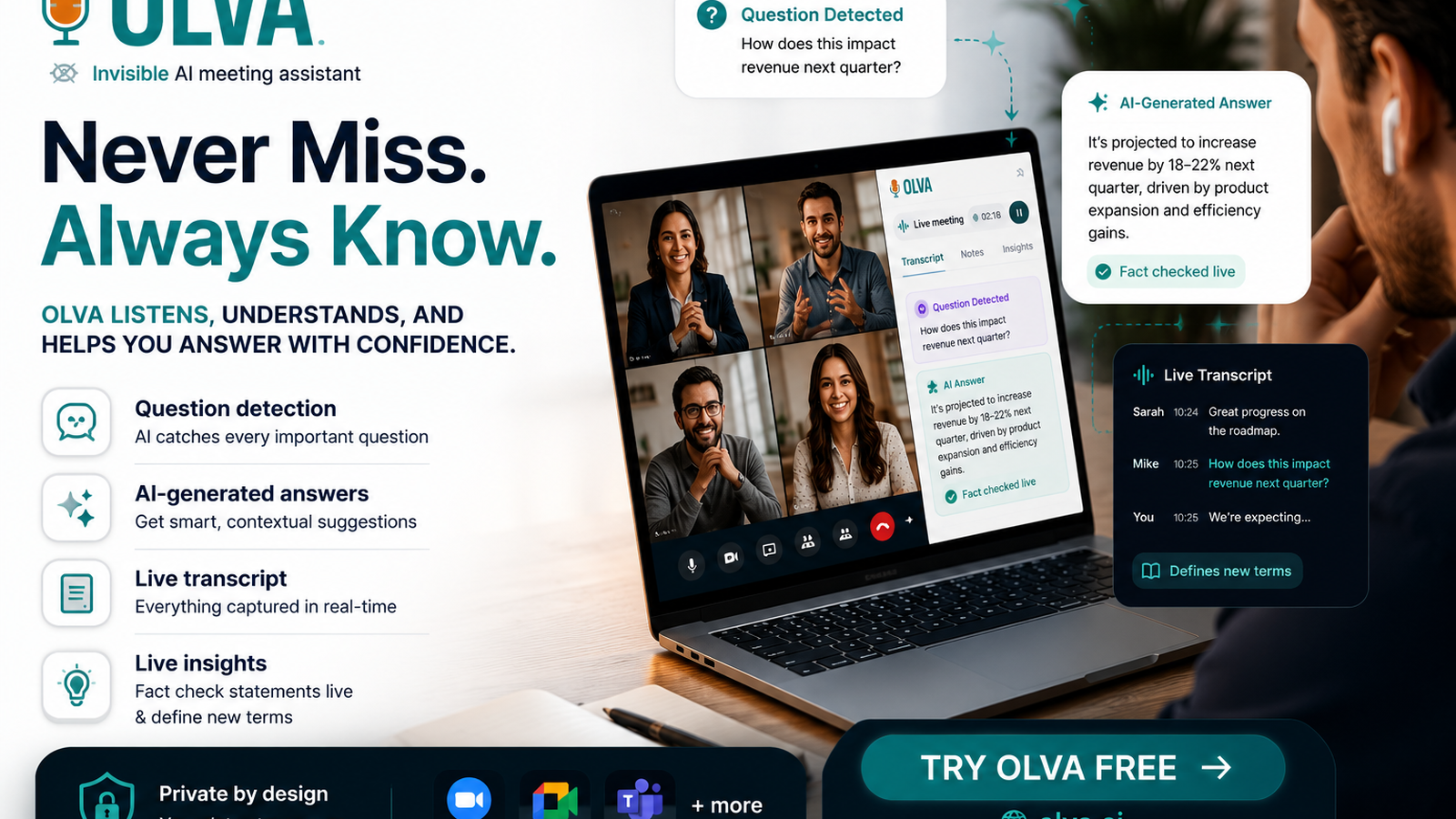
OLVA detects questions during meetings so professionals can respond faster with context-aware answers, coaching, and supporting information.
In many meetings, the most important moments arrive as questions. A buyer asks whether a product supports a workflow. A candidate asks about team process. A stakeholder asks for a timeline. A manager asks what changed since the last update.
OLVA is built to recognize these moments while the conversation is happening. Automatic question detection helps the assistant know when the user may need an answer, supporting context, or coaching.
OLVA InsightsMultilingual Meetings in OLVA: Live AI Help Beyond English
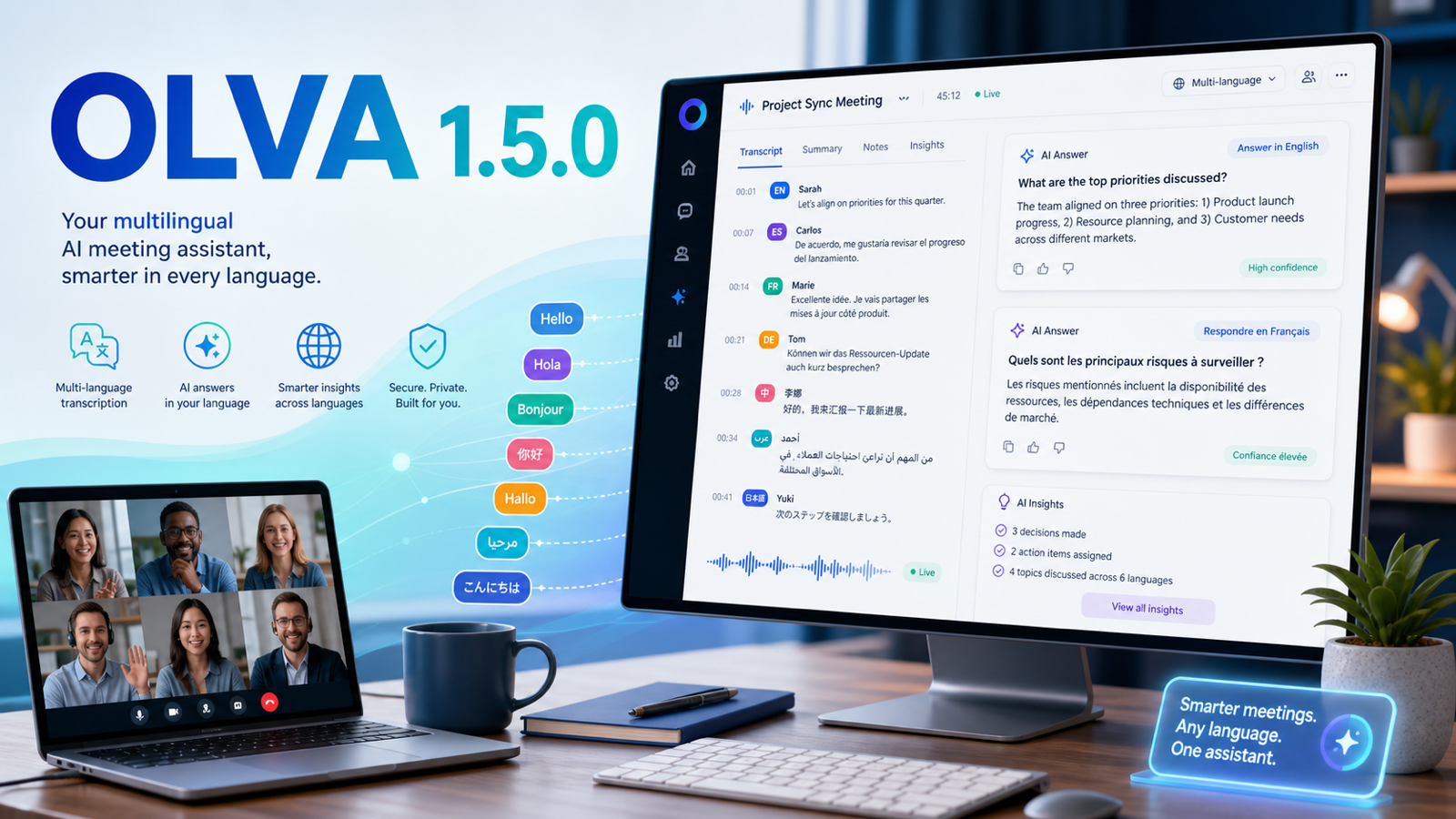
OLVA supports multilingual meeting workflows with auto multilingual transcription and specific language selection for broader meeting coverage.
Many professional meetings do not happen in English. Sales calls, interviews, customer support conversations, founder calls, agency meetings, and global team syncs often happen in Spanish, French, German, Hindi, Portuguese, Japanese, Dutch, Russian, Italian, and many other languages or regional variants.
OLVA is designed for multilingual meeting workflows. It supports an Auto multilingual mode for common languages and also allows users to select a specific transcript...
OLVA InsightsLive Transcription in OLVA: From Conversation to Searchable Meeting Memory
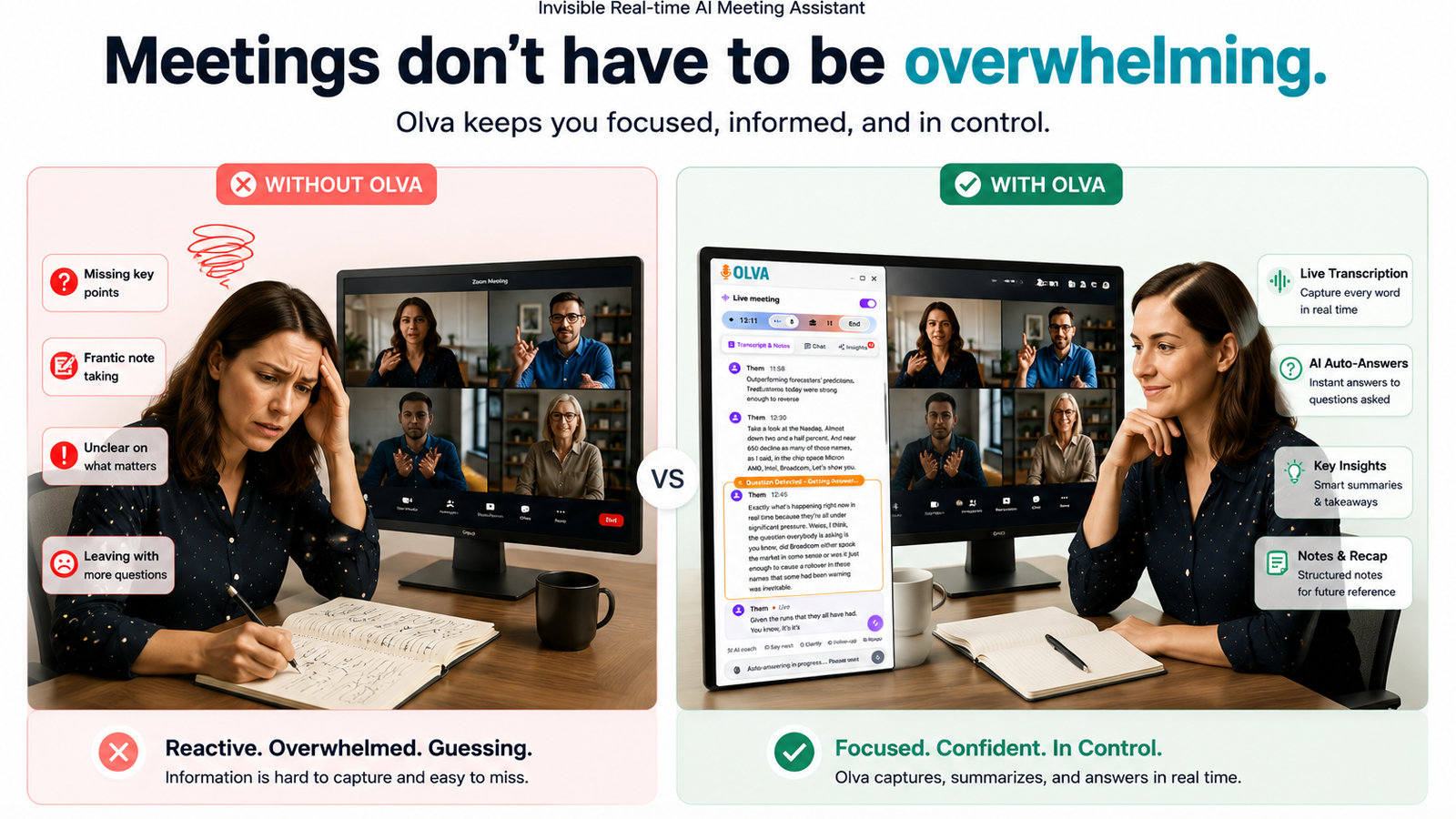
OLVA turns live meeting audio into a transcript, then makes the conversation useful through summaries, insights, notes, history search, and exports.
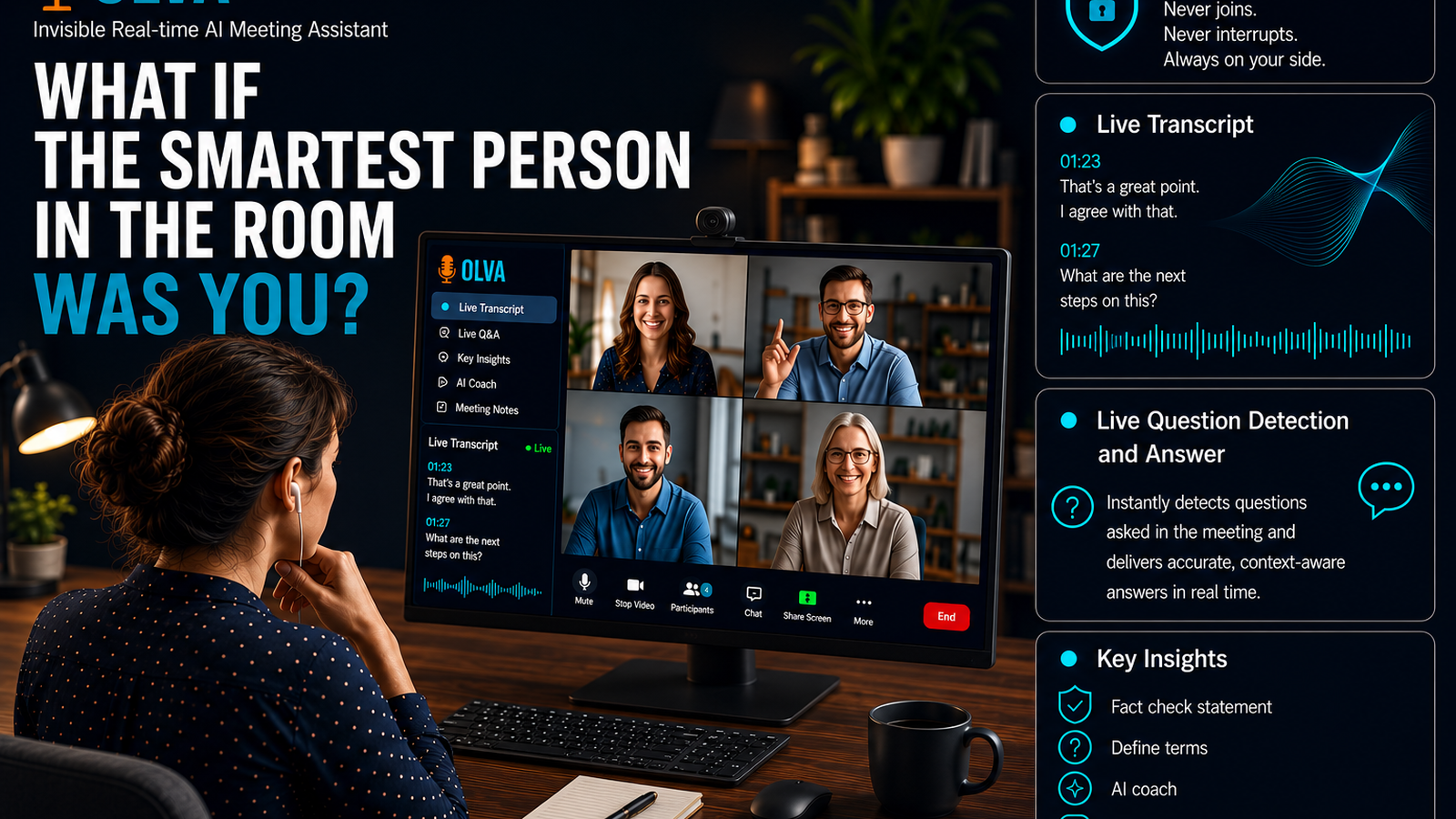
OLVA starts by creating a live transcript from meeting audio. That transcript helps you follow the conversation in real time and gives the AI assistant the context it needs to detect questions, generate answers, and produce useful meeting insights.
Live transcription is especially valuable in fast-moving calls. When multiple topics are discussed, a visible transcript can reduce cognitive load and make it easier to catch exact wording, names, commitments, and dec...
OLVA InsightsHow OLVA Works Without Joining Your Meeting as a Bot
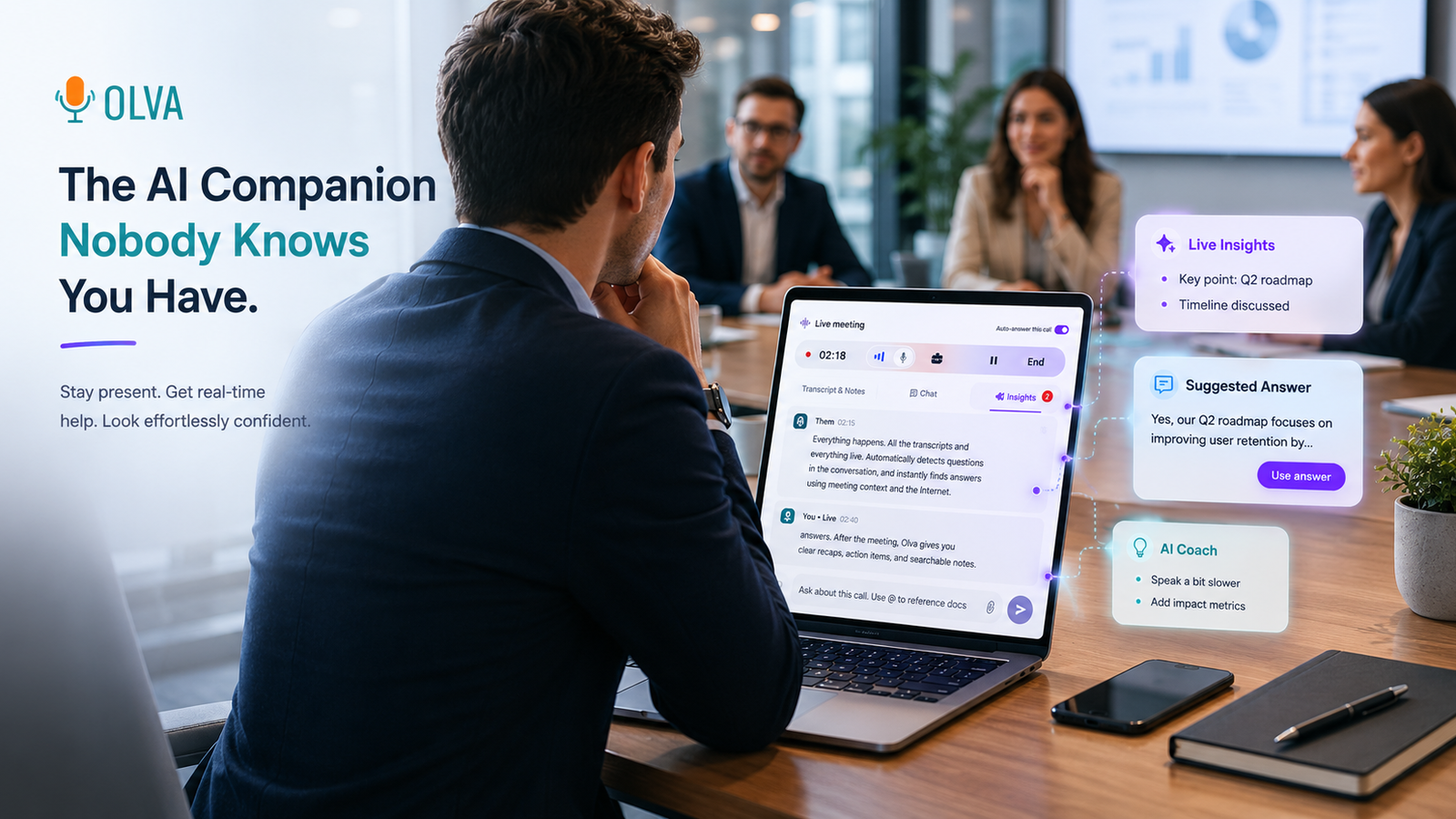
OLVA supports meetings without appearing as a participant, using the desktop companion to capture audio and provide live AI assistance privately.
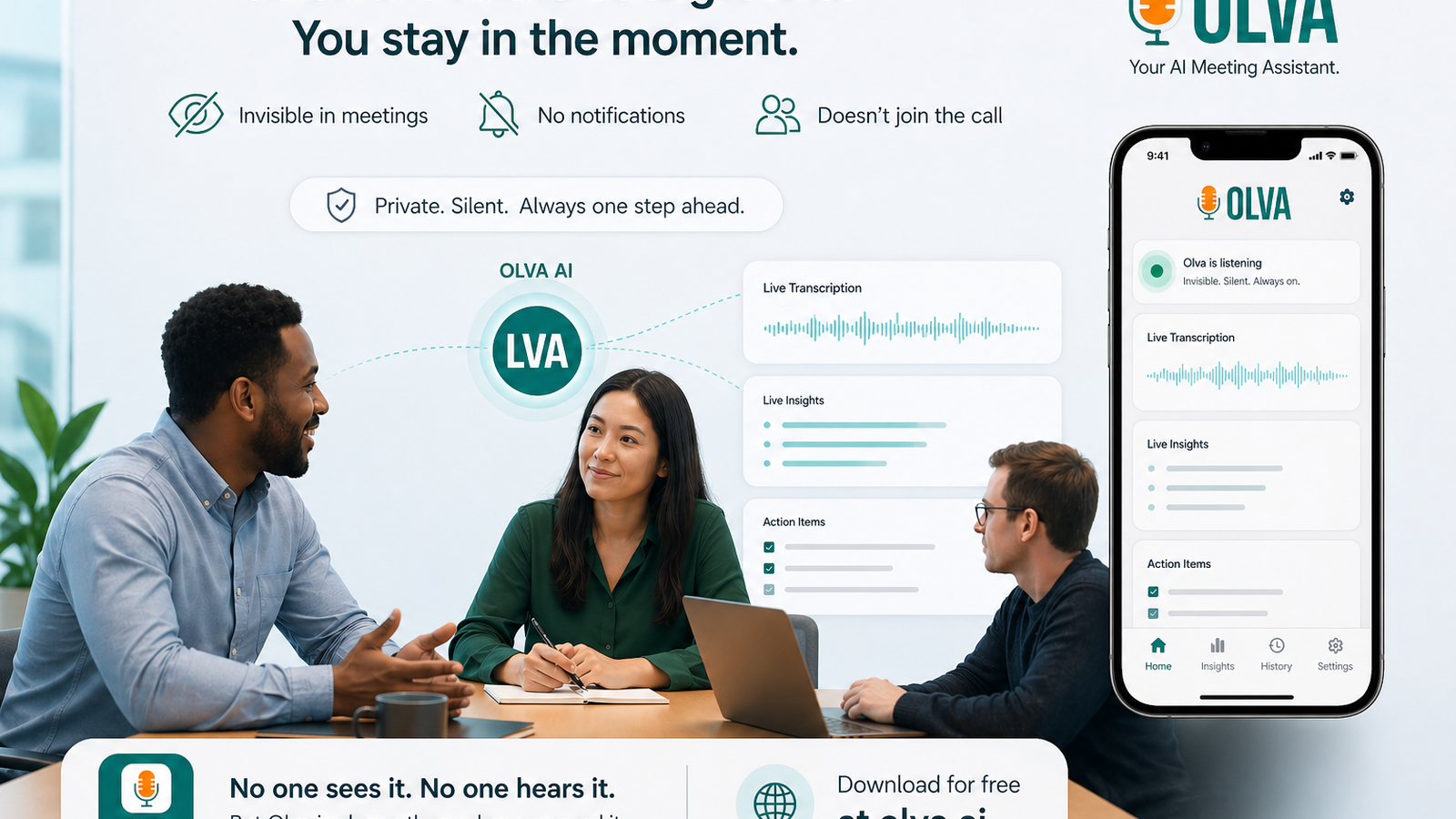
OLVA is built for people who want AI meeting help without adding a visible bot to every call. It does not need to join your Zoom, Google Meet, Microsoft Teams, Slack huddle, Webex, or in-person conversation as another attendee.
Instead, OLVA works through the desktop companion. The app listens to the audio available on your computer, including microphone and system audio, and turns that stream into live meeting intelligence.
OLVA InsightsWhat Is OLVA? An Invisible Real-Time AI Meeting Assistant
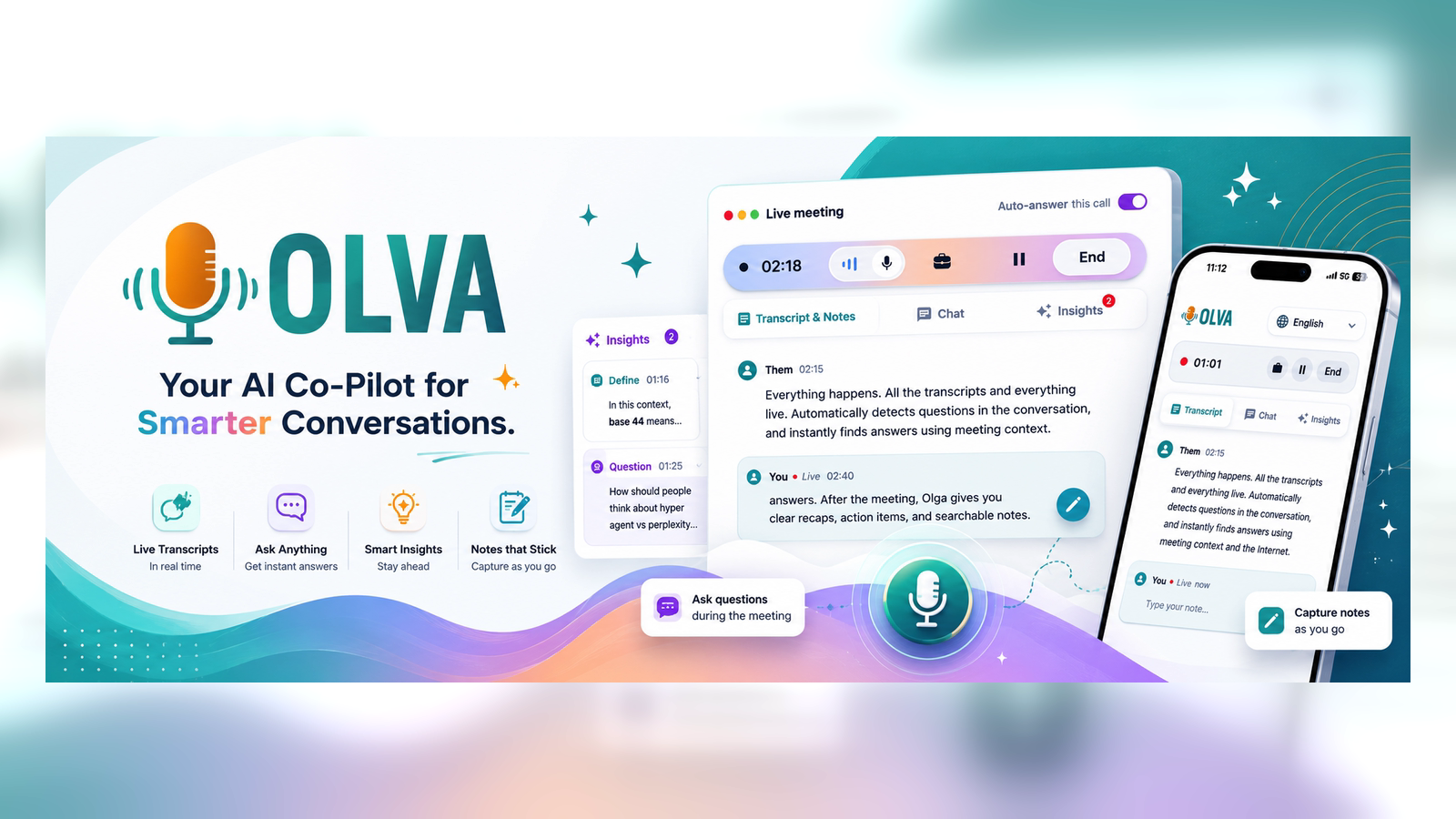
OLVA is an invisible AI meeting assistant that listens through your desktop app, helps during live conversations, and turns meetings into searchable memory without joining as a bot.
OLVA InsightsMultilingual Meeting Support Is Now in OLVA
OLVA now supports meetings beyond English with Auto multilingual transcription for common meeting languages and specific language selection for broader coverage.
OLVA is built for the way meetings actually happen: across teams, accents, offices, and languages. Today we added multilingual meeting support across OLVA, so live meeting intelligence no longer has to assume every conversation is in English.
The new multilingual workflow is available in the app experience across desktop and mobile surfaces. It gives teams two ways to capture meetings more accurately: Auto multilingual mode for supported common lang...
OLVA InsightsOlva vs. Krisp: Live Meeting Intelligence vs. Audio Enhancement
Krisp is known for industry-leading noise cancellation and audio enhancement. Olva takes a different approach, helping professionals during meetings with live insights, automatic question detection, instant answers, AI coaching, fact checking, and opportunity detection. Discover which tool is right for your workflow.
OLVA InsightsOLVA vs Cluely: Built for Real Work, Not Viral Moments
Cluely and Olva both provide real-time AI assistance, but they serve different goals. Discover how Olva's live question detection, AI coaching, invisible screen-share mode, and meeting intelligence help professionals perform better during meetings—not just interviews.
OLVA InsightsOlva vs. Otter.ai: Real-Time Meeting Intelligence vs. Meeting Notes
Otter.ai is one of the most popular AI meeting assistants, but it focuses primarily on transcription and summaries. Learn how Olva's live question detection, instant answers, AI coaching, and real-time insights provide support while meetings are happening—not just after they end.
OLVA InsightsOlva vs. Granola: AI Live Meeting Assistant vs. AI Note Taker
Granola is a great AI note taker. Olva goes further by helping you during the meeting with automatic question detection, instant answers, real-time insights, and AI coaching. Compare how the two tools approach meeting productivity and why live meeting intelligence may be the next evolution of AI assistants.
OLVA InsightsHow Olva Is Different From Other AI Meeting Assistants
Most AI meeting assistants focus on notes after the meeting. Olva is built for live real-time support while the conversation is happening.
Bottom line
Choose Other AI meeting assistants when its specific workflow is exactly what your team needs. Choose OLVA when the live meeting itself is the moment that matters. OLVA still gives you transcripts, summaries, insights, and searchable memory after the call, but its biggest advantage is private assistance while you are still in the conversation.