
How Journalists Use Olva for Live Fact-Checking and Instant Quotes
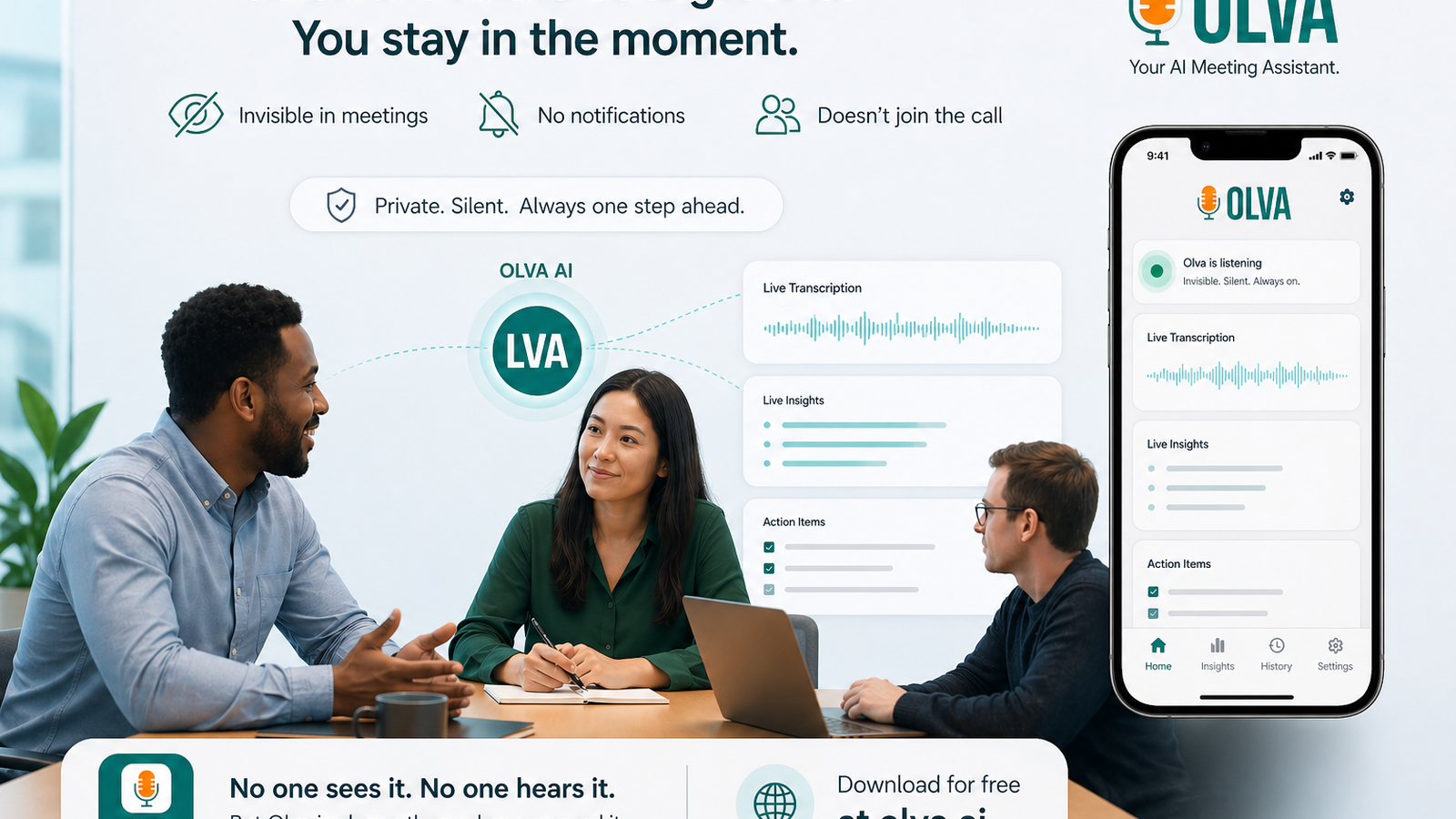
How Journalists Use Olva for Live Fact-Checking, Source Tracking, and Instant Quotes During Interviews
Journalists depend on accuracy, speed, and context. In fast-moving interviews and press conferences, a single misheard number or missed attribution can cost credibility. Traditionally, reporters juggle note-taking, recording, and follow-up research — often after the conversation has ended. Olva changes that workflow by bringing live intelligence into the interview itself.
This article explains practical ways journalists use Olva for live fact-checking, source tracking, and generating instant quotes. It’s written for reporters, editors, and field journalists who want concrete examples and best practices for integrating a real-time AI assistant into everyday reporting.
Why real-time support matters for journalists
Post-interview transcription and summaries are useful, but they don’t prevent mistakes made during the interview. Real-time support matters because it helps you:
- Verify claims instantly so you can follow up or push back while the source is still on the record.
- Capture exact phrasing for quotes without interrupting the flow of the conversation.
- Track who said what, when, and where — especially during multi-speaker panels.
- Discover leads or contradictions you can probe right away.
Olva is built specifically to help professionals perform better during conversations, not only to remember them afterward. That distinction is important for reporters who need to balance accuracy with conversational flow.
Key Olva capabilities journalists care about
- Invisible AI Assistant: Olva works without joining your meeting as a visible bot. No awkward on-screen participants, no unnecessary notifications, and private AI help that doesn’t advertise itself to interviewees.
- Live Transcription: Real-time transcripts of every voice in the room, so you can focus on the conversation instead of furiously typing notes.
- Automatic Question Detection: Olva flags questions, objections, and clarifications — both asked by you and by your source — so you don’t miss critical moments.
- Instant Answers & Live Q&A: Ask Olva what to ask next, find background on a claim, or request a concise rebuttal while the source is still talking.
- Live Insights & Fact Checking: Olva continuously analyzes the conversation and surfaces potential factual inconsistencies, numbers to verify, and terms to define.
- Document-Aware Intelligence: Upload press releases, research reports, or legal filings and Olva will use them to ground answers and catch deviations from the document.
- Post-Meeting Memory: Searchable meeting history makes it easy to find previous statements and compare what was said across interviews.
For more on capabilities and privacy, visit https://olva.ai.
Practical scenarios and step-by-step examples
Below are common reporting situations and exactly how Olva can be used in each.
1) Live fact-checking during a press conference
Scenario: A public official announces a funding amount and a timeline. You want to confirm those figures immediately.
How to use Olva:
- Start live transcription. Olva captures the speaker and timestamps key claims.
- When Olva detects a numeric claim (for example, 'We’re allocating $120 million over three years'), it flags the line and runs a quick cross-check against uploaded budget documents or the live web (if enabled).
- If Olva finds conflicting data — say an earlier document cited $100 million — it will surface that discrepancy and suggest a follow-up question: 'Your brief listed $100 million for this program; can you clarify the difference?'
Outcome: You ask a targeted follow-up, get clarification on the record, and avoid publishing an unverified figure.
2) Capturing instant, attributable quotes in an interview
Scenario: You’re conducting a remote interview and need an exact quote to include in a breaking story.
How to use Olva:
- Olva transcribes the conversation in real time and highlights especially quotable lines.
- If you want an instant, polished quote, ask Olva: 'Show the last sentence as a single-sentence quote and attach a timestamp.'
- Olva returns a precise quote with speaker attribution and timestamp so you can paste it directly into your notes or your CMS.
Outcome: You capture precise wording without interrupting the conversation or relying on memory.
3) Source tracking across interviews
Scenario: You talk to multiple officials and advisers about the same topic over weeks; you need to track who said what and when.
How to use Olva:
- Tag each interview with the subject and key sources. Olva links those tags to the transcript and to any uploaded documents.
- Later, search Olva’s post-meeting memory for a person’s previous claims: 'Show me every time Jane Doe mentioned "project X" in the last 60 days.'
- Olva surfaces all relevant snippets with timestamps and context.
Outcome: You can quickly compare statements, detect changes in position, and build documentation for an investigative piece.
4) Interview prep and AI coaching in real time
Scenario: You’re interviewing a technical expert and want to ask smarter follow-ups.
How to use Olva:
- Before the interview, upload the expert’s white paper or the product spec to Olva.
- During the interview, ask Olva privately: 'Summarize the last five minutes and suggest two technical follow-ups.'
- Olva produces concise suggestions and can even draft a clarifying question based on the uploaded documents.
Outcome: You come across as prepared and can push the conversation into areas that matter for your story.
Dealing with the ethical and legal side
Journalists must be mindful of legality and consent. Olva is private by design — no bot participants join your meeting unless you choose otherwise — and transcripts are visible only to the user. If you’re recording a conversation, follow local laws and newsroom policies on consent and disclosure. Olva’s ability to delete transcripts and keep data private helps align with those policies, but it does not replace legal or editorial guidance.
Competitors and what they do well (fair and objective)
Several tools serve parts of a reporter’s workflow:
- Otter.ai, Rev, and Microsoft Teams provide robust live transcription and searchable transcripts.
- Services like Descript and Trint offer post-interview editing and production features.
- Some newsroom tools integrate recording, editing, and simple collaboration.
These products are strong at capturing and organizing audio after the fact. They help reporters clean transcripts, timecode clips, and produce quotes during post-production.
Where Olva differs:
Most of those tools emphasize what happens after the interview. Olva focuses on helping you during the conversation: detecting questions, surfacing potential factual conflicts as they occur, suggesting follow-ups, and enabling instant answers informed by uploaded documents and prior interviews. If you want a solution that makes you a better interviewer in the moment — rather than only giving you better notes later — Olva brings live intelligence into the room.
Best practices for journalists using Olva
- Test in private first: Run Olva in practice interviews to get comfortable with the live Q&A and coaching features.
- Upload key documents: Share press releases, budgets, or white papers before the interview so Olva can use them for document-aware answers.
- Use invisible mode for sensitive conversations: Olva operates without joining as a visible bot, avoiding unnecessary disclosure to interviewees while still giving you private assistance.
- Keep a verification routine: Use Olva’s fact-check flags as prompts, not final verdicts. Cross-check critical claims with primary documents or named sources.
- Timestamp and attribute: When using instant quotes from Olva, include timestamps and attribution in your notes to streamline editorial review.
Example transcript walkthrough
Below is a short, fictionalized excerpt that shows Olva in action.
Interviewer: "You announced a $120 million appropriation for the program — can you confirm the source of funding?"
Source: "Yes, it's a reallocation from last year’s infrastructure fund."
Olva (flag): "Claim detected: $120 million appropriated; previous document lists $100 million. Suggest follow-up: 'How does this reconcile with last year's budget that listed $100M?'"
Interviewer (to source): "How does this reconcile with last year’s budget that listed $100 million?"
Source: "We adjusted the figure after reallocations — the final approved amount is $120 million."
Olva (note): "Exact quote captured with timestamp; suggested headline quote: 'The final approved amount is $120 million.' — Source: [Name], 00:14:23."
This flow helps you surface contradictions and capture a verifiable quote without losing conversational momentum.
How newsroom workflows benefit
- Breaking news: Reporters can verify numbers on the spot and publish faster with confidence.
- Investigations: Track claim changes over months and extract a timeline of statements for documentation.
- Broadcast: Anchors and producers can pull exact quotes and timestamps instantly for on-air use.
Limitations and when to rely on traditional methods
No AI is flawless. Olva’s live insights are best used as a real-time aid — not as a substitute for primary-source verification. Use Olva to prioritize follow-ups and flag places that need traditional reporting: direct document checks, public records requests, and named-source confirmations.
Getting started and integration tips
- Set up Olva before interviews and upload any background documents you expect to reference.
- Practice private prompts like 'Summarize last 3 minutes' or 'What follow-up should I ask after that claim?'
- Integrate Olva’s transcripts with your CMS or note-taking workflow; many reporters keep a live transcript window for quick copy-and-paste of quotes.
For more details on features and privacy, see https://olva.ai.
Conclusion
In journalism, timing and accuracy are inseparable. Olva isn’t a replacement for reporting instincts or editorial judgment — it’s a live tool that augments them. By bringing real-time transcription, automatic question detection, instant answers, document-aware checks, and discreet coaching into interviews, Olva helps reporters verify claims, track sources, and capture exact quotes while the conversation is still unfolding.
Use Olva to surface the questions you might have missed, catch contradictions as they happen, and secure attributable quotes without interrupting the flow. The result: faster turnarounds, fewer factual errors, and stronger stories.
To learn more about using Olva in your reporting workflow, visit https://olva.ai and try a private demo tailored to newsroom needs.