
OLVA resources
AI meeting assistant guides, comparisons and product updates
Explore botless meetings, live transcription, meeting privacy, sales workflows, practical product guidance, and comparisons with other AI meeting tools.
12 articles
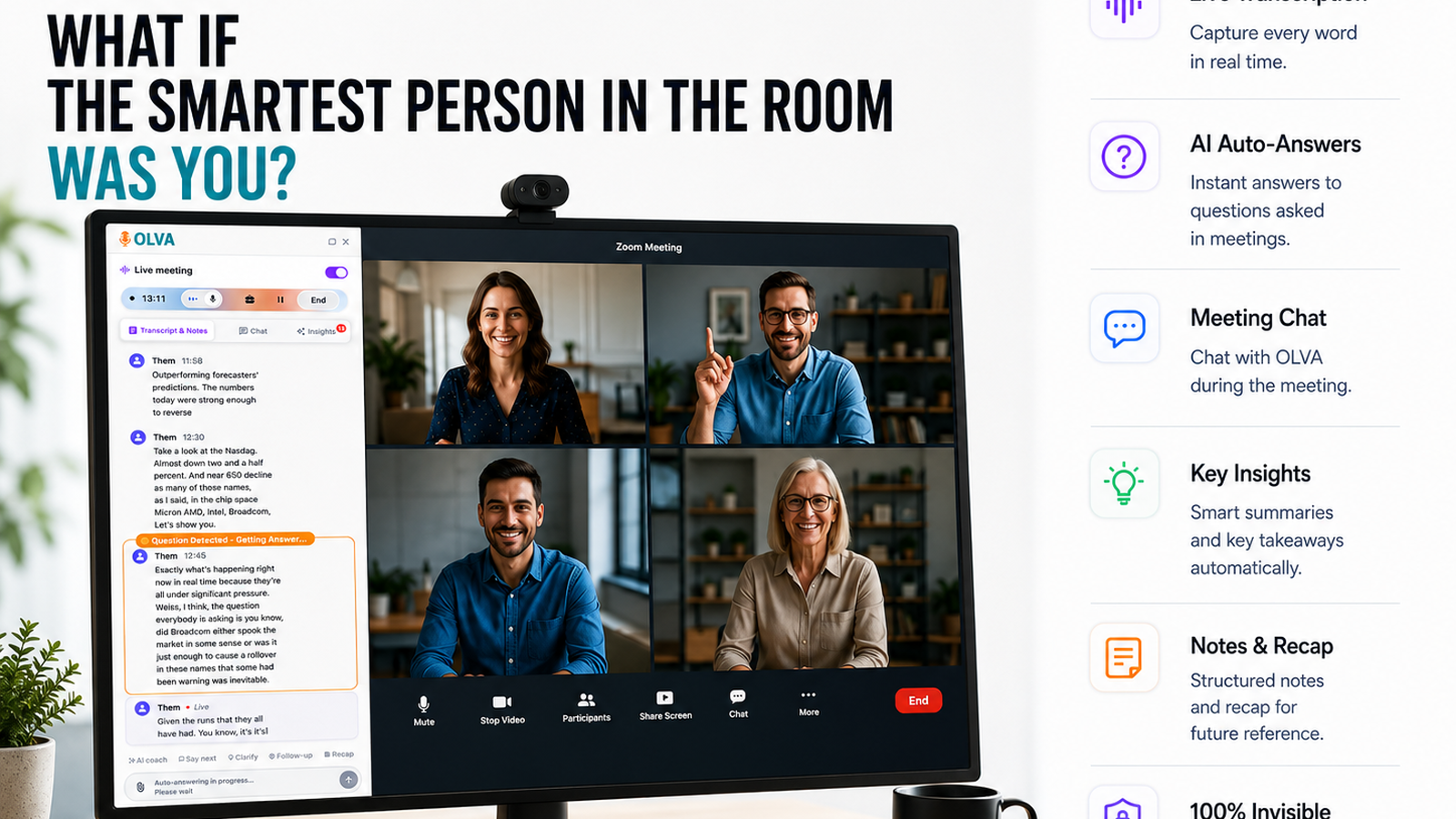

Handle Stakeholder Objections in Product Demos with Live Q&A and Automatic Question Detection
Learn how product managers can handle stakeholder objections during product demos using live Q&A and automatic question detection. Practical scripts, real-world examples, and a step-by-step checklist show how real-time meeting intelligence helps resolve concerns and accelerate decisions.
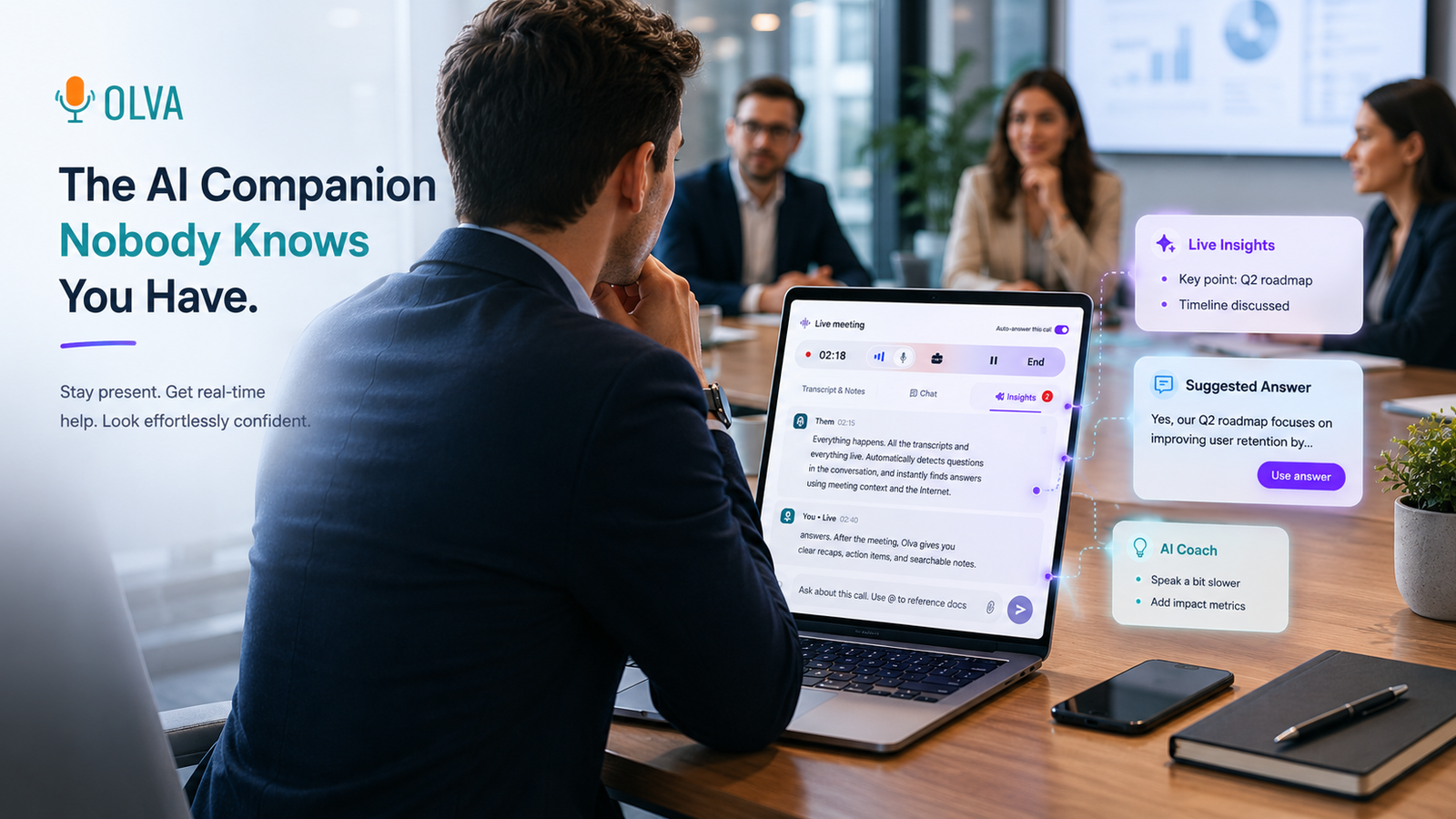
Document-aware meeting intelligence for project managers
Learn how project managers can use document-aware meeting intelligence to review specs, contracts, and requirements live — resolving questions and making decisions faster with real-time, document-grounded AI assistance.
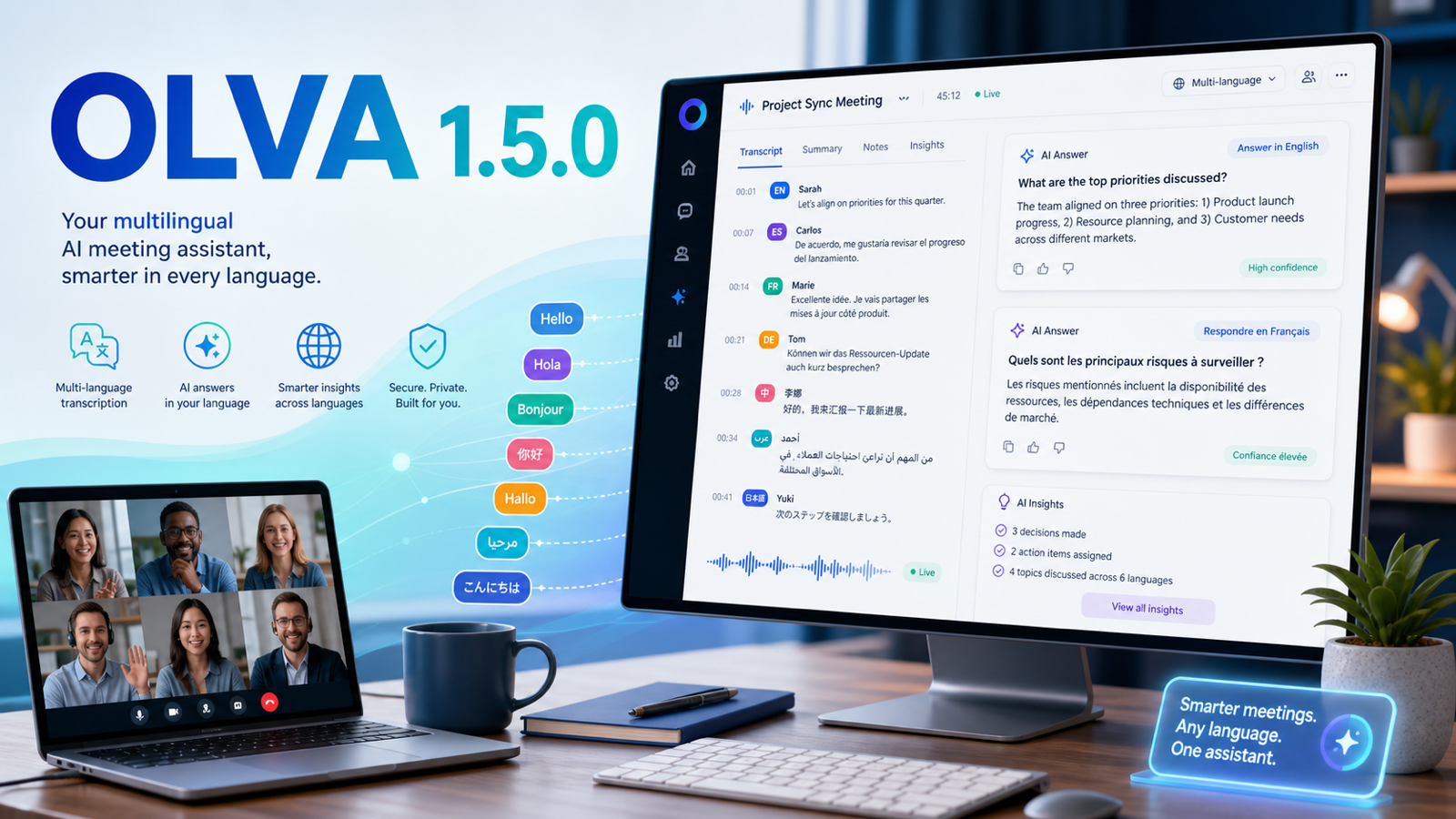
OLVA 1.5.0: Multilingual Meetings, Sharper Live Help, and Better Follow-Up
OLVA 1.5.0 expands multilingual meeting workflows with auto multilingual transcription, specific language selection, language-aware AI answers, and improved desktop and mobile review experiences.
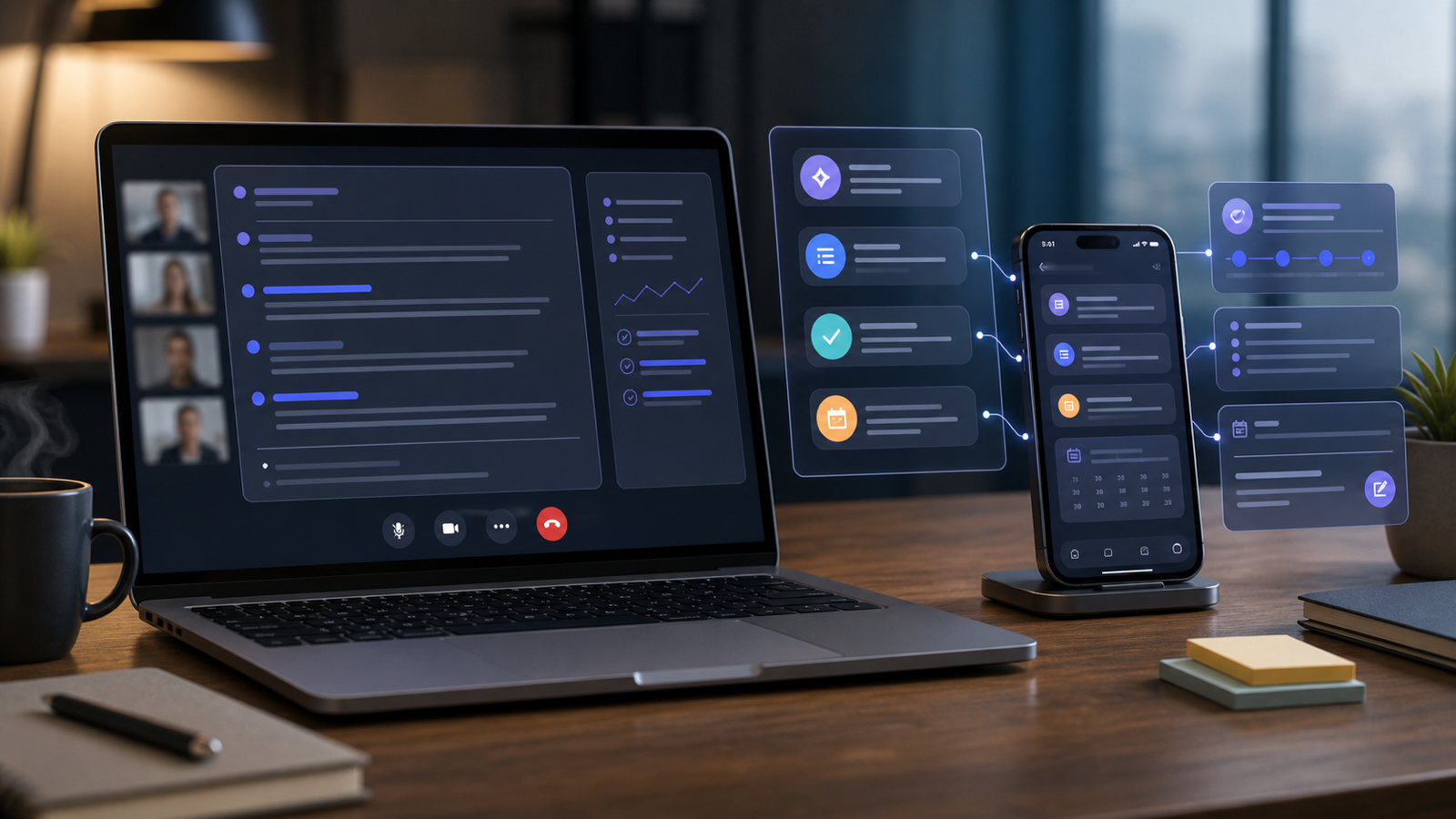
OLVA Across Desktop and Mobile Meeting Workflows
OLVA's product surface spans desktop and mobile workflows, giving professionals access to live meeting assistance, post-meeting review, and account features across contexts.
Professionals move between desktop calls, in-person conversations, mobile review, account settings, billing, sharing, and follow-up workflows. OLVA is built around that reality.
The desktop companion is central to live meeting assistance because it can capture microphone and system audio for real-time transcription and AI features. The broader product also includes mobile and web surfaces for related meeting, account, and review workflows.
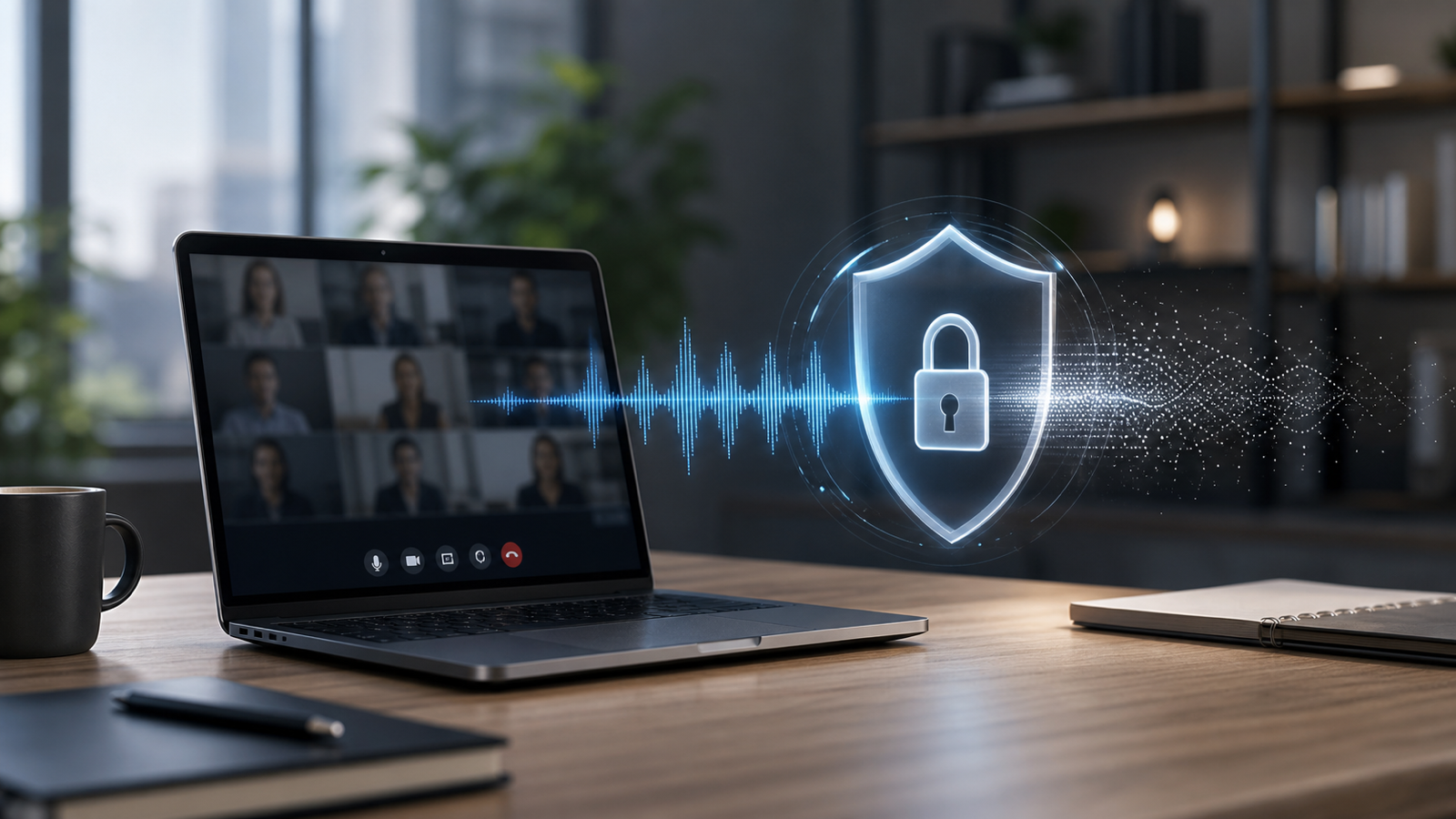
Privacy-Aware Meeting AI: What OLVA Does and Does Not Do
OLVA is designed as a private meeting assistant that does not join calls as a bot and does not store meeting audio or video on its systems.
Meetings can include customer information, internal plans, hiring decisions, product strategy, legal topics, and sensitive business context. A useful AI meeting assistant should be clear about what it does and does not do.
OLVA is designed as an invisible assistant that does not join calls as a visible bot. It provides live transcription and AI help through the desktop companion.
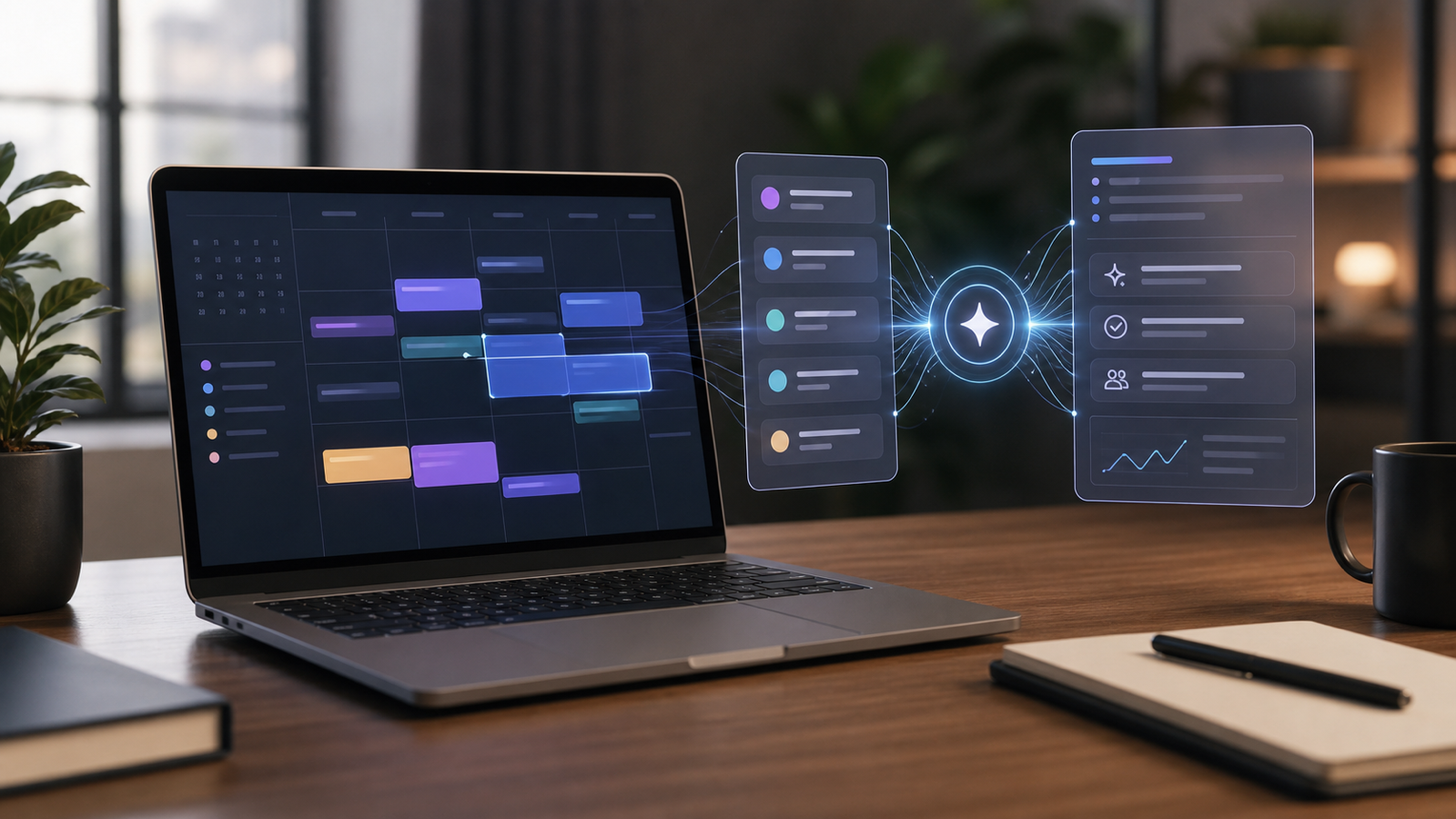
Calendar-Aware Meeting Workflows with OLVA
OLVA can connect with calendar workflows to help users detect upcoming meetings, reduce setup time, and keep meeting assistance close to the schedule.
Professional meeting work starts before the call begins. Users need to know what is coming up, join the right conversation, prepare context, and start assistance at the right time.
OLVA supports calendar integrations and upcoming meeting workflows so the assistant can fit more naturally into the user's day.
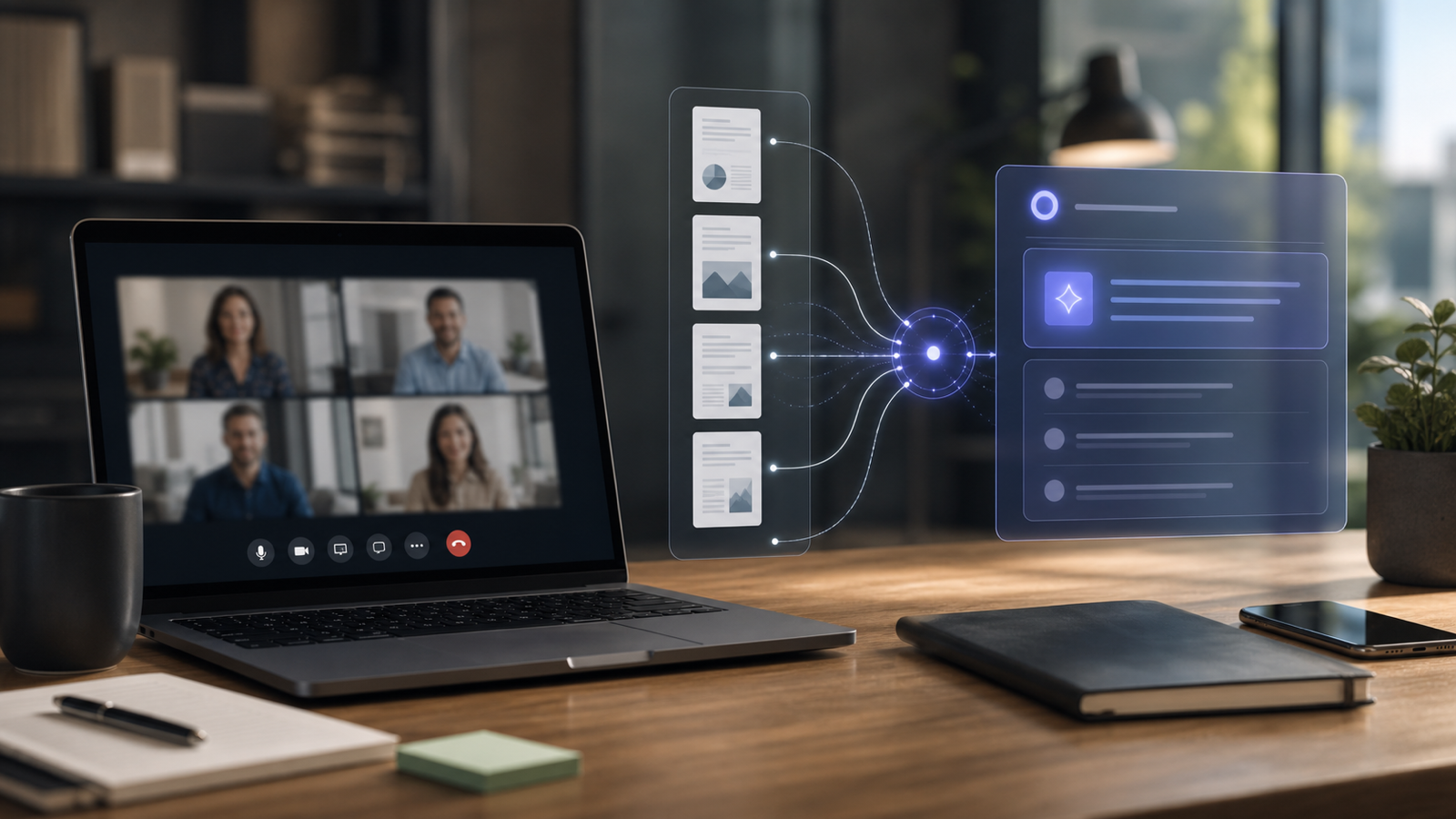
Document-Aware Meeting Answers: How OLVA Uses Your Context
OLVA can use attached or uploaded documents to provide more relevant meeting answers, making live support more grounded in the user's own materials.
The best answer in a meeting is rarely generic. It depends on product details, customer notes, pricing, onboarding steps, implementation constraints, policies, technical documentation, or prior decisions.
OLVA supports document-aware assistance so users can bring relevant materials into the meeting workflow. When documents are available, OLVA can use them along with the live transcript to help prepare better responses.
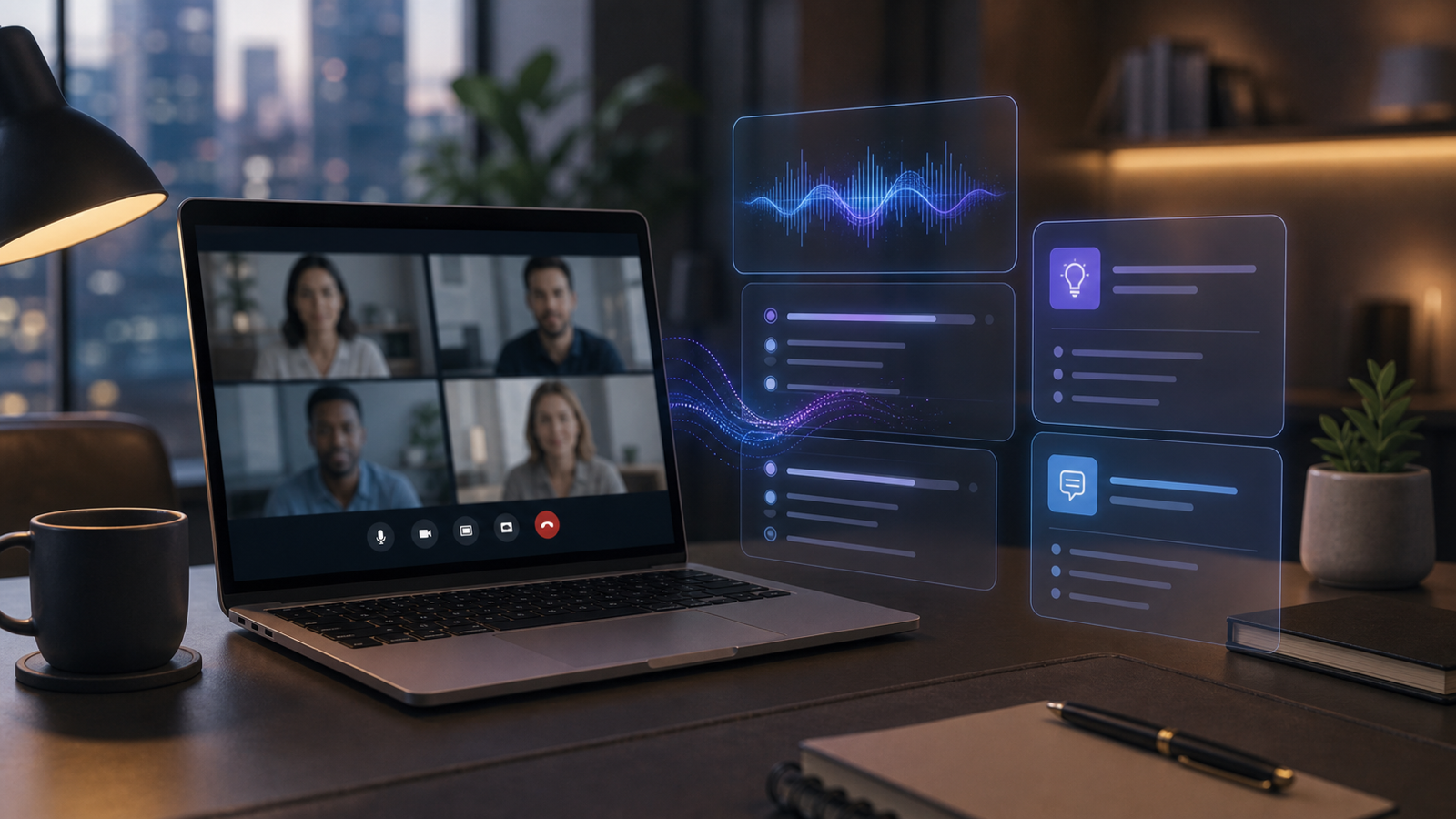
AI Boost in OLVA: Real-Time Answers and Coaching While You Listen
AI Boost helps OLVA users handle live meeting moments with real-time answers, coaching, context, and follow-up support.
Many AI meeting tools create value after the meeting. OLVA also focuses on the live conversation. AI Boost is the layer that helps users respond while the call is still unfolding.
When a meeting creates a question, objection, decision point, or coaching opportunity, OLVA can prepare context-aware assistance without forcing the user to leave the conversation.
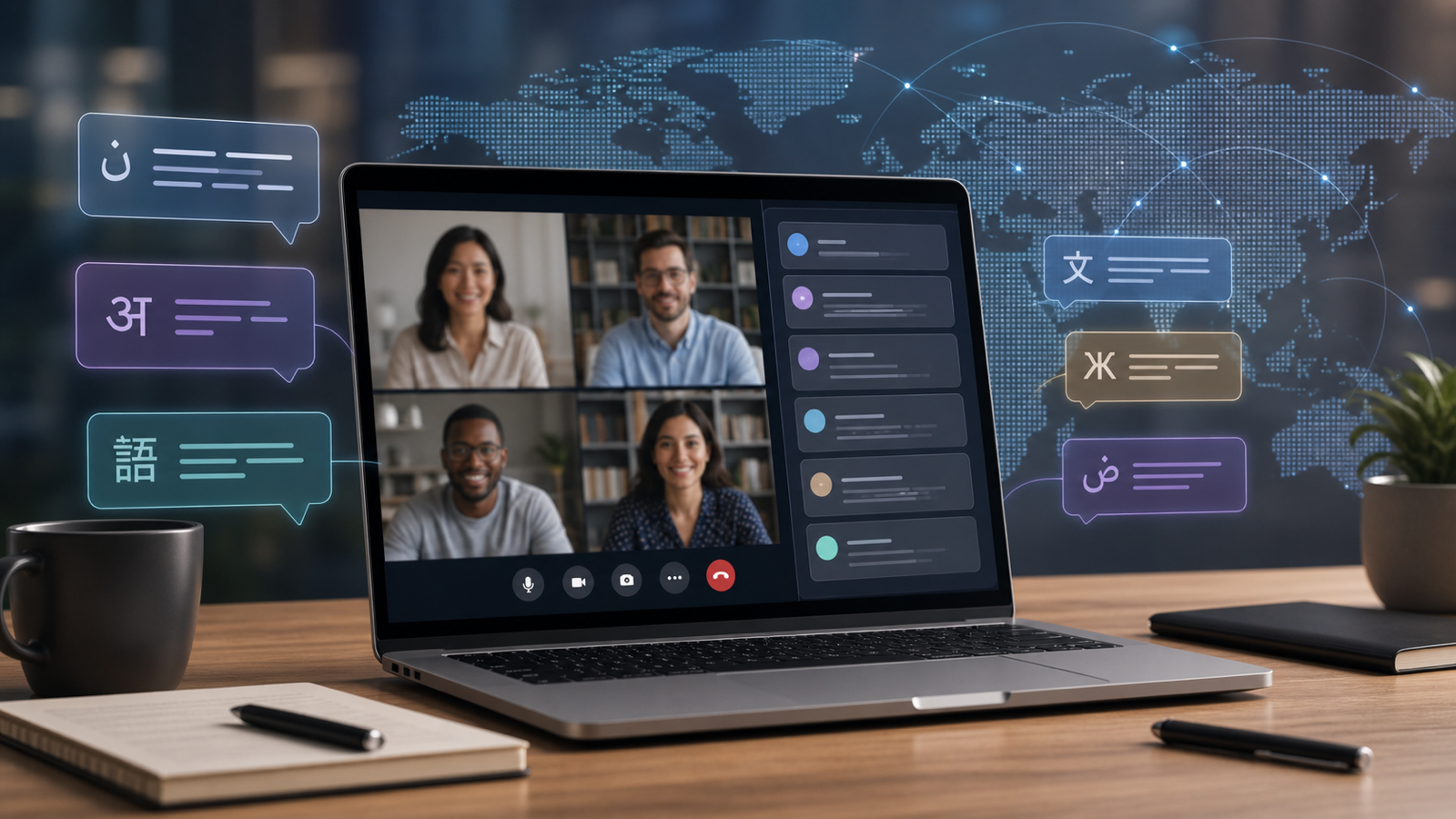
Multilingual Meetings in OLVA: Live AI Help Beyond English
OLVA supports multilingual meeting workflows with auto multilingual transcription and specific language selection for broader meeting coverage.
Many professional meetings do not happen in English. Sales calls, interviews, customer support conversations, founder calls, agency meetings, and global team syncs often happen in Spanish, French, German, Hindi, Portuguese, Japanese, Dutch, Russian, Italian, and many other languages or regional variants.
OLVA is designed for multilingual meeting workflows. It supports an Auto multilingual mode for common languages and also allows users to select a specific transcript...
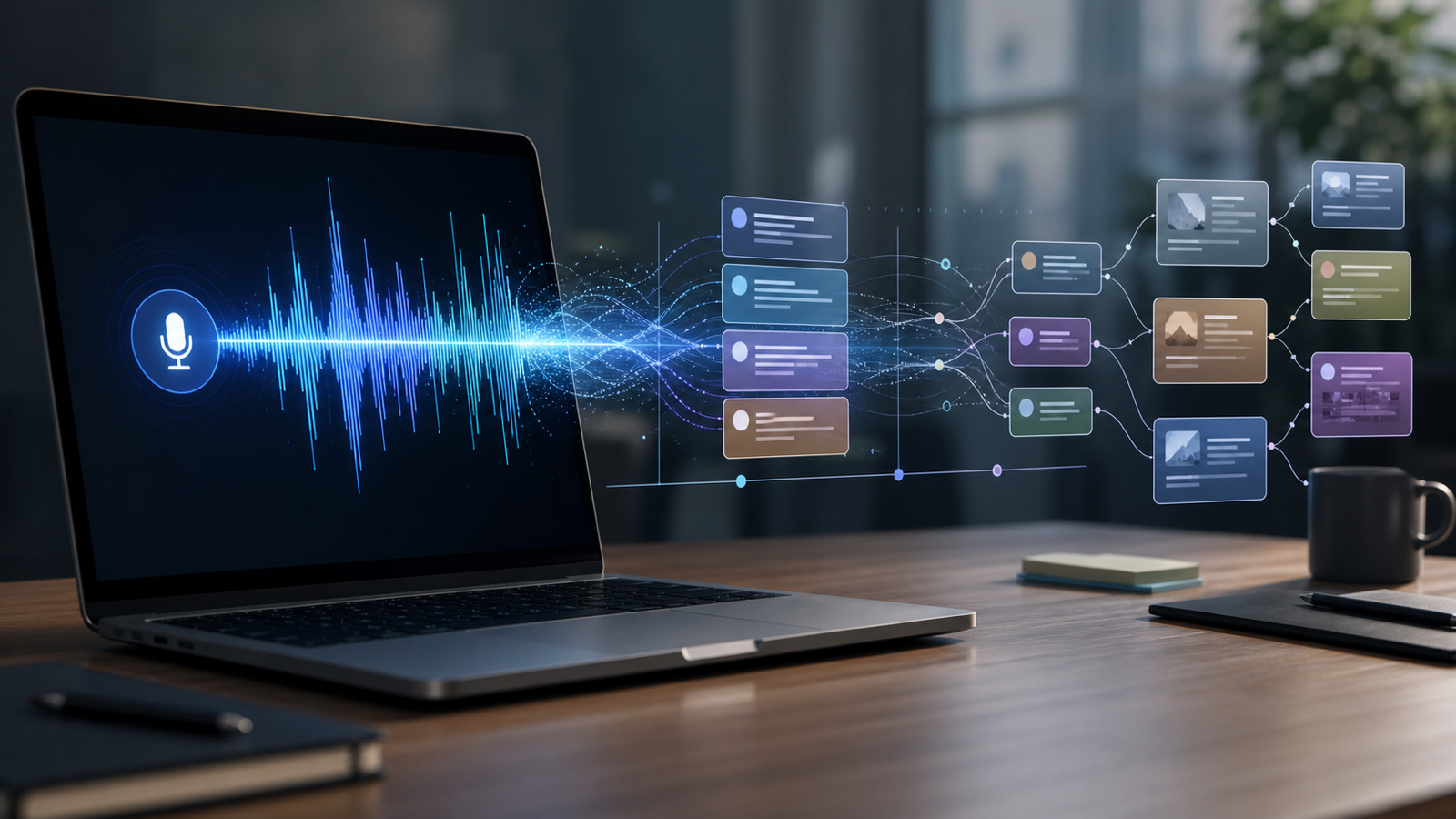
Live Transcription in OLVA: From Conversation to Searchable Meeting Memory
OLVA turns live meeting audio into a transcript, then makes the conversation useful through summaries, insights, notes, history search, and exports.
OLVA starts by creating a live transcript from meeting audio. That transcript helps you follow the conversation in real time and gives the AI assistant the context it needs to detect questions, generate answers, and produce useful meeting insights.
Live transcription is especially valuable in fast-moving calls. When multiple topics are discussed, a visible transcript can reduce cognitive load and make it easier to catch exact wording, names, commitments, and dec...

How OLVA Works Without Joining Your Meeting as a Bot
OLVA supports meetings without appearing as a participant, using the desktop companion to capture audio and provide live AI assistance privately.
OLVA is built for people who want AI meeting help without adding a visible bot to every call. It does not need to join your Zoom, Google Meet, Microsoft Teams, Slack huddle, Webex, or in-person conversation as another attendee.
Instead, OLVA works through the desktop companion. The app listens to the audio available on your computer, including microphone and system audio, and turns that stream into live meeting intelligence.
What Is OLVA? An Invisible Real-Time AI Meeting Assistant
OLVA is an invisible AI meeting assistant that listens through your desktop app, helps during live conversations, and turns meetings into searchable memory without joining as a bot.