
Live Transcription in OLVA: From Conversation to Searchable Meeting Memory
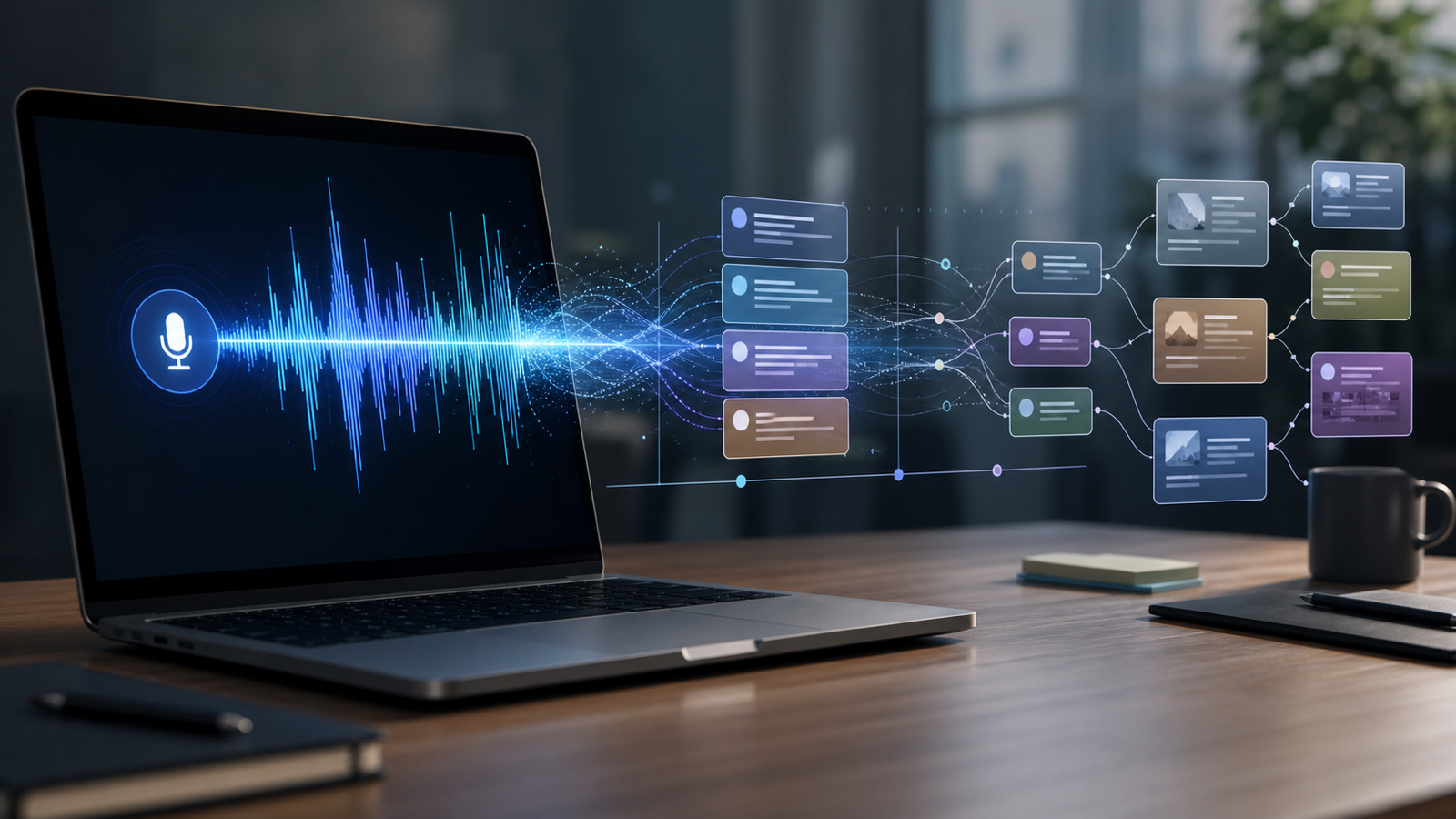
Live transcription is the foundation
OLVA starts by creating a live transcript from meeting audio. That transcript helps you follow the conversation in real time and gives the AI assistant the context it needs to detect questions, generate answers, and produce useful meeting insights.
Live transcription is especially valuable in fast-moving calls. When multiple topics are discussed, a visible transcript can reduce cognitive load and make it easier to catch exact wording, names, commitments, and decisions.
More than a raw transcript
A transcript by itself is useful, but it is only the beginning. OLVA turns meeting content into summaries, insights, searchable history, meeting memory, notes, and exports. That means a conversation can become a usable knowledge asset instead of a long wall of text.
After a meeting, you can return to what happened, find where a topic was discussed, and prepare follow-up work from a structured record.
Real-time context for AI answers
Because OLVA has meeting context while the conversation is happening, it can support live help. When someone asks a question, OLVA can use the transcript and available context to prepare an answer. When a claim needs checking, OLVA can surface a fact-check style insight. When the meeting creates next steps, OLVA can preserve them for review.
Works across meeting contexts
OLVA is designed for common professional meeting environments, including Zoom, Google Meet, Microsoft Teams, Slack huddles, Webex, and in-person meetings. The goal is simple: make the spoken conversation easier to understand now and easier to use later.
For teams that treat meetings as important work product, live transcription is not just a convenience. It is the input layer for memory, coaching, follow-up, and better decisions.