OLVA: Your Bot-Free Real-Time AI Meeting Assistant
Quick overview
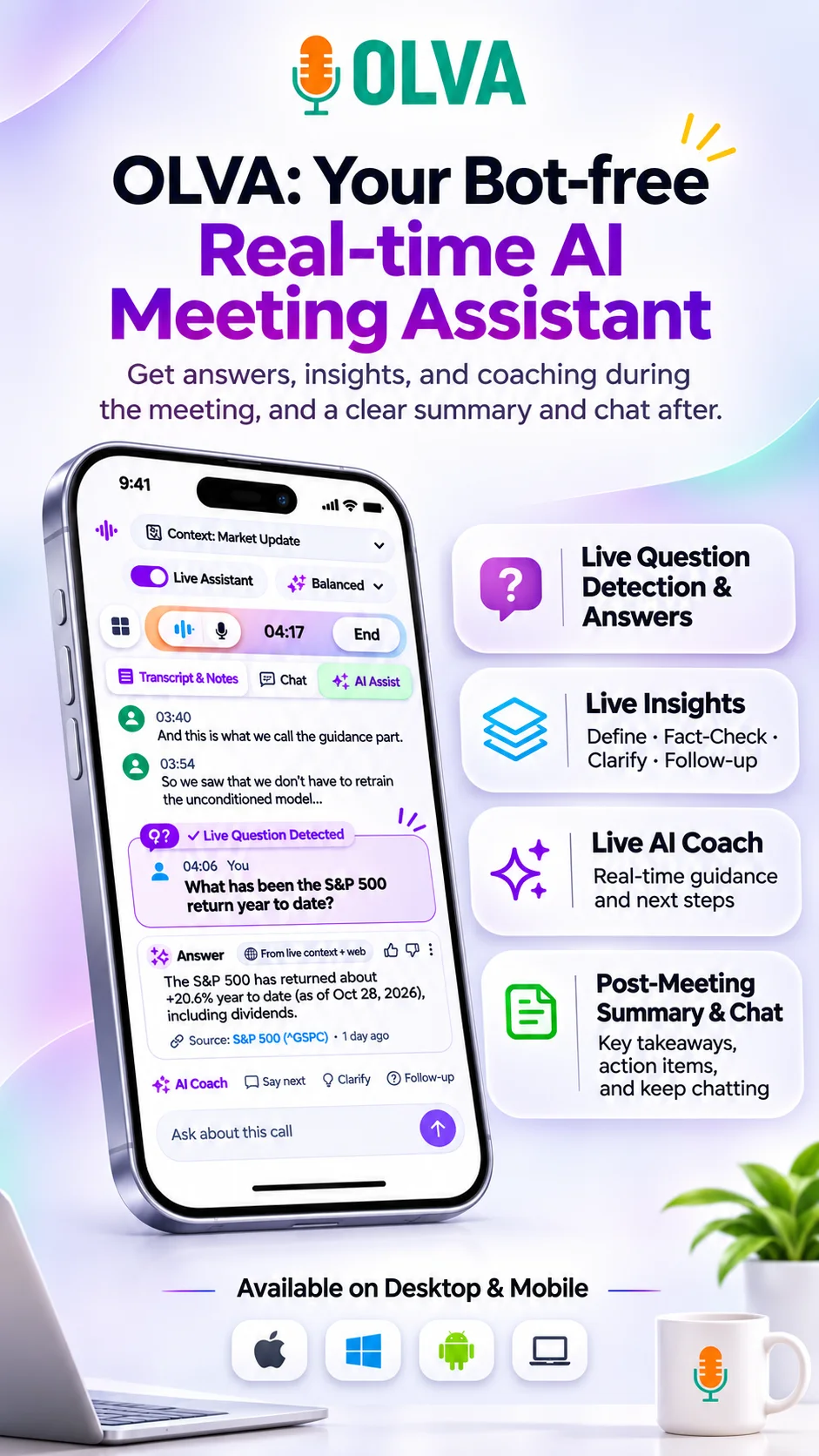
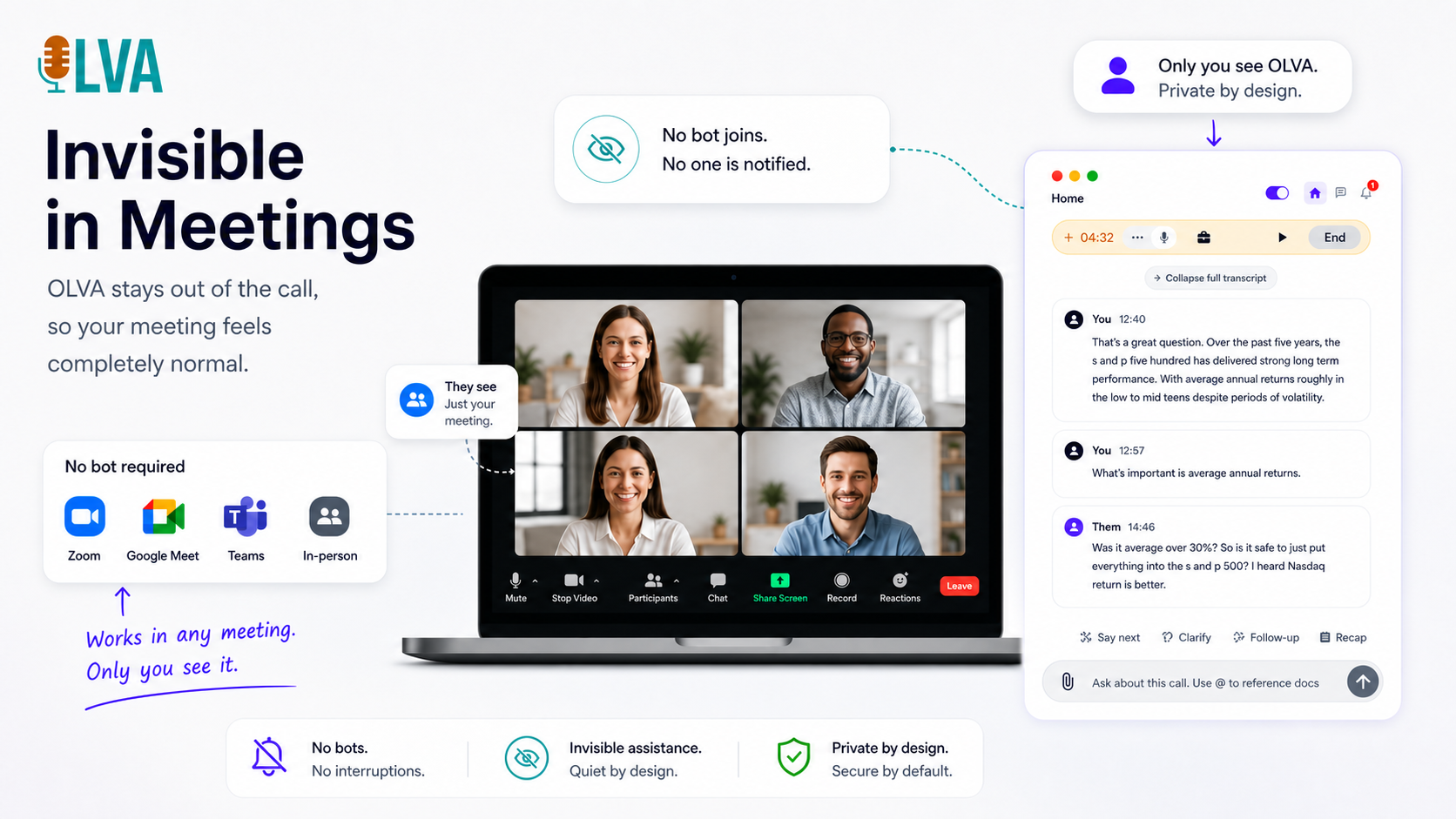
OLVA delivers live meeting intelligence for Zoom, Meet, Teams, and in-person conversations without joining as a bot. Get question detection, live answers, coaching, multilingual transcription, and searchable meeting memory.
Core features
Built for live meetings.
On desktop, the mascot menu changes with the page. It shows how-tos for where you are, plus FAQ and contact. On a meeting it also suggests what to do next.
Live transcript
Capture conversation in real time
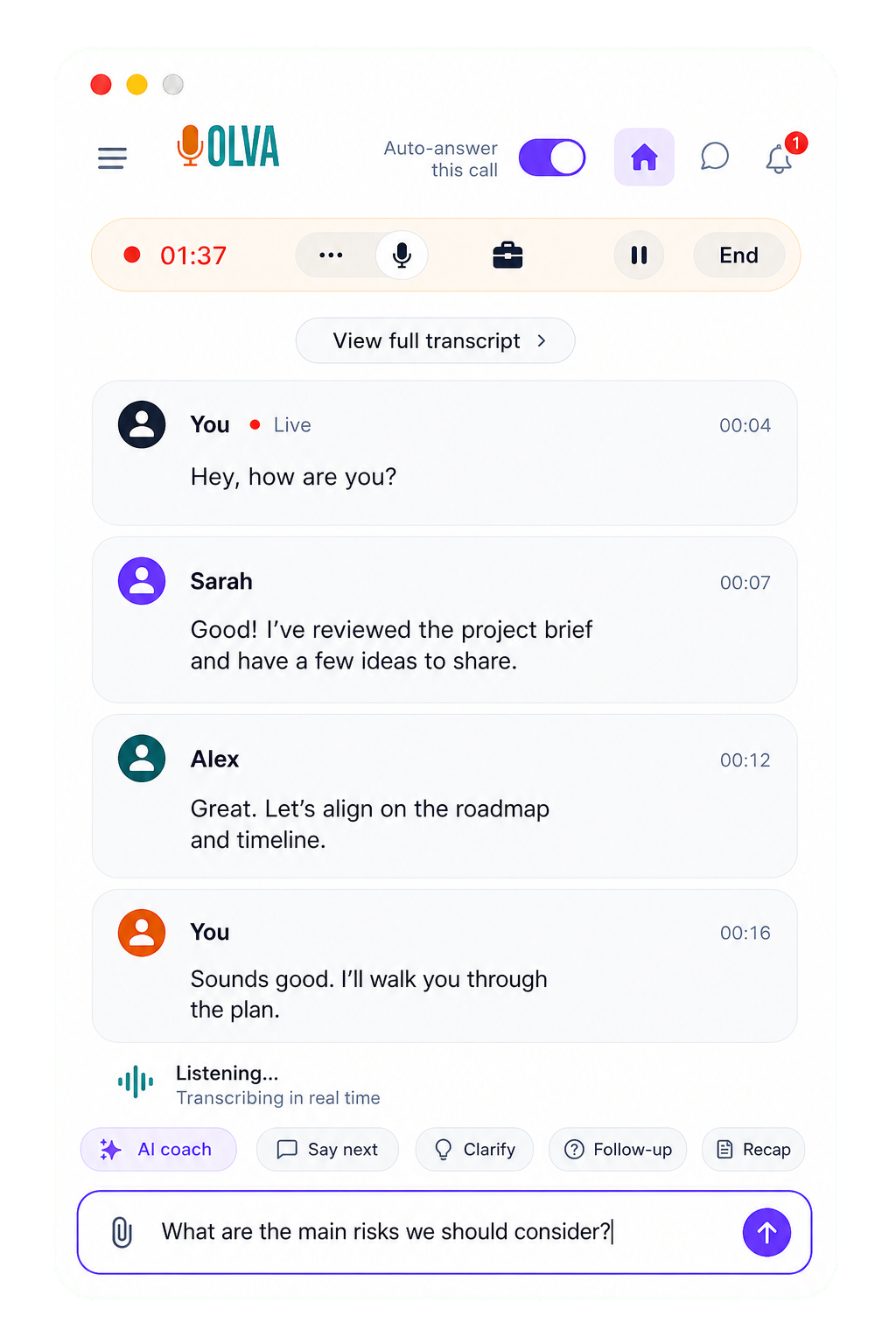
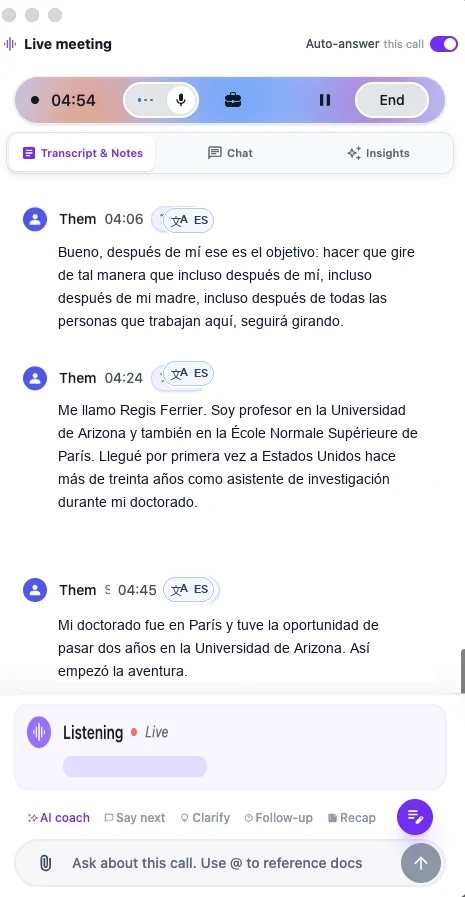
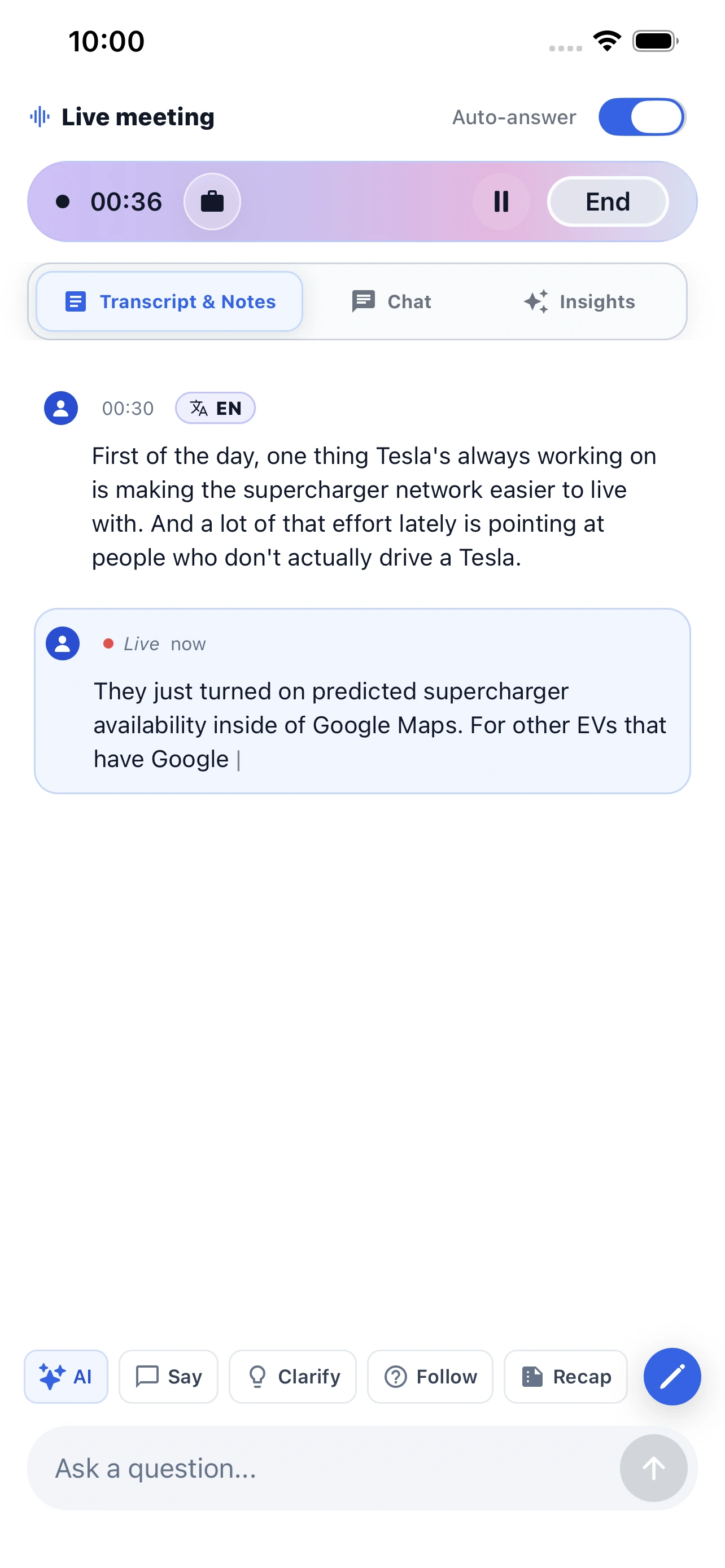
Follow the meeting as it happens. The transcript keeps pace with each speaker and detects the language as the conversation moves between languages.
Language detection Up to 87 language and regional options Live captions
Question detection
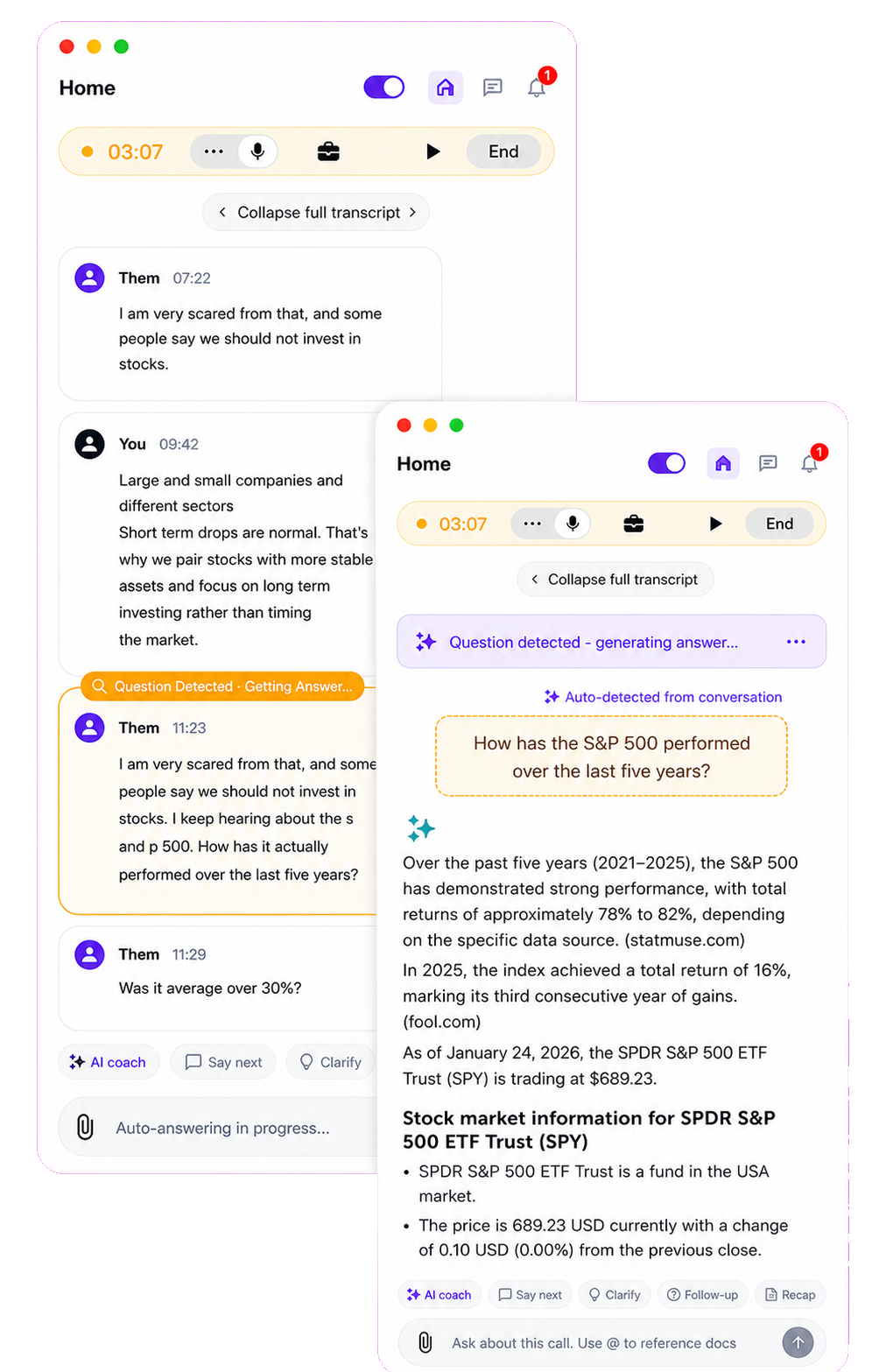
Automated question detection & answer
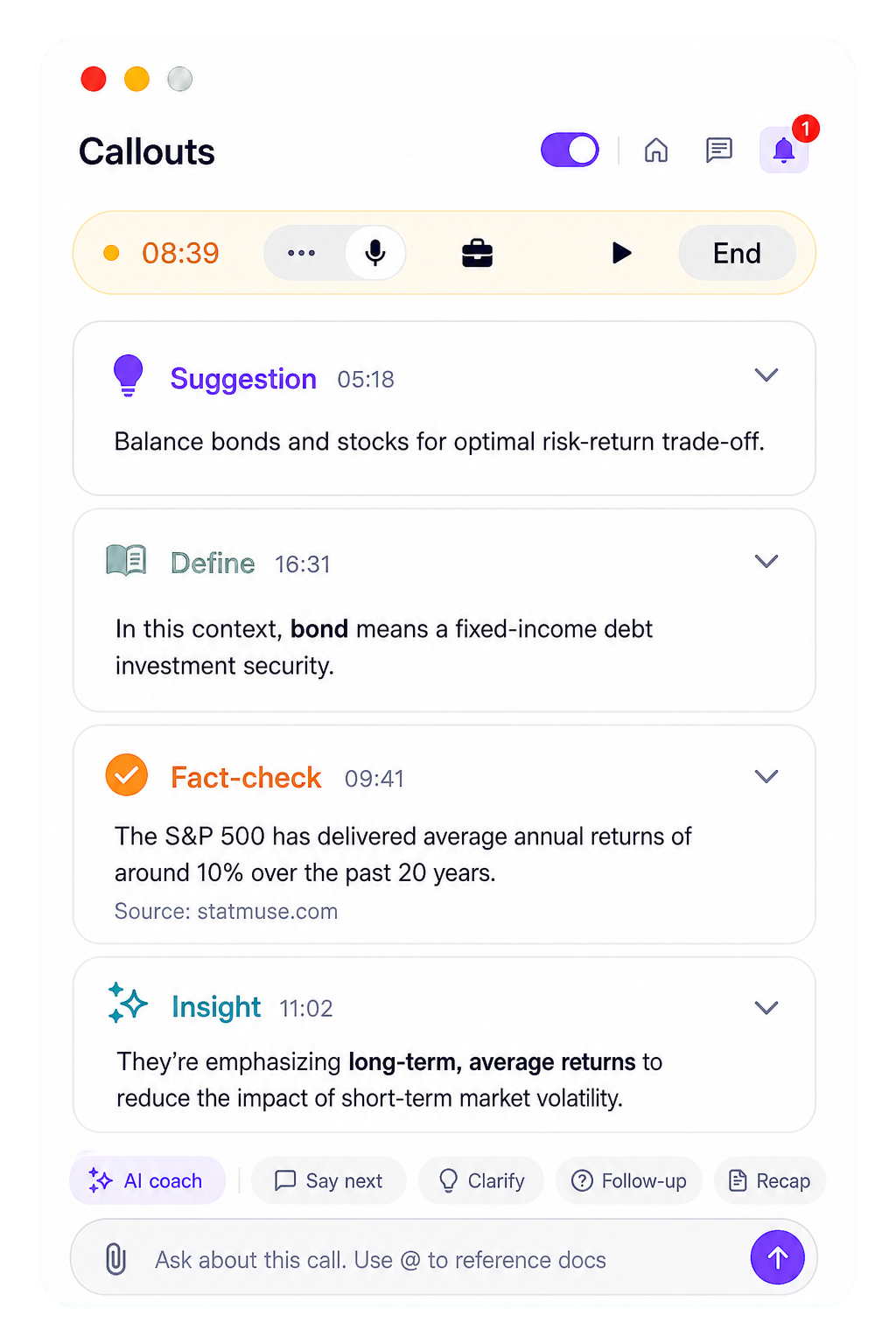
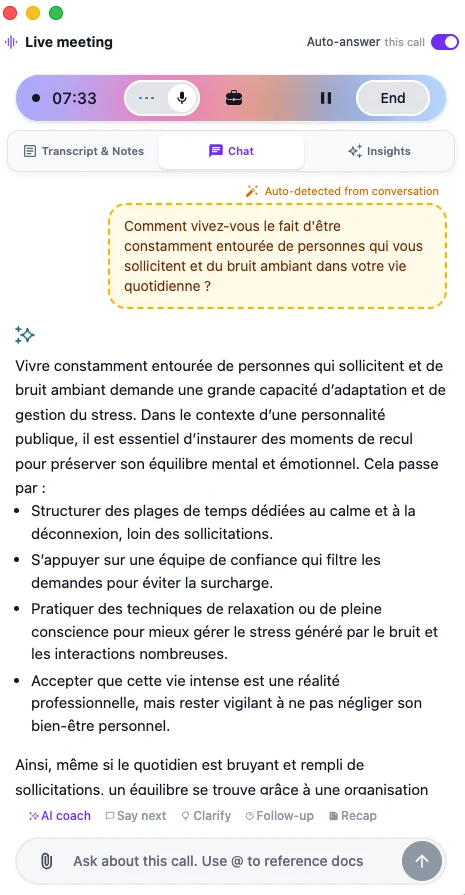
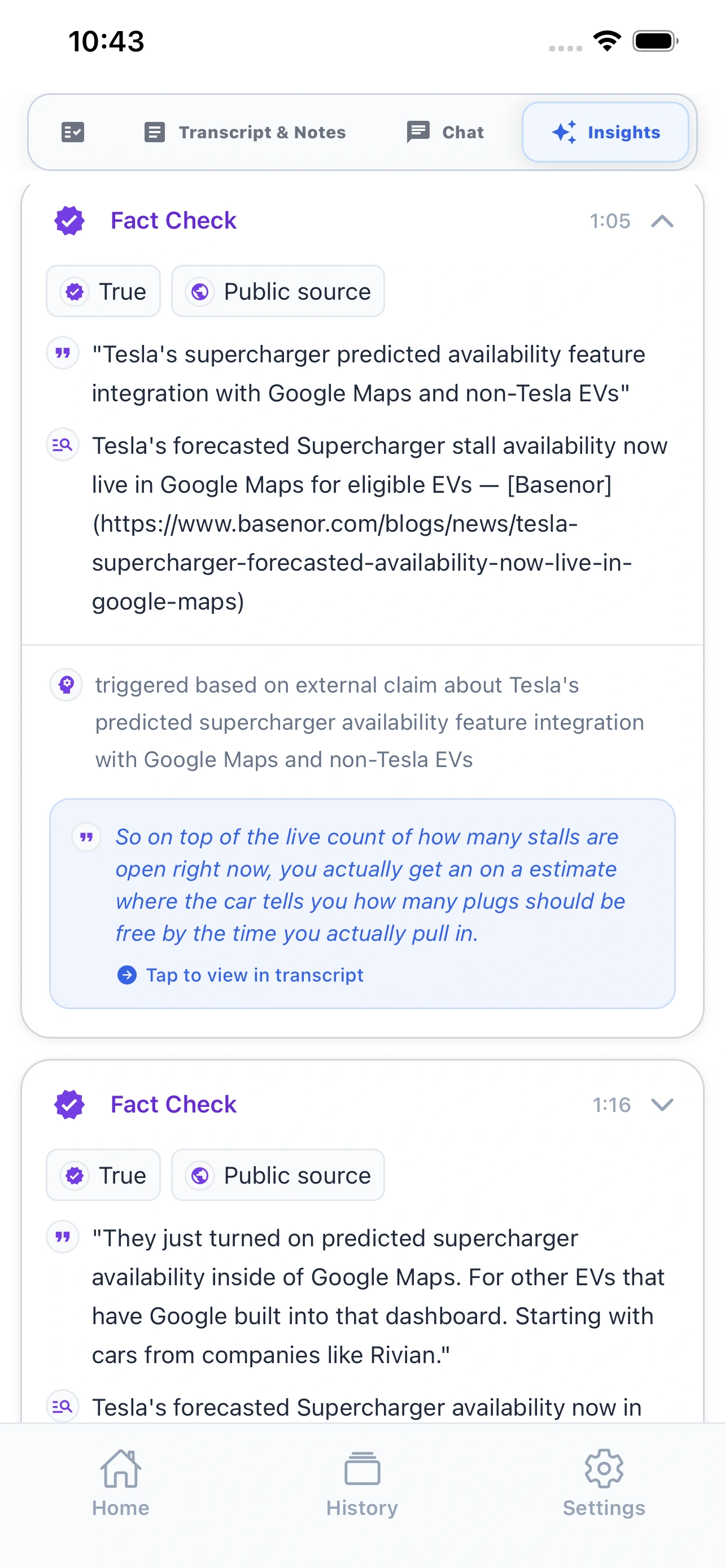
OLVA recognizes questions in the conversation automatically and brings them forward without forcing you to stop, search, or type in the middle of the call.
In-meeting answers
Live Q&A
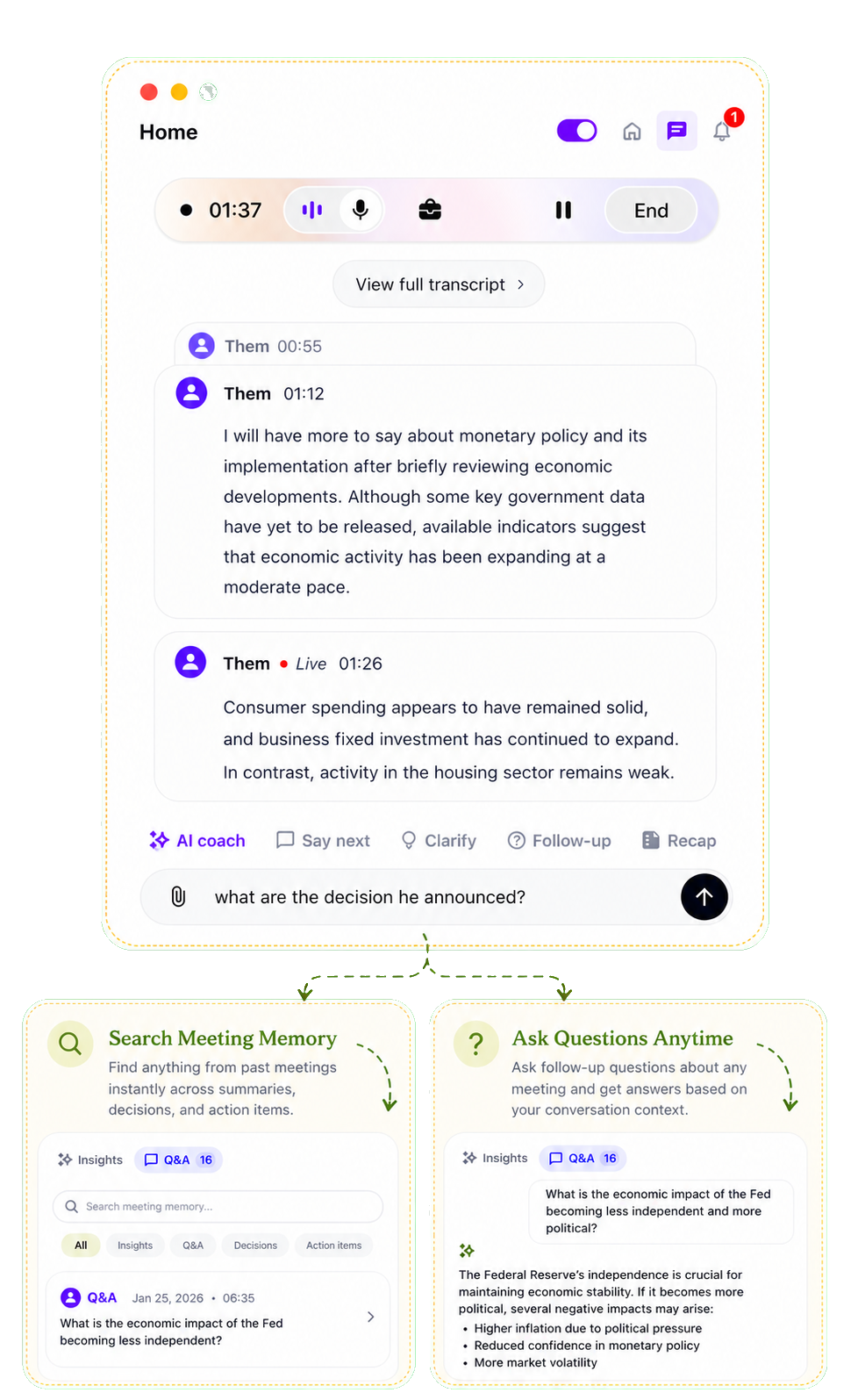
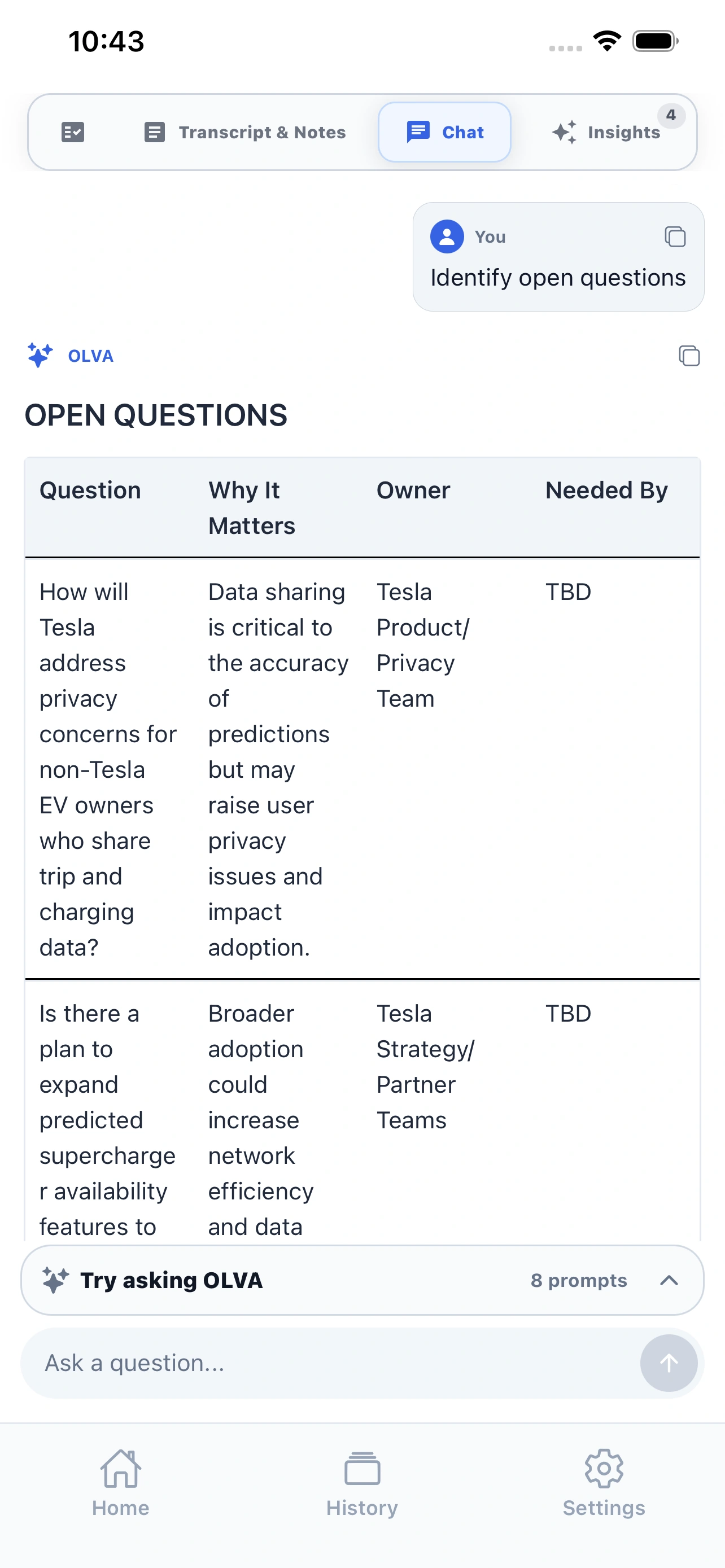
Ask about the meeting while you are still in it. OLVA uses the active transcript and your connected context to help you answer with confidence.
Live intelligence
Live insights
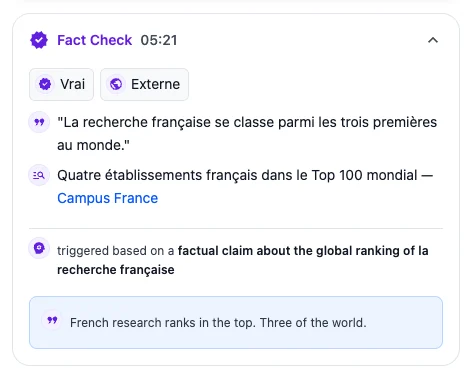
Turn live insight on when you want signals, risks, and follow-ups during the meeting. Question detection stays on either way. Set the default for new meetings in Settings, then change it for an individual meeting whenever you need to.
New feature
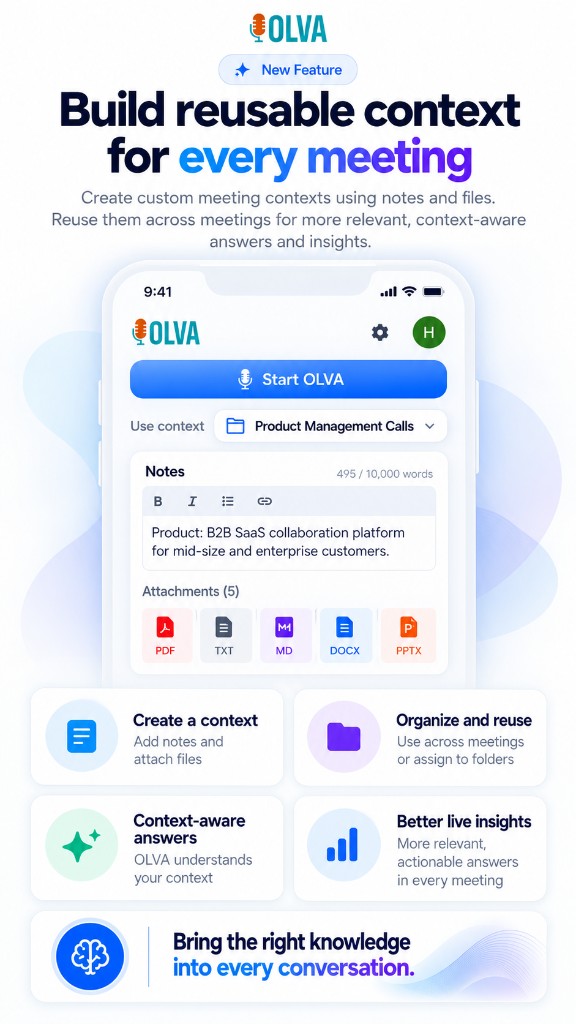
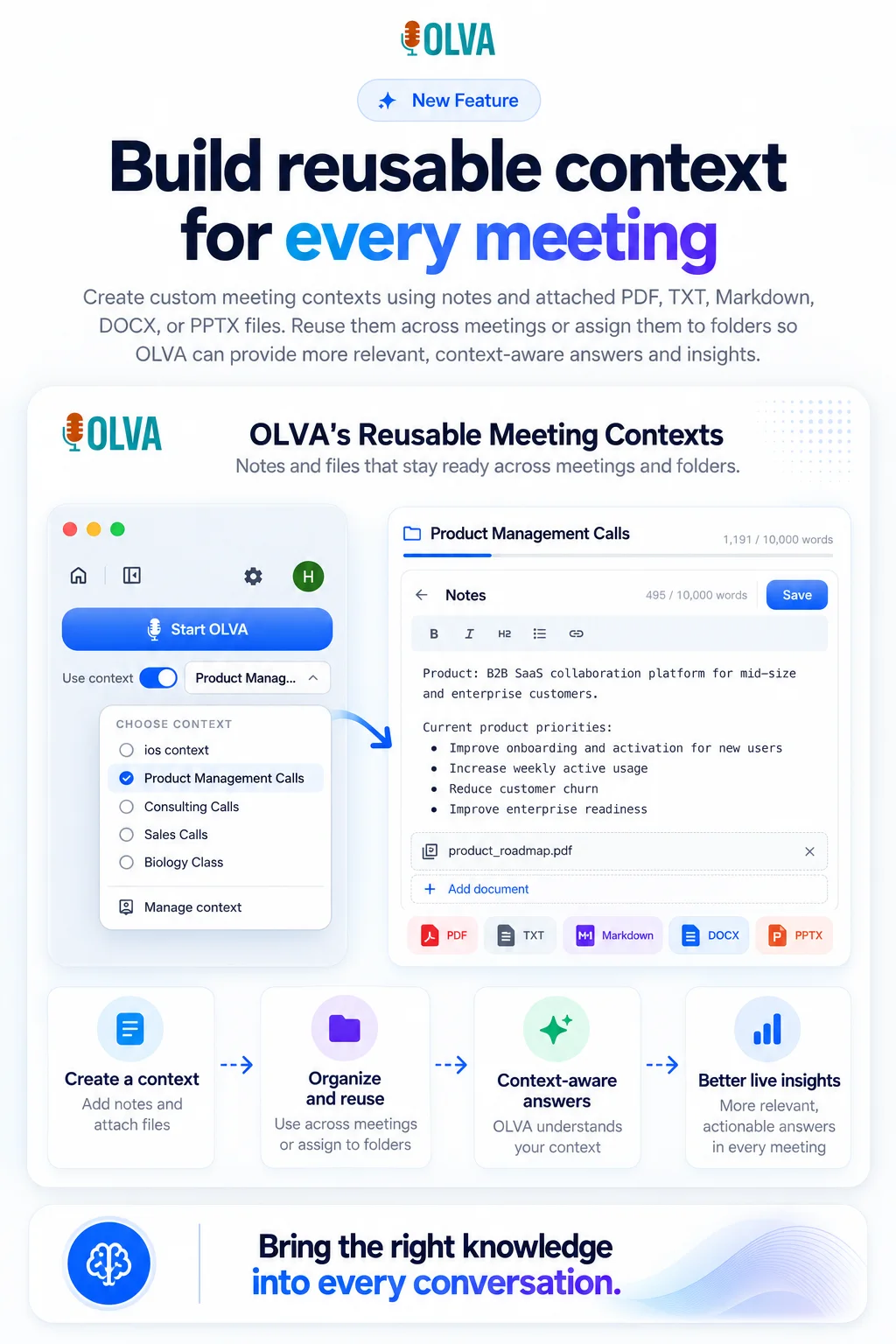
Reusable meeting context
Open the context manager to add notes and files. Notes and imported files share your plan’s word limit. Assign the context to a folder, or pick it beside Start OLVA. On iPhone the context stays on the phone and syncs later.
Notes and files Folders Desktop and iOS
New feature
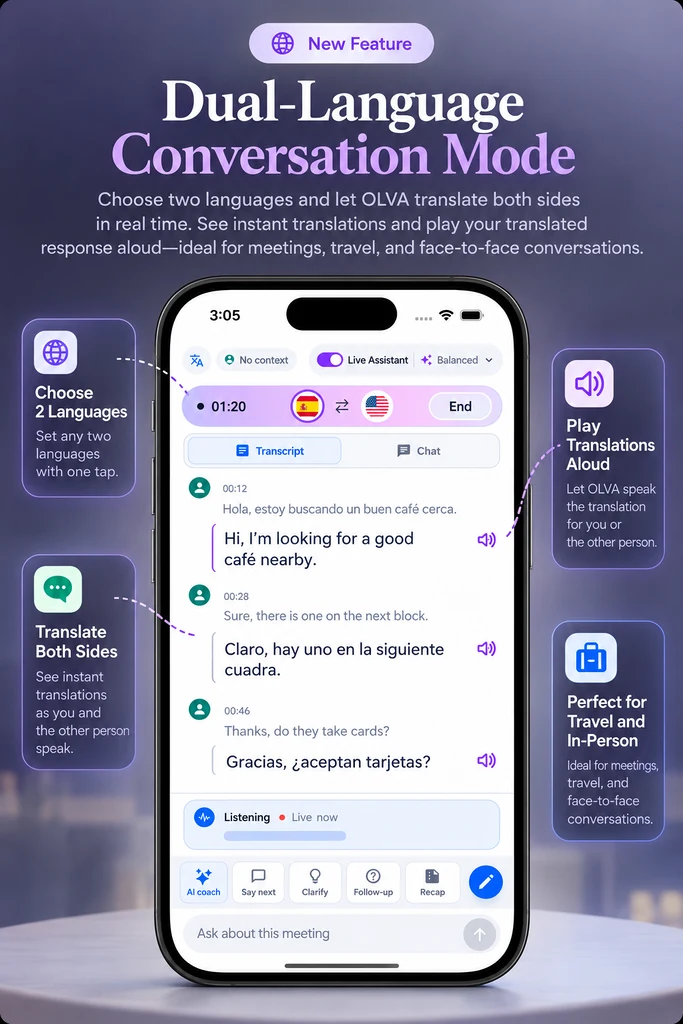
Dual-language conversation mode
Choose two languages and let OLVA translate both sides in real time. See instant translations and play each translated response aloud—ideal for meetings, travel, and face-to-face conversations.
Two languages Both sides Read aloud Travel and in-person
Mobile app
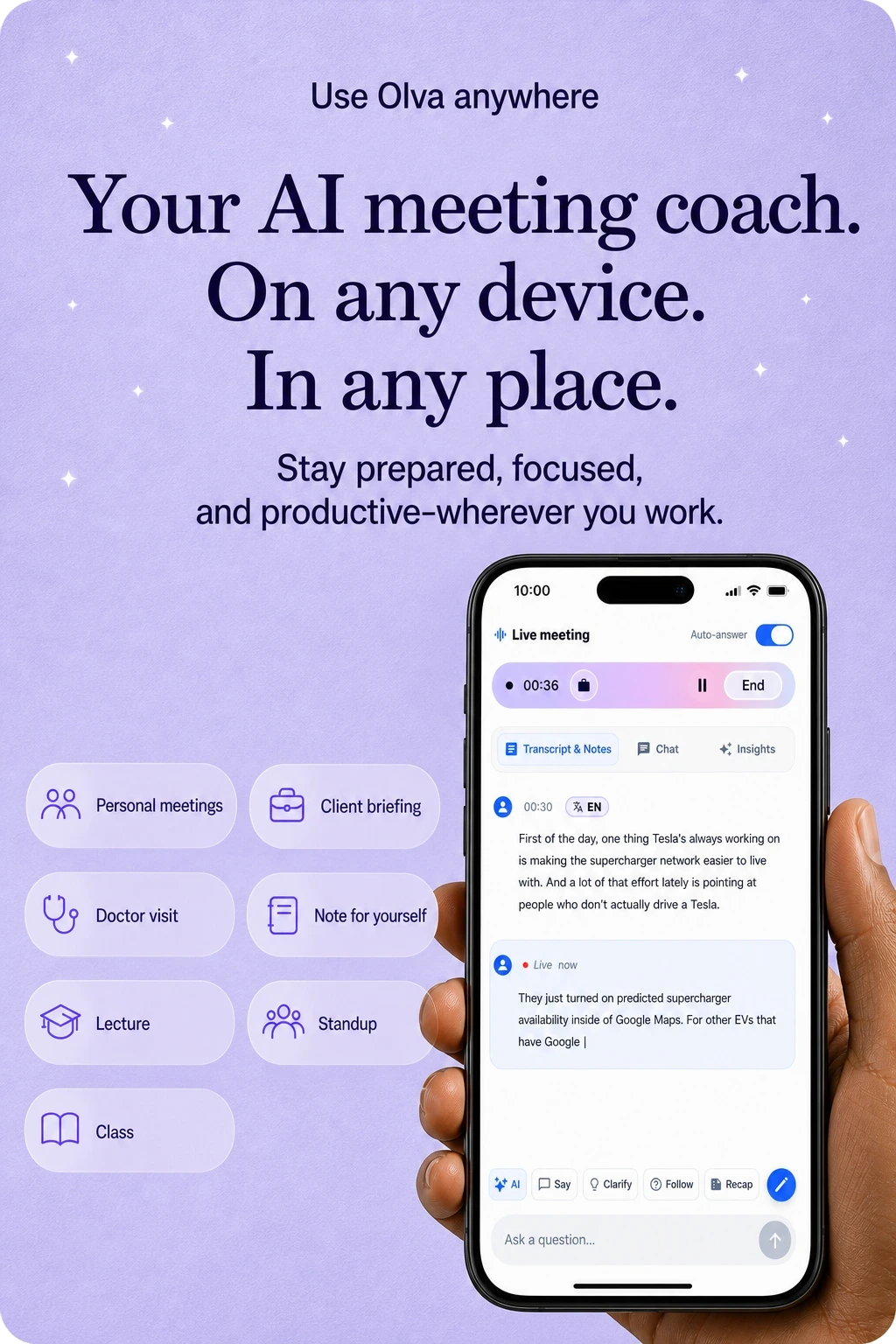
In-person conversations
Use OLVA in the room, not only on a video call, for client visits, classes, and conversations away from the desk. On iOS and Android, OLVA uses the microphone for in-person conversations. It does not capture another app’s system audio. Capture can pause when the app moves into the background or another app takes audio focus; return to OLVA to check and resume capture. Review recaps and ask follow-up questions after the meeting.
OLVA offers up to 87 language and regional options, depending on your transcription configuration. The default configuration supports automatic detection and multiple spoken-language selections. Translation output is a separate setting.
DutchEnglishFrenchGermanHindiItalianJapanesePortugueseRussianSpanishMore languages available
Transcripts, answers, and summaries follow the meeting language.
Optional live translation
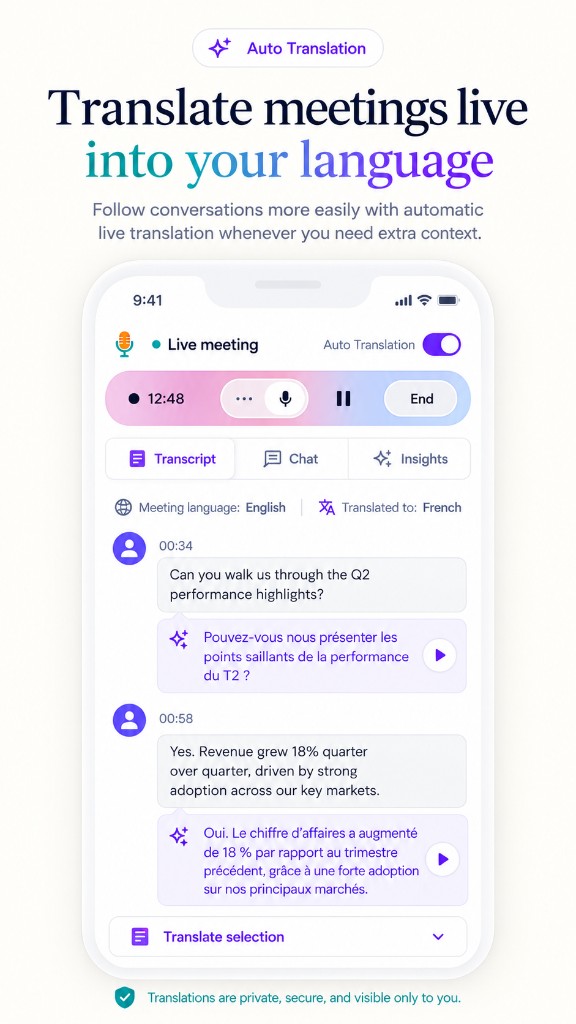
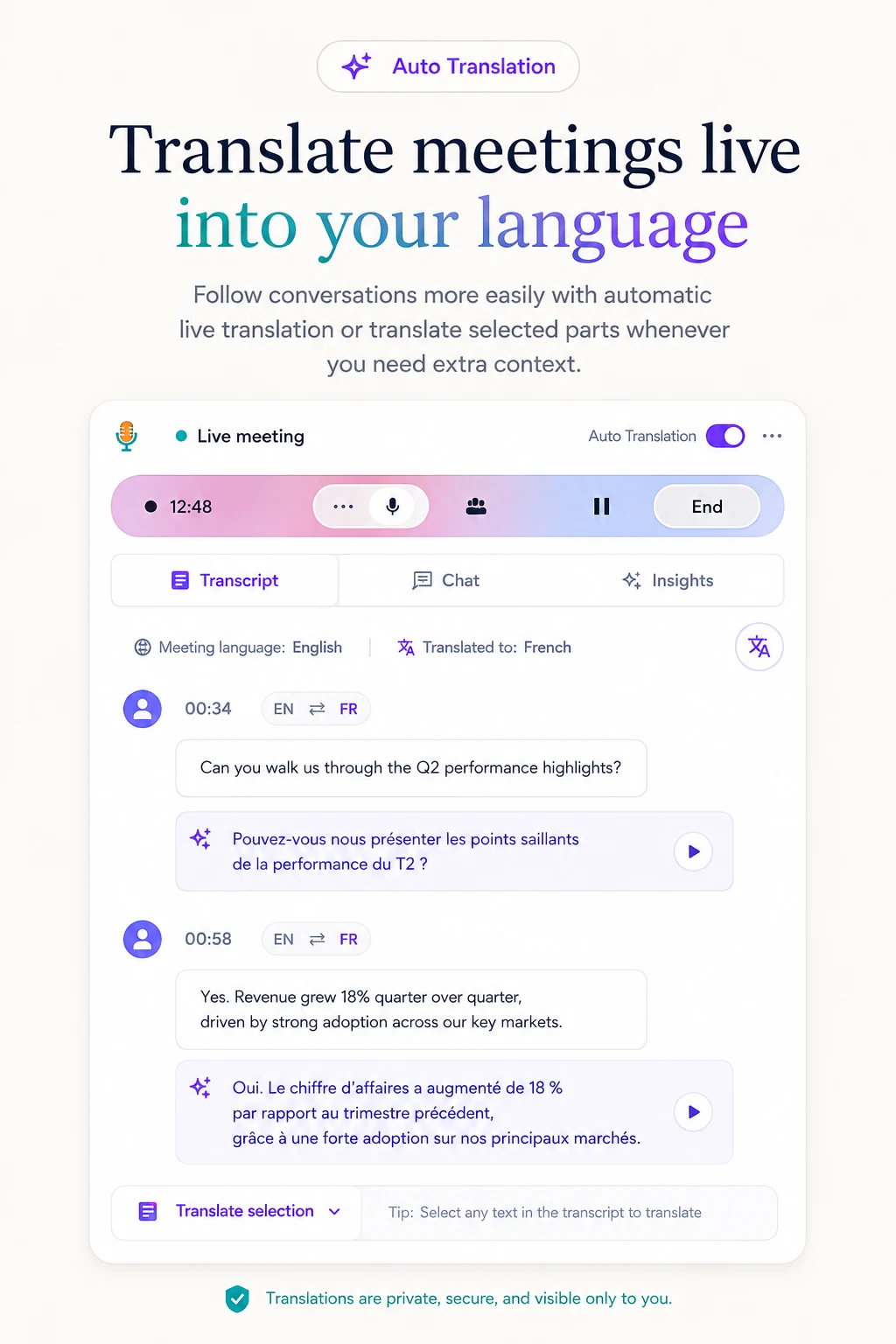
Live Translation
Auto + manual translation: enable live translation and choose your output language. View original text, translation, or both; spoken-language recognition is configured separately.
Editable PowerPoint
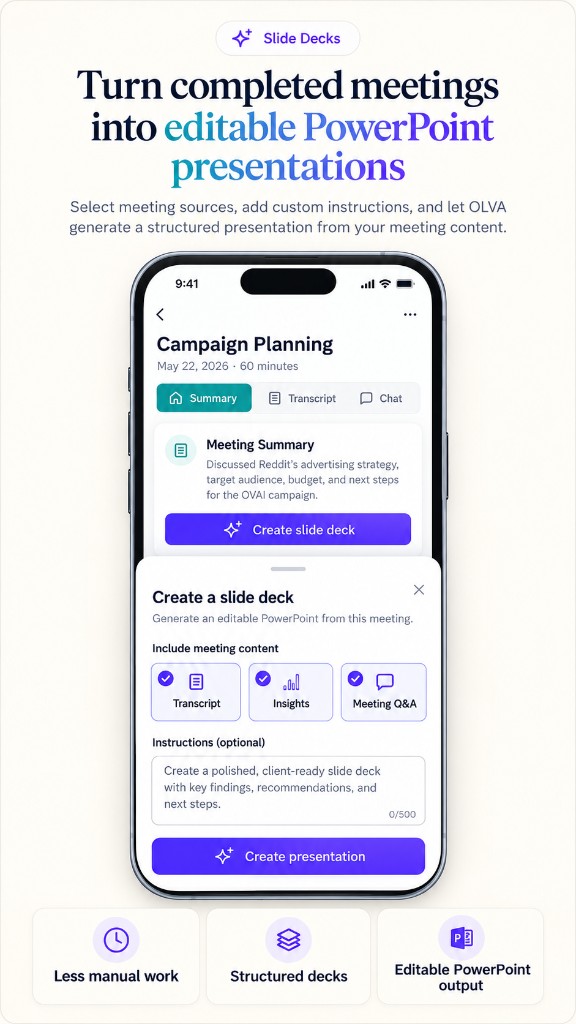
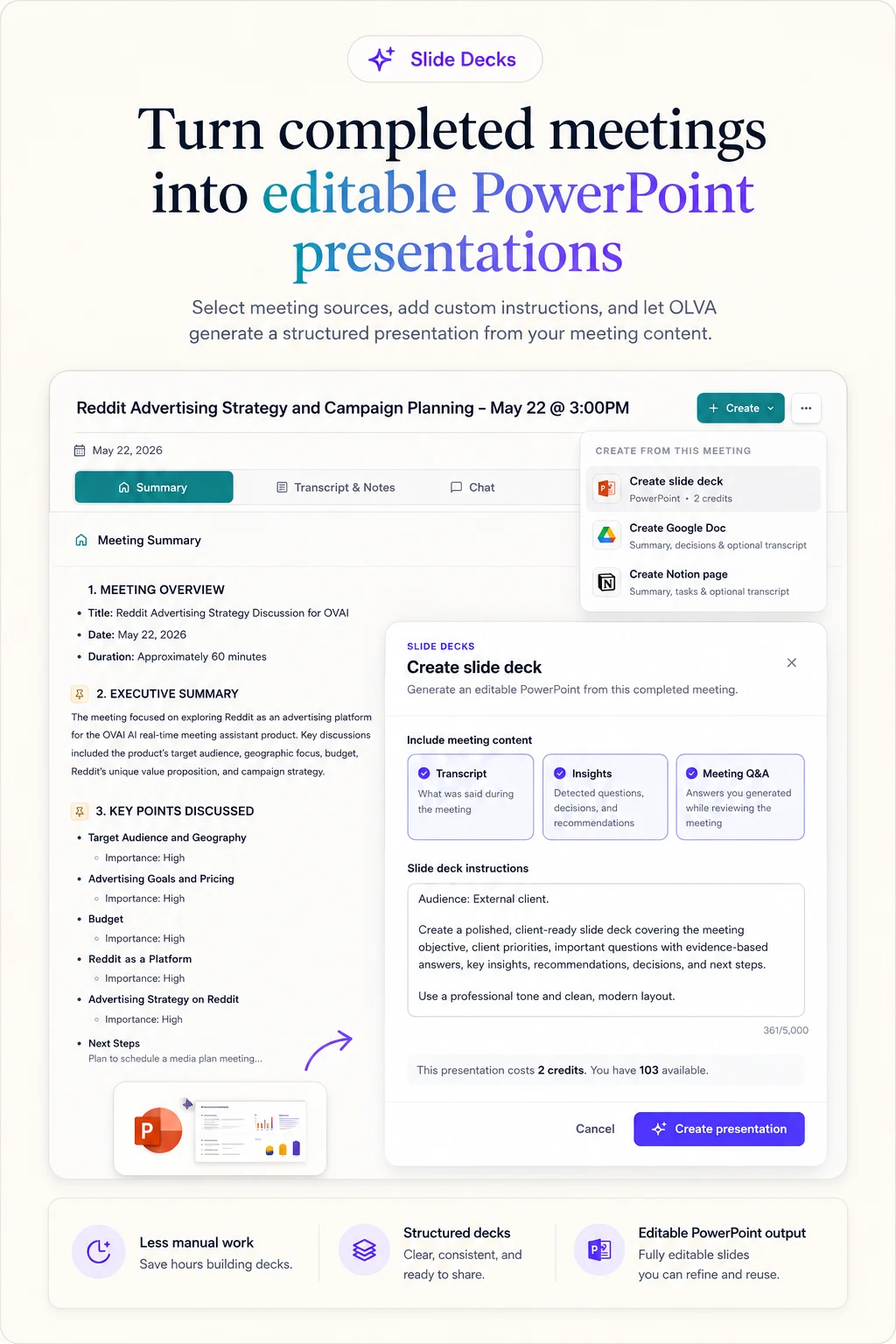
Slide Decks
Turn completed meetings into editable PowerPoint presentations using the transcript, insights, and meeting Q&A. Generation uses feature credits; review the quoted cost in the app before generating. Download the deck to edit in PowerPoint or import into Google Slides.
More features
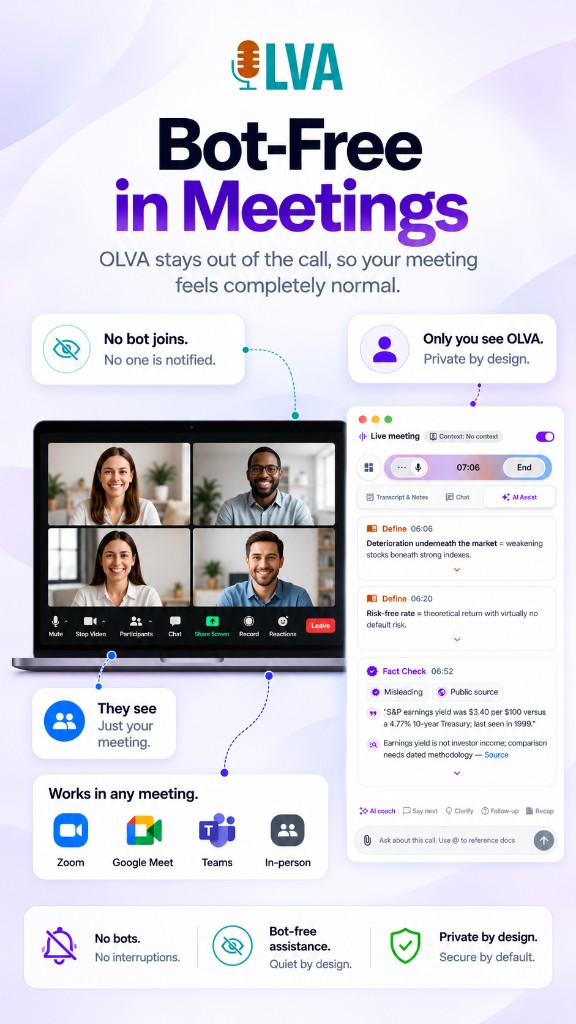
Bot-free capture. Bot-free capture keeps OLVA off the meeting roster. Desktop Incognito is a separate Pro/Ultra feature that hides the OLVA window from supported screen-sharing capture. It is not a guarantee against every capture or detection tool; verify your screen-sharing setup.
Capture options
No meeting bot
OLVA captures from your device without joining the meeting roster.
Desktop · Pro / Ultra
Incognito screen sharing
Hide OLVA from supported screen-sharing capture. Verify your setup; this is separate from bot-free capture.
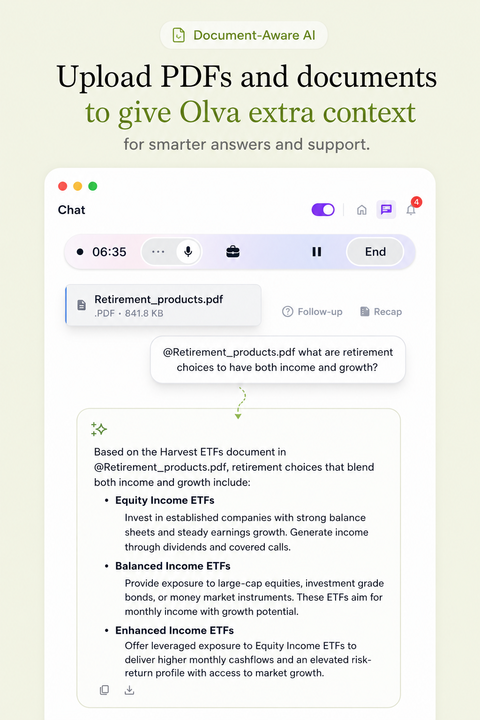
Document aware. Add a PDF, text, Markdown, Word, or PowerPoint file while creating or editing a meeting context. OLVA uses that context for answers and insights. Chat does not attach files.
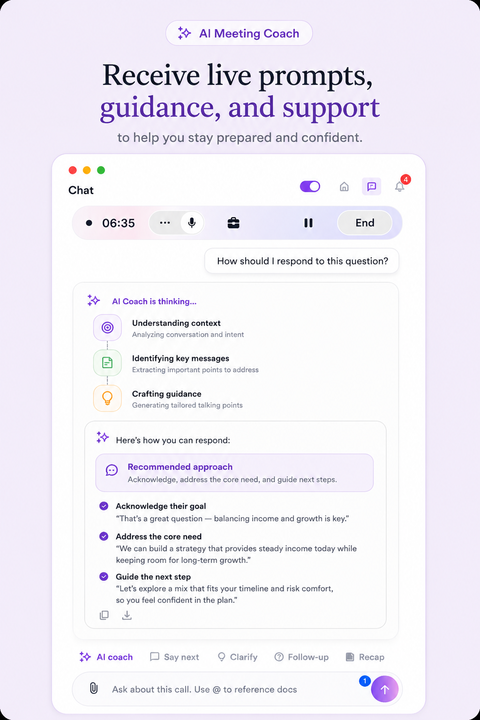
AI coach. Receive live prompts, guidance, and support when the conversation calls for a stronger answer, sharper framing, or a better next question.
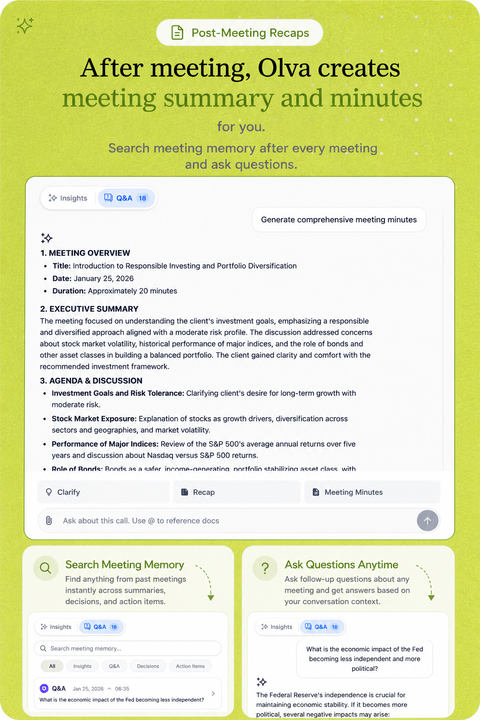
Post meeting. Return after the call to summaries, minutes, action items, and searchable meeting memory that keep the work moving once the meeting ends.
Product demo
See the live meeting workflow in motion.
Watch how OLVA stays private, detects questions, and brings answers into the conversation without joining the call.
Platform compatibility
Works on all platforms, no meeting bots.
OLVA captures your computer audio directly, so it works beside the meeting tools you already use without joining your call.
Zoom
Google Meet
Microsoft Teams
Slack huddles
Webex
In-person
Zoom
Google Meet
Microsoft Teams
Slack huddles
Webex
In-person
Mobile apps
OLVA is live on iOS and Android.
Use your phone’s microphone for in-person conversations, then revisit meeting memory and ask follow-up questions. Keep OLVA open to monitor capture; mobile does not capture another app’s system audio.
Live meeting companion
Record in-person conversations, follow the transcript, and ask OLVA when you need help in the moment.
Meeting memory in your pocket
Review recaps, history, and follow-up Q&A after the meeting without waiting to get back to your desktop.
How OLVA compares with Granola, Fireflies, Fathom, and Otter.
We built OLVA for the hardest part of the meeting: the live moment when you need context, confidence, and a better answer before the conversation moves on.
Granola
Popular for personal, bot-free meeting notes and a lightweight writing workflow.
Fireflies.ai
Known for team transcripts, searchable meetings, and conversation intelligence.
Fathom
A common pick for easy call recording, summaries, clips, and CRM follow-up.
Otter.ai
Well known for transcription, collaborative notes, and searchable meeting records.
Feature comparison: OLVA vs Granola, Fireflies.ai, Fathom, and Otter.ai
Feature
OLVA
Granola
Fireflies.ai
Fathom
Otter.ai
Live insight
Live insight while the meeting is still happening.
Some live assistance
Primarily capture and review
Primarily capture and review
Live transcription and chat
AI coach
AI coach for thinking, responding, and steering live conversations.
Limited live guidance
Post-call coaching tools
Post-call workflows
Meeting chat and agents
Document-aware chat
Document-aware chat across decks, briefs, contracts, notes, and meeting memory.
Meeting context focused
Meeting context and integrations
Meeting context focused
Meeting context and file workflows
Auto-detected questions
Auto-detected questions that surface the moment help may be useful.
Not a primary documented workflow
Not a primary documented workflow
Not a primary documented workflow
Not a primary documented workflow
Botless by default
No visible meeting bot because OLVA captures from the user’s device.
Botless device capture
Bot and capture options vary
Bot-based and desktop capture options
Bot and capture options vary
Multilingual meetings
Up to 87 language and regional options. Availability varies by configuration; automatic detection is available in the default configuration.
Published language support varies
Published multilingual support
Published language support varies
Published multilingual support
Live translation
Live transcript translation during active meetings, with automatic or manual language selection.
Not available
Not available
Not available
Not available
In-person meetings
Desktop and mobile capture for conversations outside video calls.
Desktop capture
Mobile and upload workflows vary
Desktop-focused
Mobile transcription
Mobile support
iOS and Android companion apps for live capture, recaps, history, and follow-up Q&A.
Mobile note access
Mobile capture and review
Desktop-focused
Mobile transcription and notes
Post-meeting memory
Searchable meeting memory with summaries, insights, exports, and follow-up Q&A.
Notes and meeting history
Transcripts, summaries, and search
Recordings, summaries, and search
Transcripts, summaries, and search
Professional slide decks
Professional slide deck generation creates editable PowerPoint presentations from meeting context that you can also import into Google Slides.
Not available
Not available
Not available
Not available
Primary emphasis
Help during the live moment, followed by post-meeting memory.
Collaborative note writing
Meeting capture and intelligence
Recording and follow-up
Transcription and meeting agents
Comparison facts reviewed July 20, 2026. Products change; claims are scoped to reviewed public information. Sources and corrections.
Pricing
Pick the plan by how you meet.
Billing
Want help during the meeting?
Transcripts and summaries, plus real-time answers, insights, and coaching.
Wie der Zwei‑Sprachen‑Modus Ihr Telefon in einen bidirektionalen Gesprächsübersetzer für Geschäftsreisen verwandelt
Verwandeln Sie Ihr Telefon mit OLVAs Zwei‑Sprachen‑Lingo‑Modus in einen bidirektionalen Gesprächsübersetzer. Erfahren Sie, wie Echtzeit‑Übersetzungen ohne Bot‑Beitritt und abgespielte Audioausgaben Geschäftsreisenden, Gründern und Beratern helfen, Meetings im Ausland flüssig und kontextbewusst zu führen.
Como o modo bilíngue transforma seu celular em um tradutor bidirecional para viagens a negócios
Transforme seu celular em um tradutor bidirecional com o modo Bilíngue da OLVA. Traduções em tempo real e reprodução em áudio ajudam viajantes de negócios, fundadores e consultores a manter a fluidez em reuniões presenciais no exterior.
Come la modalità bilingue trasforma il tuo telefono in un traduttore bidirezionale per i viaggi di lavoro
Trasforma il tuo telefono in un traduttore bidirezionale con la Modalità Lingo Bilingue di OLVA. Scopri come traduzioni in tempo reale e riproduzione vocale aiutano viaggiatori d'affari, founder e consulenti durante incontri internazionali in presenza.
startupfame published an article about OLVA Live AI Meeting Coaching With Real-Time Insights
OLVA is a botless AI meeting assistant built by Mindle Inc. It provides live transcription, automatic question detection, and private answers and coaching during meetings, followed by summaries and searchable meeting memory. Live AI meeting coaching is included on the Free plan, which comes with 2 hours of meeting time in total.
SaaSCity’s new review calls OLVA “the bot-free AI meeting assistant that helps while the call is still live,” highlighting its real-time answers, question detection, document-aware context, live translation, and privacy-first design. The review positions OLVA as a strong choice for professionals who need help during meetings—not just notes afterward.
Is there an AI meeting assistant that does not join as a bot?
Yes. OLVA works as a private desktop and mobile companion instead of joining your Zoom, Google Meet, Microsoft Teams, Slack huddle, Webex, or in-person meeting as a visible participant.
Can OLVA answer questions live during a meeting?
Yes. OLVA follows the live transcript, detects questions automatically, and can generate contextual answers, coaching prompts, and follow-up suggestions while the conversation is still happening.
How is OLVA different from a normal AI notetaker?
Most AI notetakers focus on notes after the call. OLVA is built for the meeting itself: live transcription, question detection, AI Boost, document-aware answers, coaching, and post-meeting memory.
Does OLVA join my meetings?
No. OLVA captures from your own device and does not appear as a meeting participant. It is a lighter way to bring AI into the room while you keep the normal consent and notice practices your meetings already require.
These are public profile, store, and article pages where OLVA is listed. They are not awards, star ratings, or reviews we control.
See current plans on pricing and sourced product claims on Product facts.