
Sharper Live Help on Mobile
OLVA 1.6.5 brought the mobile meeting experience closer to desktop and made live answers more concise and readable.
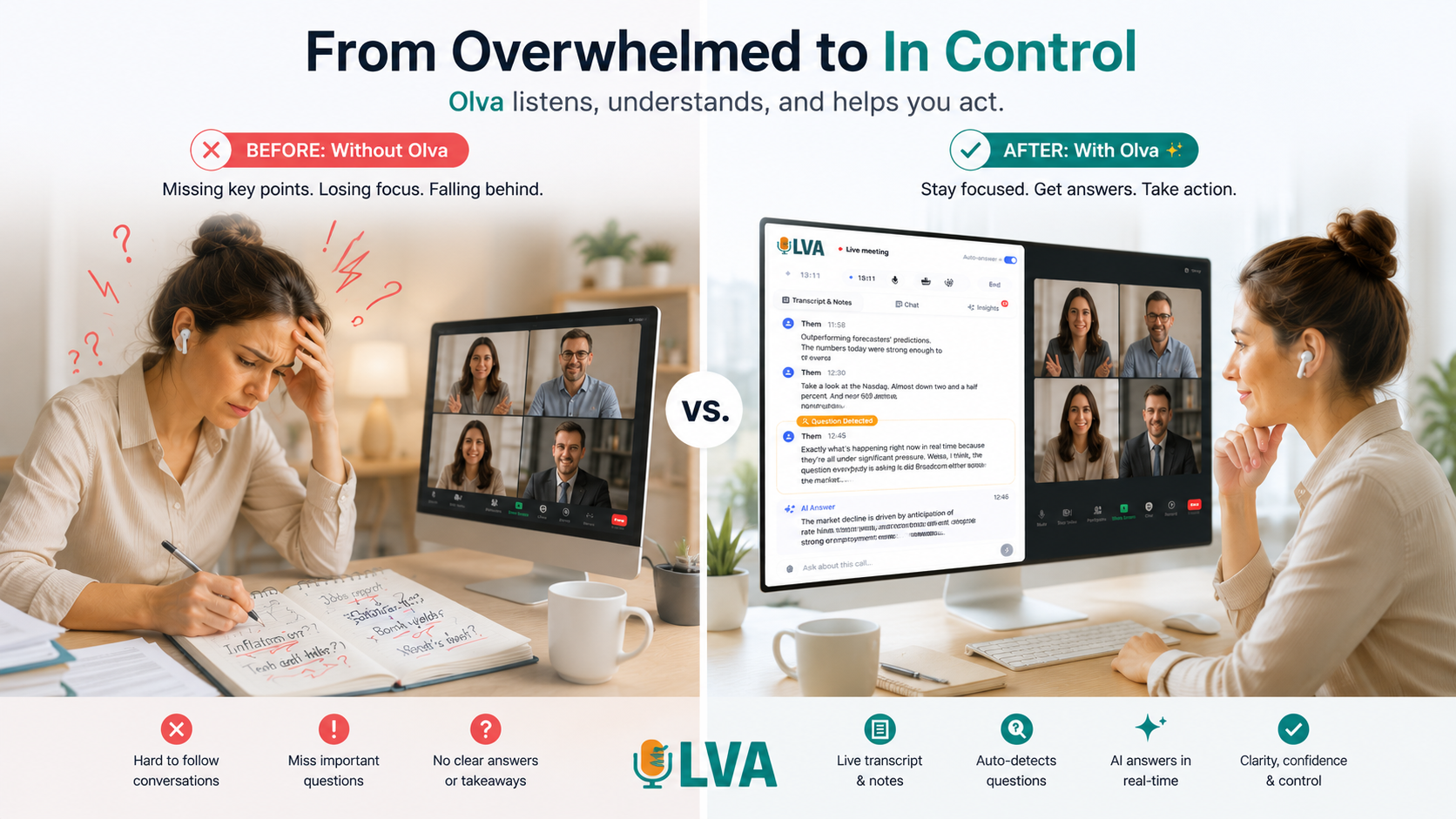
Product update
What changed
OLVA 1.6.5 brought mobile meeting workflows closer to the desktop experience. The live meeting view, controls, transcription context, and AI assistance were refined for professionals who use OLVA in a room, at an event, or anywhere away from their desk.
A polished mobile meeting view
Clearer controls and ordering keep the live conversation and AI help easier to follow.
Concise live answers
Detected-question answers are shorter, better structured, and easier to scan during a conversation.
Improved AI coaching
Coaching responses use cleaner Markdown and more focused guidance when you need the next move.
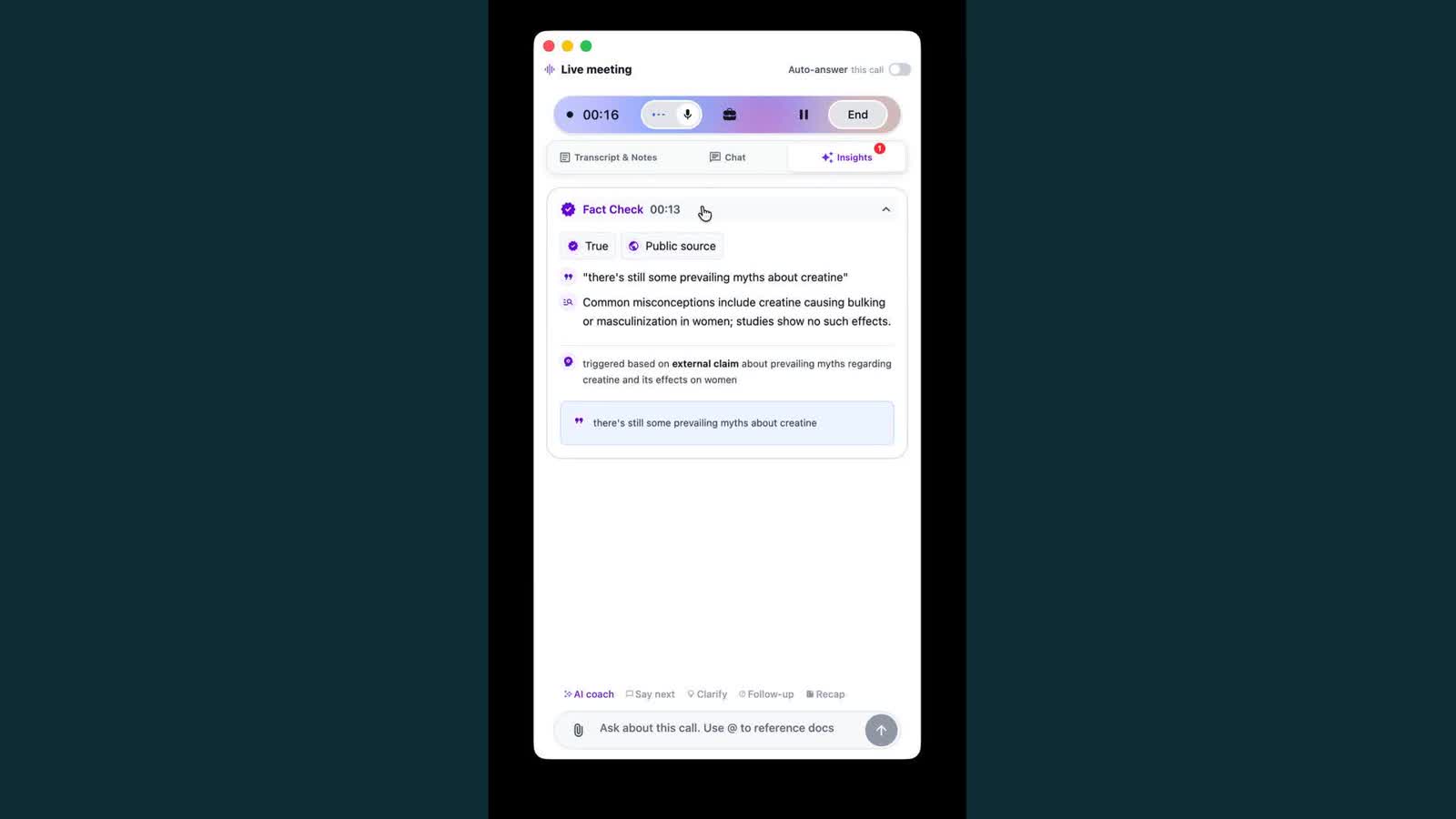
Automatic question detection was tightened to focus on the latest part of the conversation. Answer presentation gained clearer structure, while live-assist prompts were shortened so the result is useful at a glance instead of becoming another thing to read during the meeting.
The release also improved mobile onboarding and aligned core meeting behavior across platforms, making it easier to start with OLVA and carry it into in-person work.