
Multilingual Meetings Arrive in OLVA
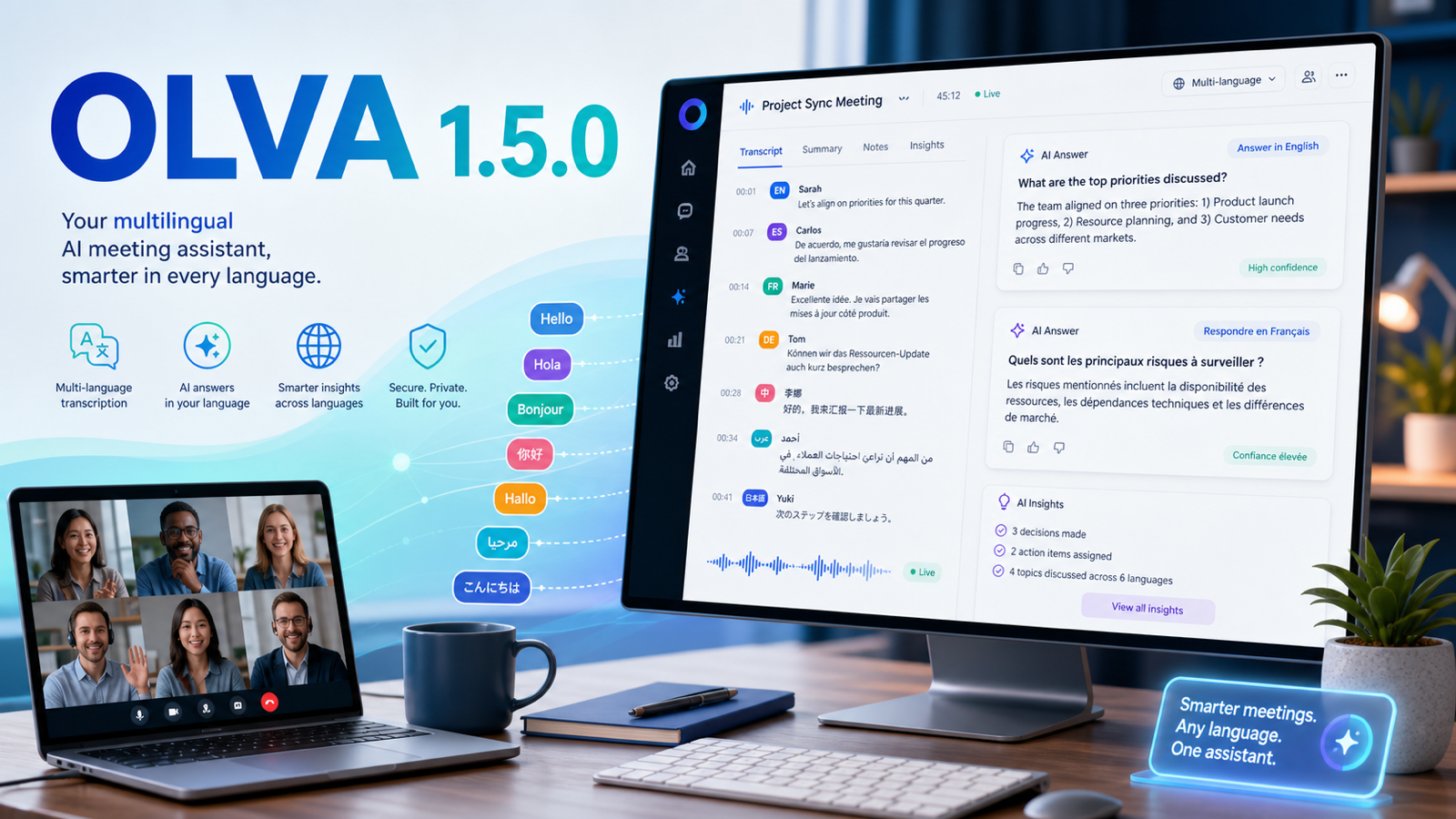
OLVA 1.5.0 introduced multilingual transcription, language-aware AI help, and clearer transcript review across desktop and mobile.
Product update
What changed
OLVA 1.5.0 made multilingual meetings a first-class product experience. You can let OLVA detect the spoken language automatically or choose a specific transcription language before a meeting begins.
Auto multilingual transcription
Start in automatic mode for conversations that move naturally across supported languages.
Language-aware AI help
Live answers, insights, and follow-up content better follow the language of the conversation.
Clearer transcript review
Language badges and improved right-to-left rendering make multilingual transcripts easier to revisit.
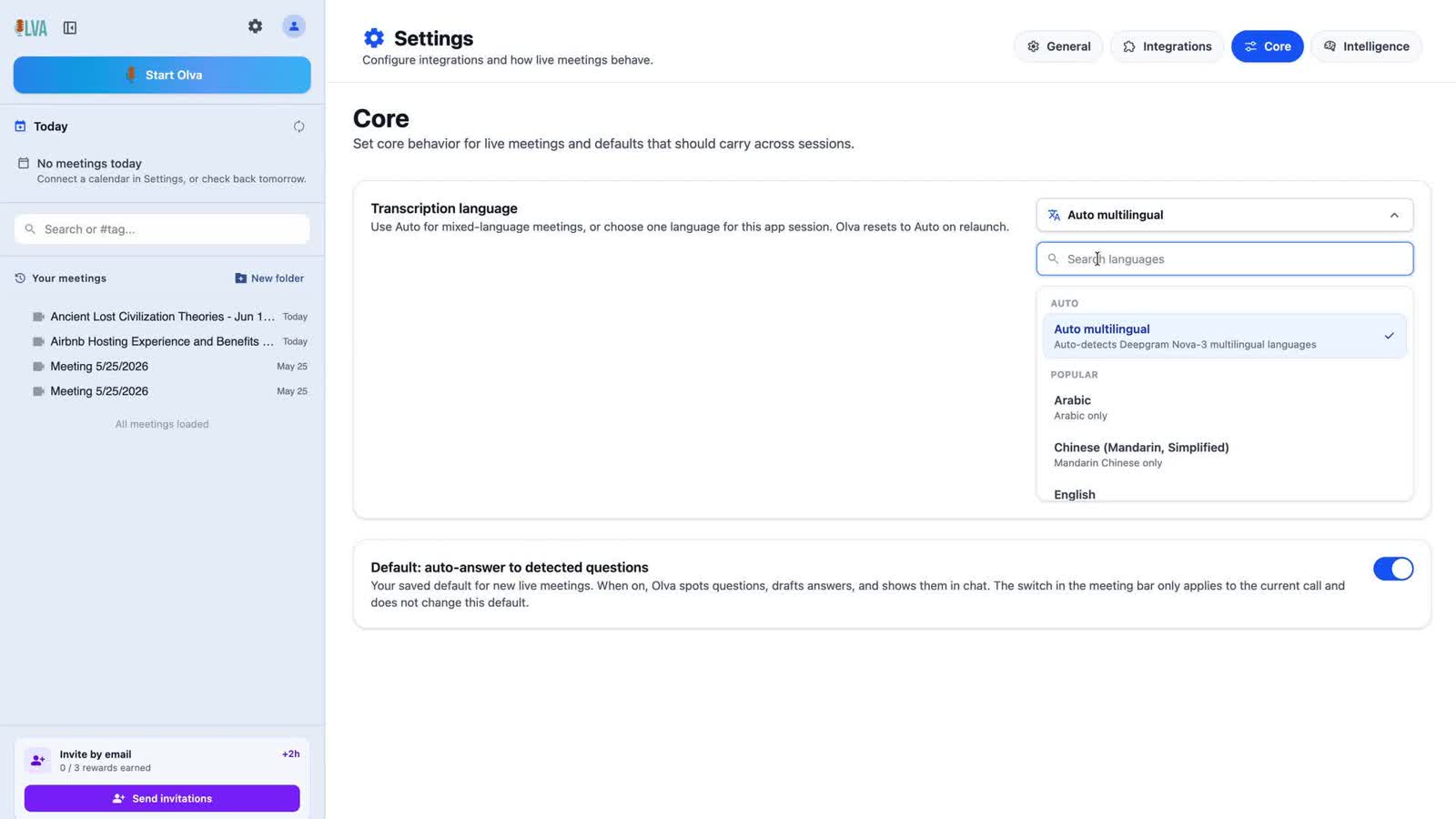
The selected or detected language is carried with transcript segments and meeting records. That gives OLVA better context when generating live assistance, summaries, insights, and post-meeting answers instead of treating language as a display-only setting.
Desktop remains the best fit for online meetings with microphone and system-audio capture, while the mobile companion supports in-person and on-the-go conversations. Both experiences gained stronger multilingual handling in this release.