OLVA 1.7.0
Export Meeting Recaps to Google Docs
Create or update organized Google Docs directly from OLVA meeting recaps on Pro.
macOSWindowsWeb
Product update
What changed
Google Docs export is included with OLVA Pro through the Google Drive integration. Basic and Plus do not include it.
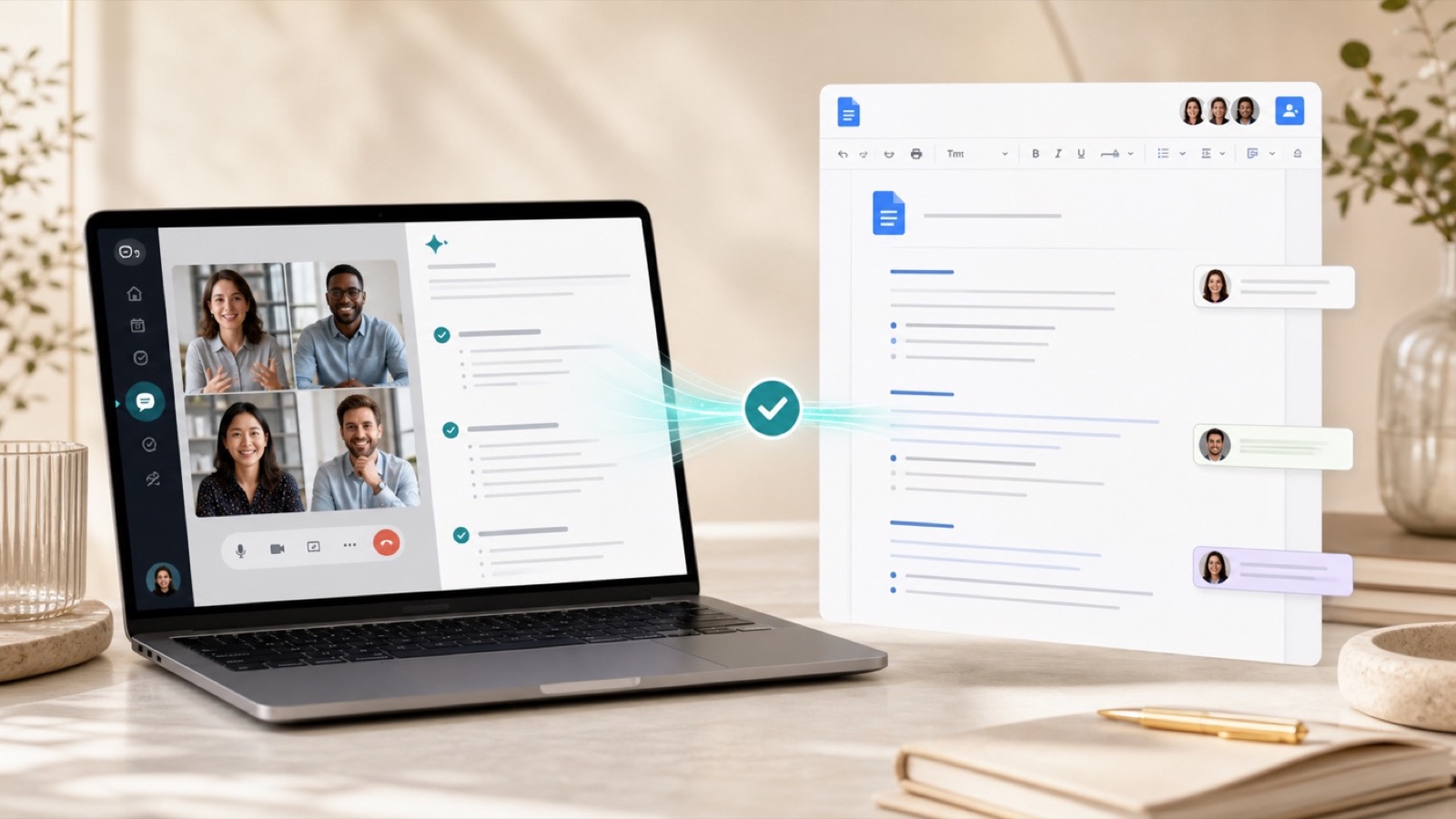
OLVA 1.7.0 connects your meeting output with Google Docs. Turn a recap into an organized document your team can review, refine, and share without rebuilding it by hand.
Create a new Google Doc or update an existing one from your meeting recap. Your notes, decisions, and follow-up can live alongside the documents your team already uses.
A smoother follow-up workflow
1
Finish your meeting
Let OLVA prepare the recap, decisions, and action items.
2
Choose Google Docs
Create a new document or send the recap to an existing document.
3
Keep collaborating
Review and refine the organized output with your team.