Editable Summaries and Smarter Sticky Notes
OLVA 1.6.7 made meeting summaries editable and introduced richer sticky-note workflows for follow-ups and action items.

Product update
What changed
OLVA 1.6.7 made post-meeting results easier to shape and act on. Meeting summaries can be edited directly, while sticky notes help keep important follow-ups visible beyond the transcript.
Editable meeting summaries
Refine generated recaps, add missing context, and format the result before sharing it.
Pinned follow-ups
Keep the actions and reminders that matter visible after the meeting ends.
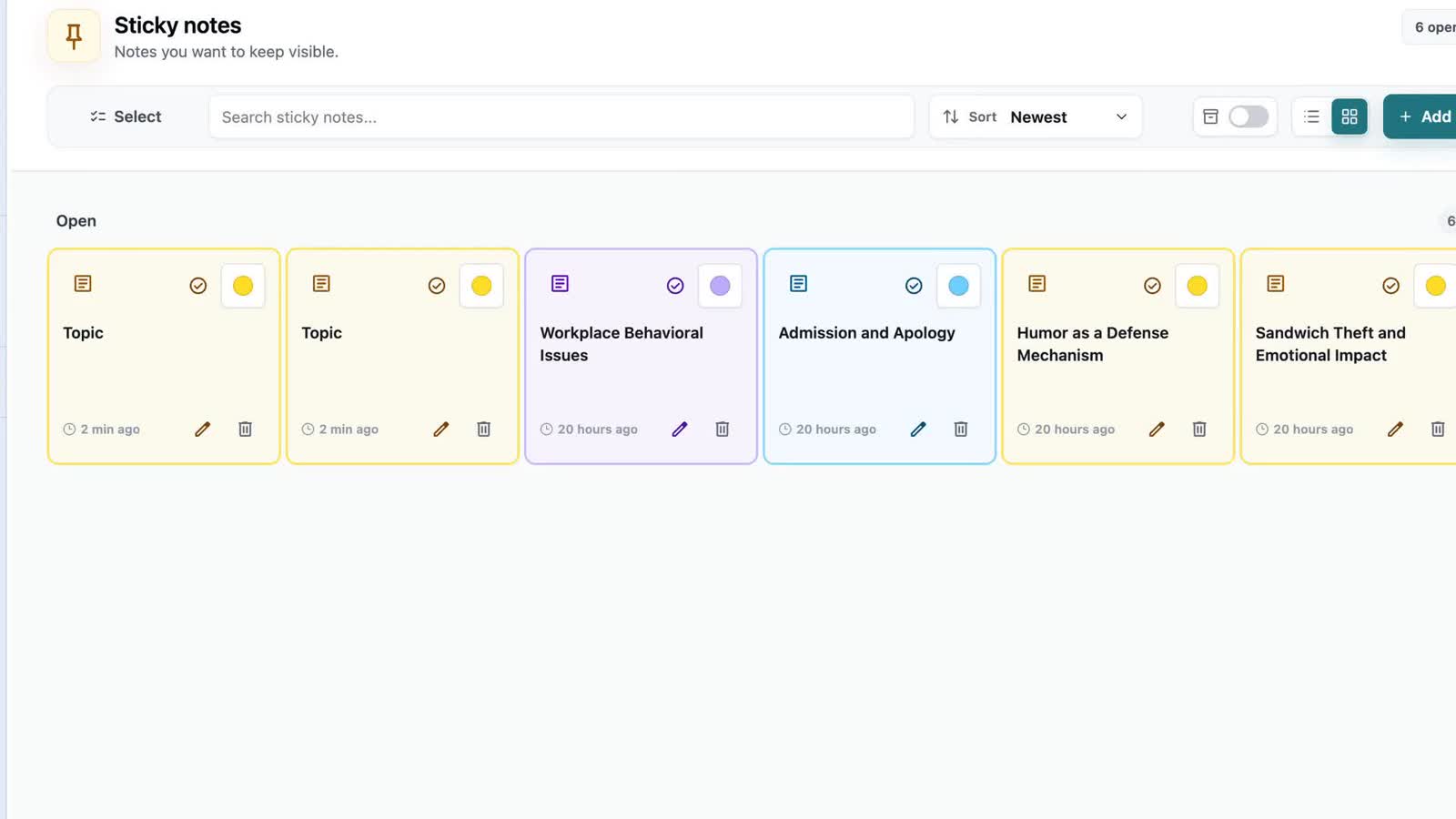
Color-coded sticky notes
Organize notes visually, select several at once, and remove completed items in bulk.
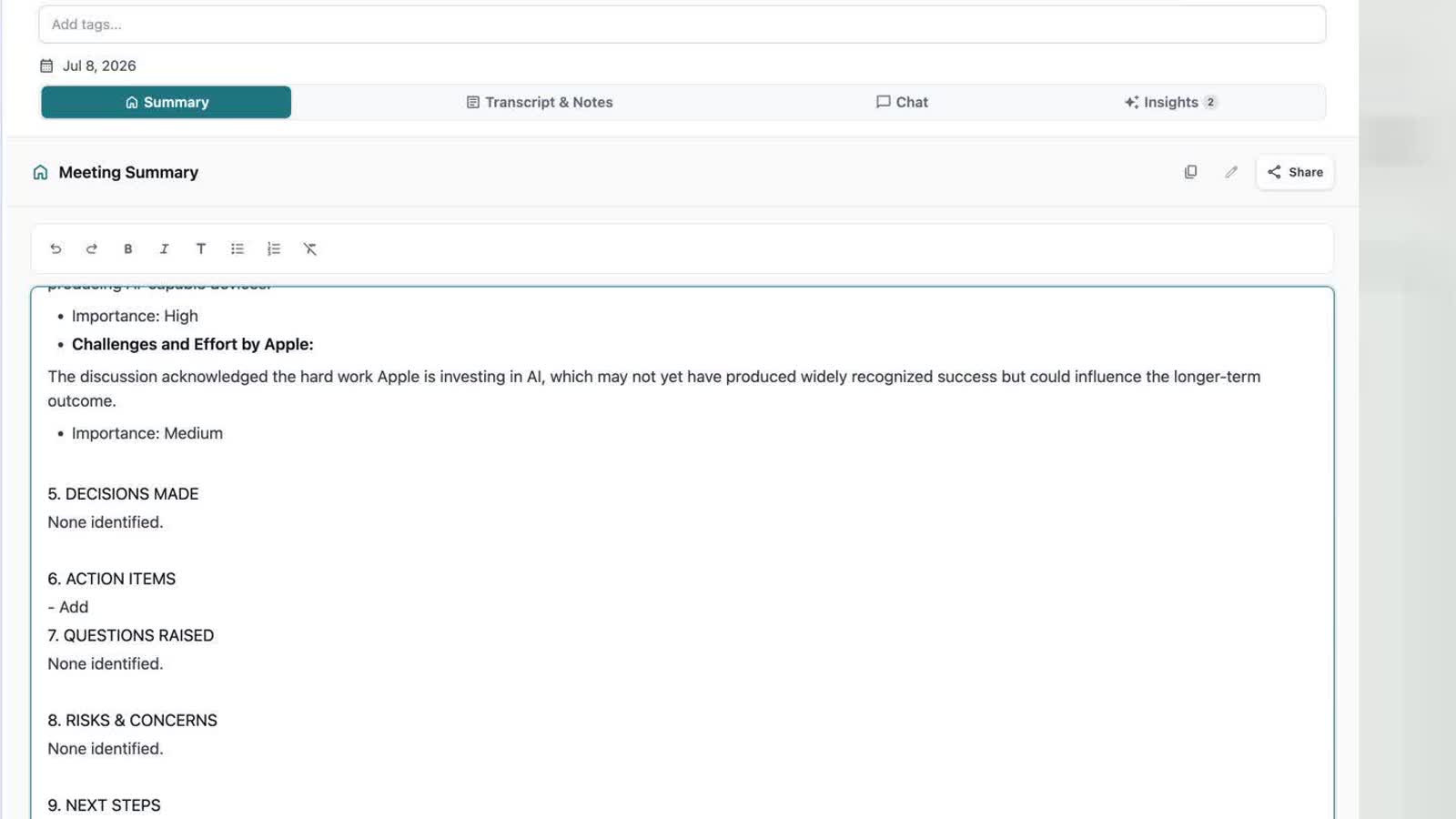
Generated summaries are a strong starting point, but teams often need to correct a name, sharpen a decision, or add context before sharing. The new summary editor supports that final pass and provides practical formatting controls.
Sticky notes gained richer layouts, filtering, pinning, selection, and bulk deletion across desktop and mobile. OLVA can also turn useful summary details and real action items into notes, helping the most important follow-up survive after the meeting window closes.