
A Better Post-Meeting Chat Experience
OLVA 1.6.1 made post-meeting questions, answers, sharing, and quick prompts more focused and stable.

Product update
What changed
OLVA 1.6.1 improved the post-meeting chat so you can move from a finished conversation to useful follow-up with less friction. Ask about decisions, open questions, action items, or any detail in the transcript while OLVA keeps the meeting context close at hand.
More useful quick prompts
Start with focused questions for decisions, actions, follow-ups, and meeting minutes.
Stronger meeting context
Answers stay grounded in the transcript and the documents attached to the meeting.
Cleaner sharing
Improved answer formatting makes useful findings easier to review and pass along.
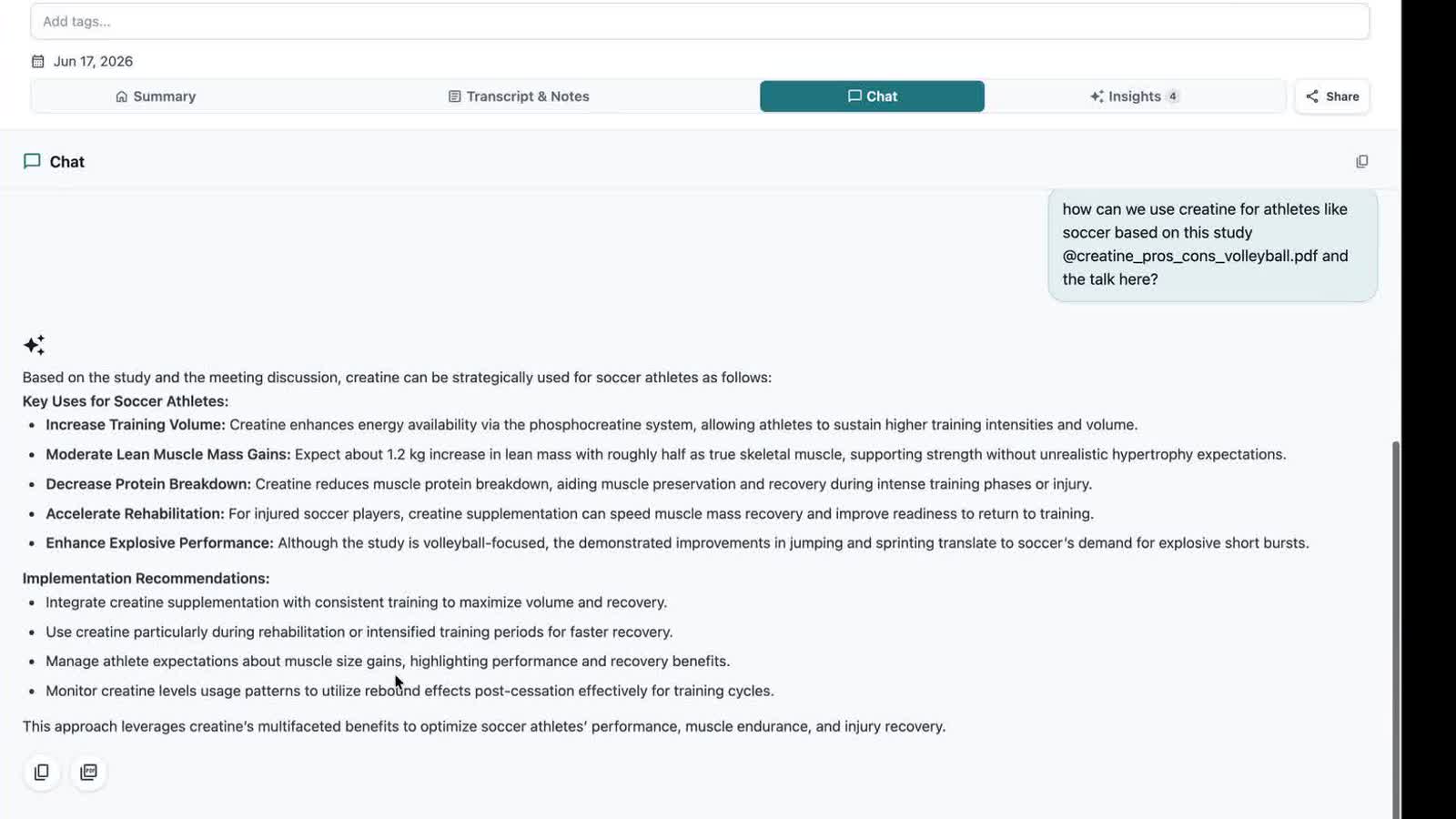
The best follow-up often begins with a question: What did we agree to? Which concern is still unresolved? What should happen before the next call? OLVA now makes those questions easier to ask immediately after the meeting.
This release also stabilized the chat viewport as answers appear, refined the wording of meeting-minute prompts, and improved how meeting documents are passed into post-meeting answers.