Technosysblog
20% off OLVA
Download OLVA, install the desktop app, then enter your saved campaign code on the subscription screen before checkout.
Download for macOS Version 1.9.0
Choose your installer
Direct downloads for every desktop
What happens next
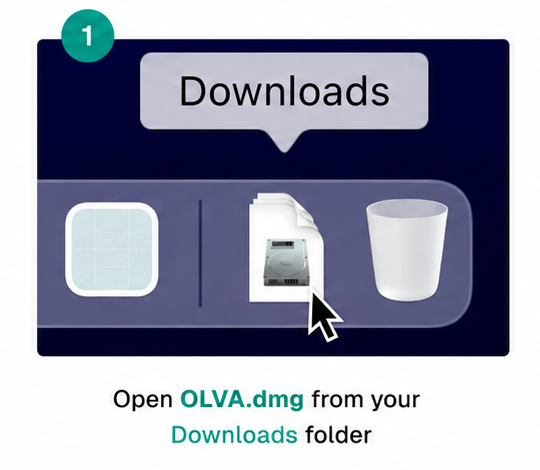
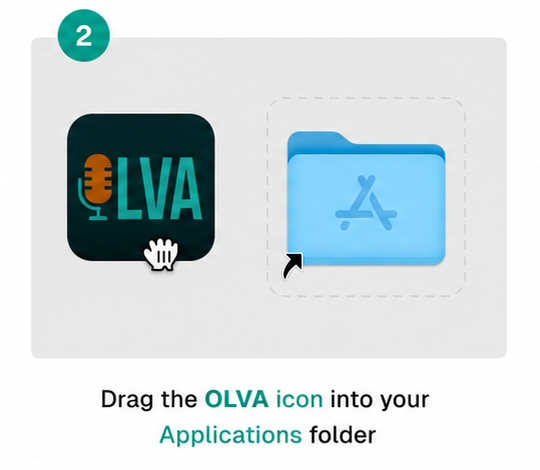
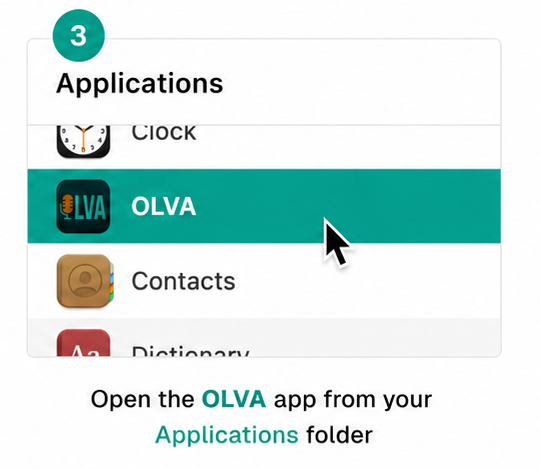
Install, open, and use your offer
After the installer finishes, follow these steps. Your campaign code stays saved in this browser, and you can copy it again above.