
Reusable Meeting Contexts: Keep Product and Technical Projects Aligned Across Calls
Complex product and technical initiatives depend on continuity. Requirements shift, decisions scatter across meetings, and new stakeholders join midstream. For product managers, program leads, technical architects, and consulting teams, the friction of repeating background or hunting for the right document during a call is a real productivity tax.
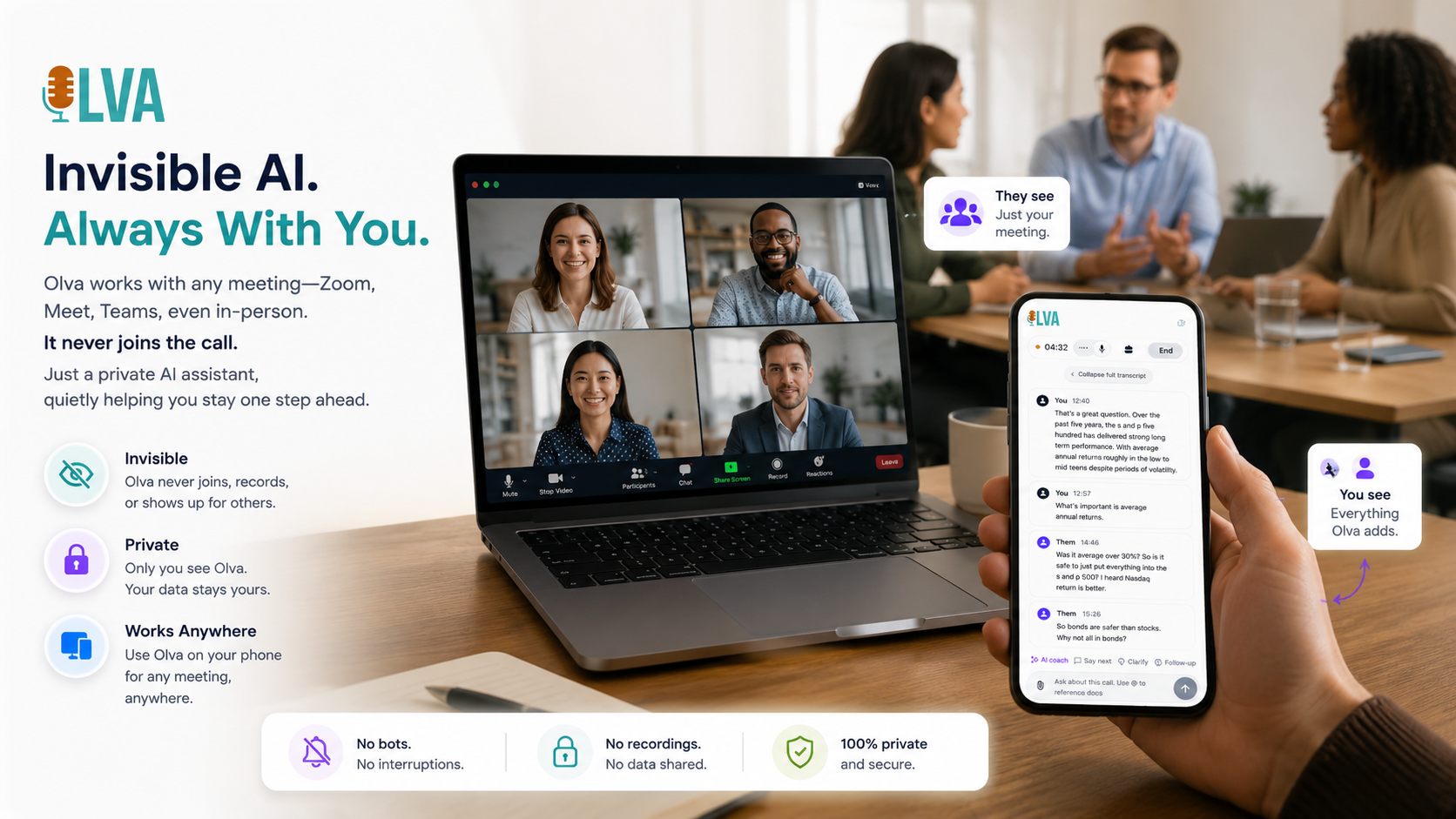
This article explains how reusable meeting contexts — succinct, named bundles of notes plus supporting documents — can reduce cognitive load, prevent misalignment, and make every meeting more productive. It includes practical patterns for creating and using contexts in product and engineering workflows, examples showing common pitfalls they address, and a look at how tools like OLVA (https://olva.ai) apply contexts in real time to support live Q&A, insight generation, and post-meeting outputs.
Why reusable meeting contexts matter
- Faster onboarding for new participants: A named context immediately tells a new engineer or PM the product area, goals, and recent decisions without parsing an hour of transcript.
- Reduced repetition: Teams stop re-explaining the same product constraints, terminology, or account history at the start of every call.
- Contextual decisions: When pre-meeting context is consistently shared, decisions made during calls are grounded in the same assumptions.
- Better use of meeting time: Less overhead talking about background leaves more time for tradeoffs, demos, and troubleshooting.
What is a meeting context (practical definition)
A meeting context is a reusable, lightweight package that captures the background OLVA and meeting participants should use when discussing a topic. Typical elements:
- Short description and role perspective (e.g., “Payments API — PM perspective”)
- Key constraints and goals (budget, timeline, SLA targets)
- Terminology and abbreviations used by the team
- Open decisions and known unknowns
- Customer/account-specific notes (stakeholders, existing contracts, security needs)
- One-line summary of prior meetings and outstanding actions
- Attached supporting documents: design specs, architecture diagrams, SOWs, example API docs
A useful context is less than 500–800 words but points to or includes the most relevant artifacts.
How reusable contexts differ from meeting notes or wikis
- Purpose: Notes are a record of what happened; contexts are an input to future conversations.
- Reusability: Contexts are named and intentionally selected for a meeting; notes are usually per-meeting archives.
- Live usage: Contexts are used to inform live assistance (answers, Q&A, suggested prompts) whereas notes often remain passive.
When to create a context: practical triggers
Create named contexts for:
- High-impact recurring meetings (weekly sprint reviews, steering committees)
- Multi-meeting projects with shifting stakeholders
- Customer or account-specific work where contracts, compliance, or customization matter
- Complex technical topics with domain-specific terminology (e.g., ML model lifecycle, database migration)
- Cross-functional initiatives where product, infra, and security need common assumptions
How to structure a context (template)
Use a simple, consistent structure so teammates can scan quickly. Example template:
- Context name: Payments API — EU rollout
- Owner / role: PM — Jane Doe
- Short purpose (1–2 sentences): Add support for EUR settlements with local payout rails; maintain PCI compliance and <48h settlement SLA.
- Key constraints: PCI scope, external vendor limit of 10k TPS, target go-live Q4.
- Known decisions: Use Vendor X for acquiring, use internal ledger for reconciliation.
- Open questions: Who owns chargeback handling? Are refunds under ledger or vendor?
- Terminology: Settlement window = time from capture to payout, Ledger ID = internal reference.
- Attachments: Design spec v1.2 (PDF), Sequence diagram (PNG), Contract excerpt (DOCX)
Best practices for creating and maintaining contexts
- Keep them short and focused. Resist the urge to make the context a full wiki page.
- Version and date the context when major assumptions change.
- Assign an owner who is responsible for updates and for choosing the context for important meetings.
- Reuse one context for a single thread of continuity (product area, customer, or significant feature) and create new contexts when scope diverges.
- Capture key links and one-line summaries of attached documents so participants can prioritize what to read.
Practical examples and patterns for product and technical teams
- Product discovery & stakeholder interviews
Pattern: Create a "Discovery Context" per customer/problem area. Use: Attach the intake form, interview guide, and a short overview of known constraints. Benefit: Every interview has the same baseline so signals (pain points, success criteria) are comparable across sessions.
Example: During a discovery call a salesperson mentions “customer needs multi-tenant reporting.” OLVA, using the saved context plus the live transcript, can surface the attached multi-tenant reporting spec and highlight related open decisions in real time. The team can immediately validate whether the ask aligns with the product roadmap.
- Cross-functional sprint planning
Pattern: Folder-level default context for an ongoing program (e.g., Migration Program Q3). Use: Set a single context that includes program goals, cutover plan highlights, and known risks. Make it the default for all weekly planners and architecture syncs. Benefit: Every meeting starts with the same assumptions; architects and PMs don’t need to re-lay out the migration window each time.
- Technical design reviews
Pattern: Create a context named for the subsystem or RFC under review. Use: Attach the RFC (.md), sequence diagrams, and performance targets. Add owner and the decision-criterion checklist. Benefit: During the review OLVA can access the attached RFC content and surface relevant paragraphs or diagrams when the team asks about latency targets or consistency models.
- Customer-facing support and escalation calls
Pattern: Per-account context that includes contract clauses and security requirements. Use: Attach the excerpted contract, recent incident timeline, and escalation contacts. Benefit: During an escalation, the facilitator can quickly confirm contractual SLAs or propose remediation steps grounded in the account context.
How contexts improve live meeting intelligence (what changes when you combine them with real-time tools)
When a reusable context is available to a live meeting assistant, the assistant can:
- Provide context-aware answers: If someone asks “What are the SLA exceptions?” the assistant can use the saved context instead of only the transcript.
- Surface relevant document snippets: The assistant can find and quote the specific clause from a contract or spec attached to the context.
- Improve prompt relevance: Contexts let AI suggestions and insight prompts reflect actual project constraints and goals.
- Maintain safety: If the live transcript conflicts with the saved context, the transcript is still treated as the source of truth — preventing the assistant from overriding what people just said.
OLVA’s approach to reusable meeting contexts (how it fits into workflows)
OLVA lets users create named contexts that combine short written notes and attached documents (PDF, TXT, Markdown, DOCX, PPTX). It converts attachments into markdown content and saves that as part of the context, rather than storing the original file. Contexts are reusable across meetings and can be selected when starting OLVA; folders can also have a default context for recurring workflows or customer-specific meetings.
During eligible AI flows, OLVA uses the saved context alongside the live transcript to answer questions, generate insights, and improve prompts. Importantly, if the transcript contradicts the saved context, the transcript remains the source of truth. You can learn more at https://olva.ai.
This design solves several real-world issues:
- Privacy-conscious document handling: OLVA extracts readable content into markdown and stores that as context instead of keeping the original files.
- Reuse without repetition: Select the context at meeting start so OLVA understands the background immediately.
- Folder defaults: Assigning a default context to a folder reduces friction for recurring meetings and program-oriented workflows.
How to introduce contexts to your team (rollout checklist)
- Identify three pilot workflows: choose a customer account, a recurring program meeting, and a technical design review.
- Draft short contexts using the template above; keep each under ~800 words.
- Attach the most relevant documents (one or two per context) and tag the owner.
- Use contexts in live meetings and collect feedback: Did the assistant surface useful snippets? Were meetings shorter or more decisive?
- Iterate: prune outdated contexts, merge duplicates, and document owner responsibilities.
Measuring impact: metrics to track
- Time saved in meetings: measure average meeting duration before and after contexts and track time spent on background discussion.
- Decision velocity: number and time-to-decision for agenda items that rely on the context.
- Rework and follow-ups: frequency of follow-up meetings caused by misunderstandings or missing background.
- Adoption: percentage of recurring meetings that select the appropriate context at start.
Common objections and how to address them
Objection: "This feels like more documentation overhead." Response: Start small. A single-page context takes 10–20 minutes to create and prevents dozens of minutes of repeated explanations across multiple meetings.
Objection: "What if the context becomes stale?" Response: Version and date contexts; make an owner responsible for quick updates. If a major conflict appears, treat the live transcript as the authoritative source and update the context after the meeting.
Objection: "Is this secure?" Response: Limit attachments to the smallest necessary excerpts. Use context ownership and team policies to control who creates and updates contexts. With OLVA, attachments are converted to markdown and stored as context text rather than as original files.
Real-world mini case study (hypothetical, practical)
Scenario: A mid-sized SaaS company is migrating their analytics pipeline. Multiple teams attend weekly syncs: product, platform, data engineering, and SRE. Every meeting started with a 10-minute recap of the migration plan and outstanding risks.
Action: The PM created a "Migration Q4" context with goals, cutover windows, a short risk matrix, and the link to the architecture diagram. The folder for the migration program used this as the default context.
Result: The weekly syncs consistently skipped the redundant recap. Engineers used live Q&A to ask "What's the rollback plan if the consumer lag exceeds threshold X?" and OLVA surfaced the specific rollback steps from the attached doc in real time. Time spent on background fell by 30%, and the number of follow-up clarification emails decreased substantially.
Tips for effective contexts in technical discussions
- Include the glossary: small teams use different words for the same thing; define them once.
- Embed code or pseudo-code snippets when relevant: a 3–5 line example can clarify expected behavior.
- Call out safety and compliance constraints plainly (e.g., "No PII in logs") so live suggestions respect those boundaries.
- Use context names that clearly identify scope and audience (e.g., "Billing: Refund Flow — Devs & PMs").
Conclusion: make continuity your competitive advantage
When product and technical teams preserve context across meetings, they reclaim time, reduce costly misunderstandings, and make every discussion more decision-focused. Reusable meeting contexts are a pragmatic, low-friction way to encode the assumptions, constraints, terminology, and artifacts teams need for continuity.
Combining named contexts with a live meeting assistant turns background knowledge from a passive wiki into active meeting intelligence: relevant clauses and diagrams can be surfaced as they matter, answers can reflect the right product constraints, and post-meeting outputs stay aligned with the same assumptions.
If your team runs recurring programs, supports many customers, or frequently moves decisions across multiple meetings, try creating one or two named contexts and using them for a month. If you want a tool that supports reusable contexts plus live transcript-aware Q&A, summaries, and document-aware intelligence, learn more at https://olva.ai and consider piloting contexts in a small program or account.
A short checklist to start today
- Pick 1 recurring meeting and draft a one-page context.
- Attach the most relevant spec or contract excerpt.
- Assign an owner and add the context as the default for that meeting folder.
- Use the context during the next call and note time savings and clarity improvements.
- Iterate based on feedback and expand to the next workflow.
Reusable meeting contexts are not a silver bullet, but they are a simple, high-impact way to keep complex projects aligned across calls. With consistent use, teams spend less time repeating background and more time making progress.