
May 25, 2026
How Olva Is Different From Other AI Meeting Assistants
Most AI meeting assistants focus on notes after the meeting. Olva is built for live real-time support while the conversation is happening.
AI meeting assistants have become popular because everyone wants better notes, cleaner summaries, and less manual follow-up after meetings. Tools like Otter.ai, Granola, Fathom, Fireflies.ai, and Cluely have helped make meeting transcription and AI notes more common.
But most meeting tools are still mainly focused on capturing what happened.
Olva is built for something different.
Olva helps you while the meeting is happening.
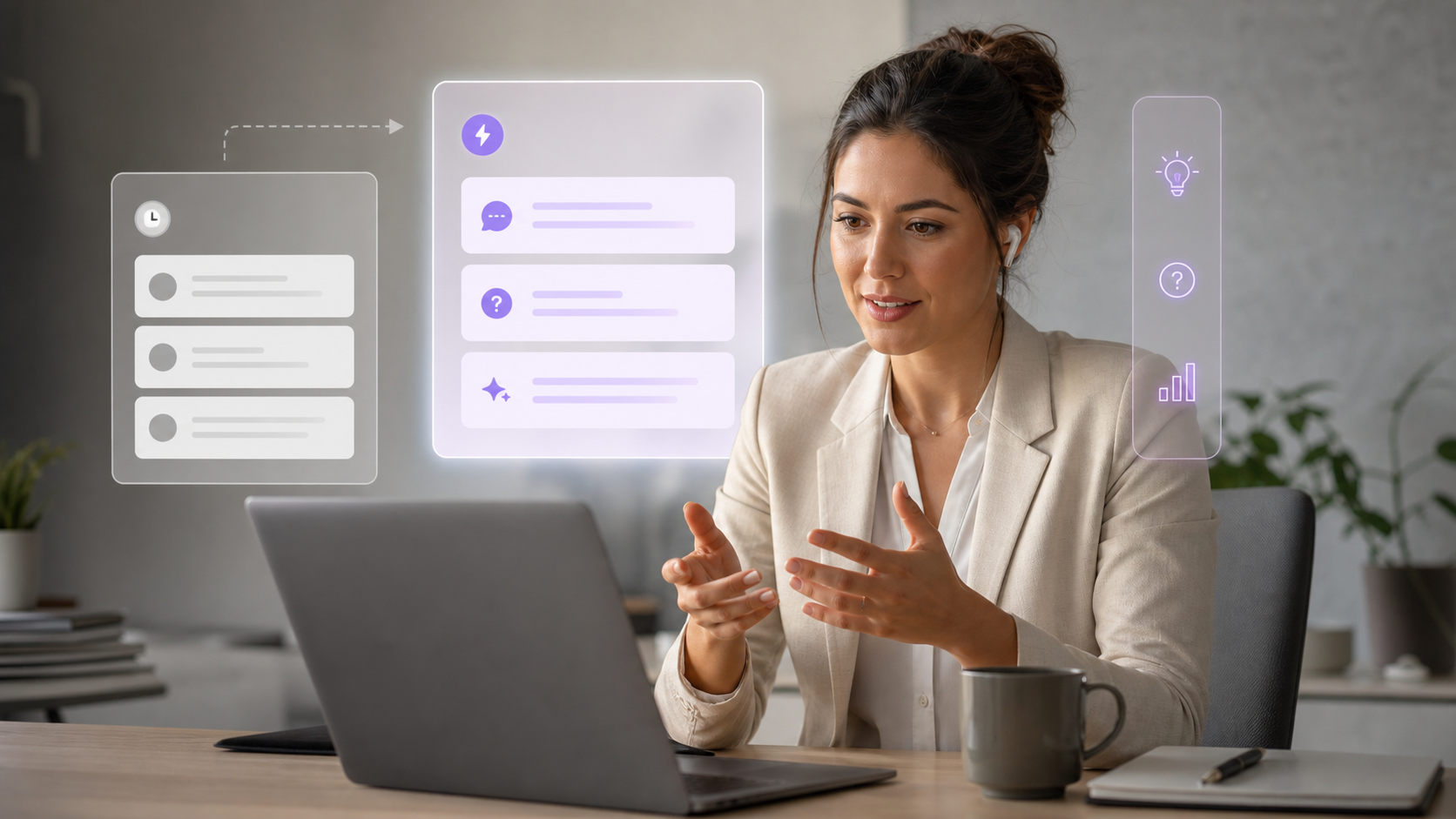
It is an invisible AI meeting assistant designed to detect questions, answer them in real time, generate live insights, and coach you during the conversation — not just summarize everything afterward.
That difference matters.
Because in real meetings, the most important moments do not happen after the meeting. They happen live.
A customer asks a hard question.
A stakeholder says something unclear.
A technical concept comes up.
A risk is mentioned quickly.
Someone expects you to respond now.
That is where Olva is designed to help.
Most AI Meeting Assistants Are Built Around Notes
Many AI meeting tools are very useful for transcription, summaries, and post-meeting organization.
Otter.ai focuses on meeting transcription, summaries, AI chat, action items, and integrations.
Granola focuses on turning your meeting notes and transcript into better notes.
Fathom focuses on recording, transcribing, summarizing, highlights, and post-meeting follow-up.
Fireflies.ai focuses on recording, transcribing, summarizing, searching, and analyzing meeting conversations.
Cluely is closer to real-time assistance, with live answers and screen-aware support.
These tools are helpful, but many users still face the same problem:
They get value after the meeting — but not enough help during the meeting.
Olva is designed to close that gap.
Olva’s Core Difference: Real-Time Meeting Intelligence
Olva is not just a note taker.
It is a live meeting assistant that helps you understand, respond, and stay ahead while the discussion is still happening.
Its main differentiators are:
- Automatic question detection
- Instant answers during meetings
- Live Q&A with meeting context and internet search
- Real-time insights and suggestions
- AI coaching while you are in the conversation
- Document-aware answers during the meeting
- Invisible, bot-free meeting assistance
- Post-meeting recaps, minutes, and searchable memory
Olva is built around one simple idea:
You should not have to wait until after the meeting to get AI help.
1. Olva Automatically Detects Questions Live
In a real meeting, questions can appear quickly.
A customer may ask:
“Can this integrate with our current system?”
A manager may ask:
“What was the revenue impact last quarter?”
A technical stakeholder may ask:
“How does this model handle edge cases?”
Most meeting tools capture that question in the transcript and may include it in the summary later.
Olva is different.
Olva detects questions as they happen.
That means the moment a question is asked, Olva can recognize it, understand the surrounding meeting context, and help generate an answer while the meeting is still active.
This is one of Olva’s biggest advantages.
It does not just remember the question.
It helps you answer it.
2. Olva Answers Questions During the Meeting
Olva combines multiple sources of context to answer questions in real time:
- The live transcript
- Previous meeting context
- Uploaded documents
- Optional internet search
This makes Olva useful when the answer depends on both what people are saying and external knowledge.
For example, if someone asks about a competitor, market trend, technical concept, or recent fact, Olva can use internet search to help provide a stronger answer.
If someone asks about a document, proposal, PDF, product sheet, or internal material, Olva can use uploaded files as context.
This gives users a major advantage:
They can respond with more confidence while the conversation is happening.
3. Olva Lets You Ask Anything Mid-Meeting
Olva does not only detect questions from other people.
You can also ask Olva your own questions during the meeting.
For example:
- “What did the customer just ask?”
- “What is the best way to answer this objection?”
- “Summarize the last five minutes.”
- “What does this technical term mean?”
- “What follow-up question should I ask?”
- “Check this claim.”
- “Use the uploaded PDF to answer this.”
This turns Olva into a private real-time thinking partner.
Instead of opening a browser, searching manually, reading documents, and trying to stay engaged in the conversation, you can ask Olva directly.
4. Olva Generates Live Insights, Not Just Meeting Notes
Traditional AI notetakers are good at capturing what was said.
Olva is built to help interpret what is happening.
During the meeting, Olva can surface live insights such as:
- Definitions of unfamiliar concepts
- Fact checks for important claims
- Opportunities mentioned in the conversation
- Risks or concerns being raised
- Suggestions for what to say next
- Follow-up questions
- Important moments worth remembering
This is especially valuable in high-stakes meetings where timing matters.
For example, if a client mentions a concern, Olva can help identify it as a risk. If someone hints at a possible expansion, Olva can surface it as an opportunity. If a stakeholder uses a technical term, Olva can define it immediately.
That is the difference between passive notes and active intelligence.
5. Olva Acts Like an AI Coach During the Meeting
Olva is designed to help users perform better in real conversations.
It can guide you with smart prompts, suggested responses, and follow-up questions while the meeting is happening.
This is useful for:
- Sales calls
- Customer success meetings
- Product discovery calls
- Technical discussions
- Leadership meetings
- Investor conversations
- Strategy sessions
- Internal planning meetings
For junior employees, Olva can explain unfamiliar concepts in real time.
For English second-language speakers, Olva can provide live transcript support and clarification.
For sales and customer-facing teams, Olva can help with objection handling, opportunity detection, and follow-up quality.
For leaders and operators, Olva can help detect what matters, what is unclear, and what needs action.
Olva helps you stay sharp without replacing your judgment.
It supports your thinking — it does not speak for you.
6. Olva Is Bot-Free and Private
Many AI meeting tools rely on bots that join your meeting as visible participants.
That can feel awkward.
It can also change the dynamic of the conversation.
Olva is designed to work without joining the call.
No visible bot.
No extra meeting participant.
No interruption.
No one else needs to know you are using AI support.
Olva also includes an Invisible Screen Share Mode, so you can hide Olva while presenting your screen.
This keeps the assistant private and focused on helping you.
7. Olva Still Gives You Everything You Need After the Meeting
Even though Olva is focused on live assistance, it still gives you strong post-meeting outputs.
After the meeting, Olva can generate:
- Recaps
- Meeting minutes
- Decisions
- Action items
- Risks
- Open questions
- Follow-up answers
- Searchable meeting memory
You can revisit the meeting later and ask questions like:
- “What did we decide?”
- “What action items came out of this meeting?”
- “What concerns were mentioned?”
- “What should I follow up on?”
So Olva gives you both sides:
Live meeting intelligence during the conversation, and structured memory after it ends.
Why This Matters
Most meeting assistants help you remember what happened.
Olva helps you handle what is happening.
That is a major difference.
Because the highest-value meeting moments happen live:
- When a hard question is asked
- When someone raises a concern
- When a decision is forming
- When a customer gives a buying signal
- When a technical detail is unclear
- When you need to respond with confidence
Olva is built for those moments.
It gives users real-time answers, insights, coaching, and document-aware support while the meeting is still moving.
Olva vs. Traditional AI Notetakers
Traditional AI notetakers are useful when you want to capture a meeting.
Olva is useful when you want to perform better in the meeting.
That is the core difference.
If you only need notes after the meeting, many tools can help.
But if you want live AI support that detects questions, finds answers, gives insights, and coaches you as the conversation unfolds, Olva is built for that.
Final Thought
AI meeting tools are evolving fast.
The first generation helped people record, transcribe, and summarize meetings.
The next generation will help people think, respond, and lead in real time.
That is where Olva is focused.
Olva is not just another meeting notetaker.
It is your invisible AI assistant for live meetings — helping you detect questions, answer faster, understand better, and stay one step ahead.
Try Olva at olva.ai.